
Oct 16
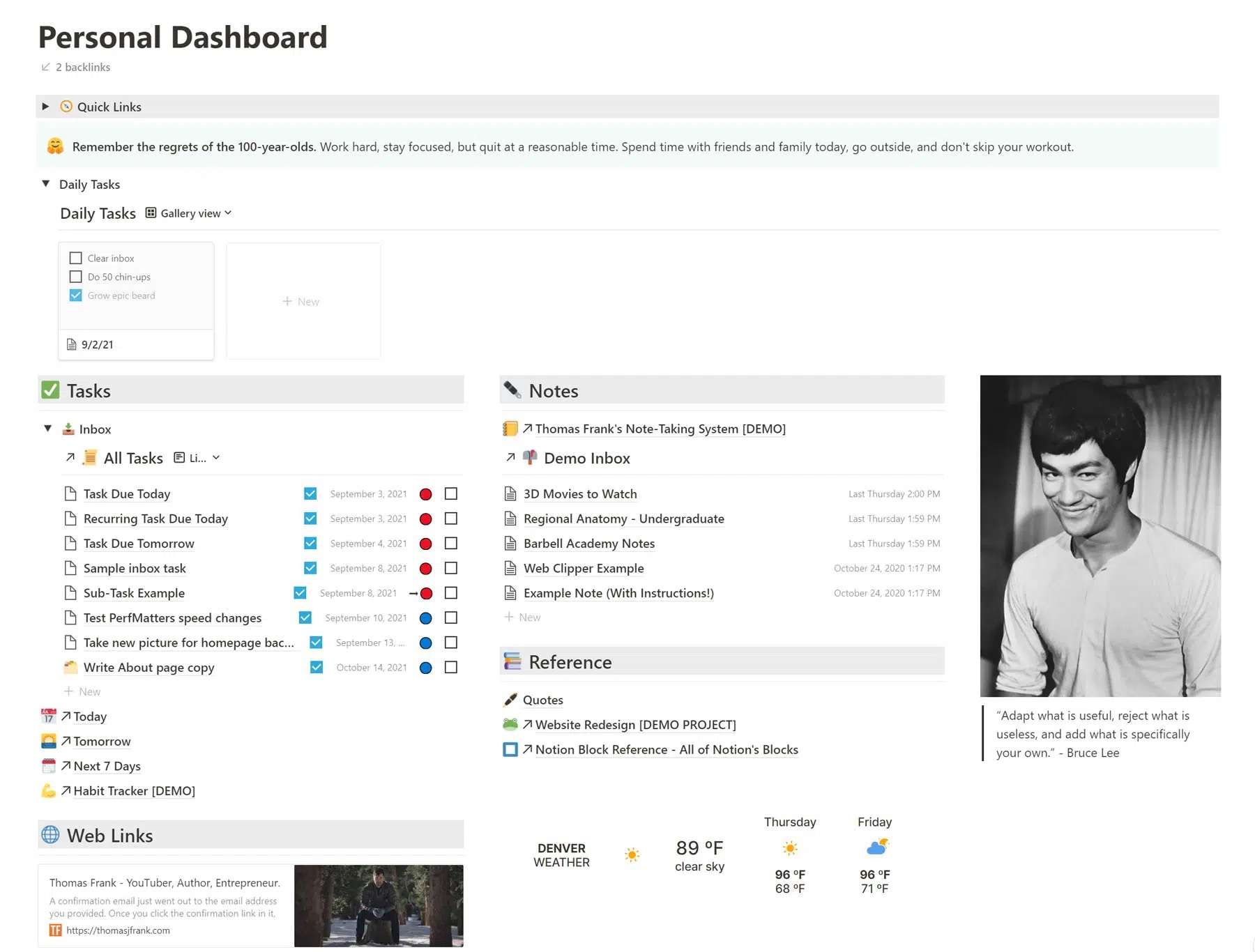
Add a Dashboard to Folders, like Notion.
When a click a folder on Noteplan you just see a list of what's inside. You can't add content or do anything useful.
Make folders behave like they do on Notion so we can add content to folders and they can be used for Dashboards for individual projects. We can add links, references, statuses, and other relevant info. Again just like Notion.
The way to do this is to create a hidden note that is associated with the folder, so when you click a folder you see not only its contents but also this hidden note that can be edited.
Pending
Thanks for sharing this! As a workaround you could add an index note, prepend it with a 0 so it sorts up and add all the links to notes in that folder (maybe with a plugin to automate it).