NotePlanN
NotePlan
Mar 31

Add "Cut & Paste" Task Moving

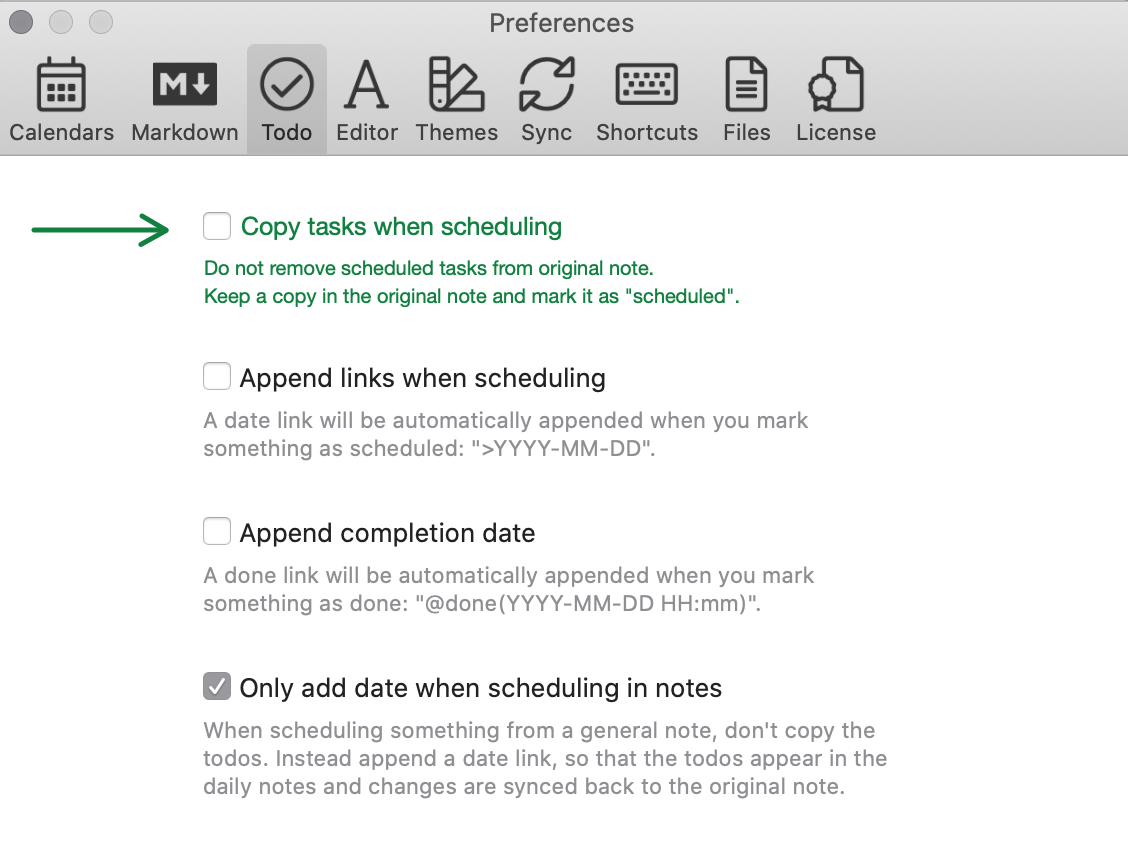
Add a new user preference in the "Todo"-Tab that lets users disable copy-action and enable real moving instead. - Copy: add a copy of the task to the specified date's day note and *mark* the original copy as moved/scheduled. - Move: add the task to the specified date's day note and *remove* it from the source note. Related: [Redesign task scheduling preferences](https://noteplan.canny.io/task-management/p/ux-redesign-task…)
PendingPending

last week

Being able to cut, copy, and paste tasks when moving them between notes would make NotePlan much more convenient for everyday planning. It would save time, reduce repetitive work, and give users greater flexibility when reorganizing projects or adjusting their schedules. Ideally, moving a task would preserve its due date, tags, notes, and completion status without creating duplicates. This would be a practical improvement that makes task management smoother and more intuitive, especially for users who manage multiple projects across different notes.https://birttani.com/product/event-300-b-model/

last week

This would be a really useful improvement for managing tasks in NotePlan. Being able to cut, copy, and paste tasks when moving them between lists or notes would make organizing projects much faster and more intuitive. It would also help users rearrange their plans without having to recreate tasks manually, while keeping their workflow simple and flexible. I hope this feature can be implemented in a way that preserves task details and makes moving items seamless across different notes.https://michaelfrackowiak.com/pages/liverpool-weddingsuits

Apr 16, 2021

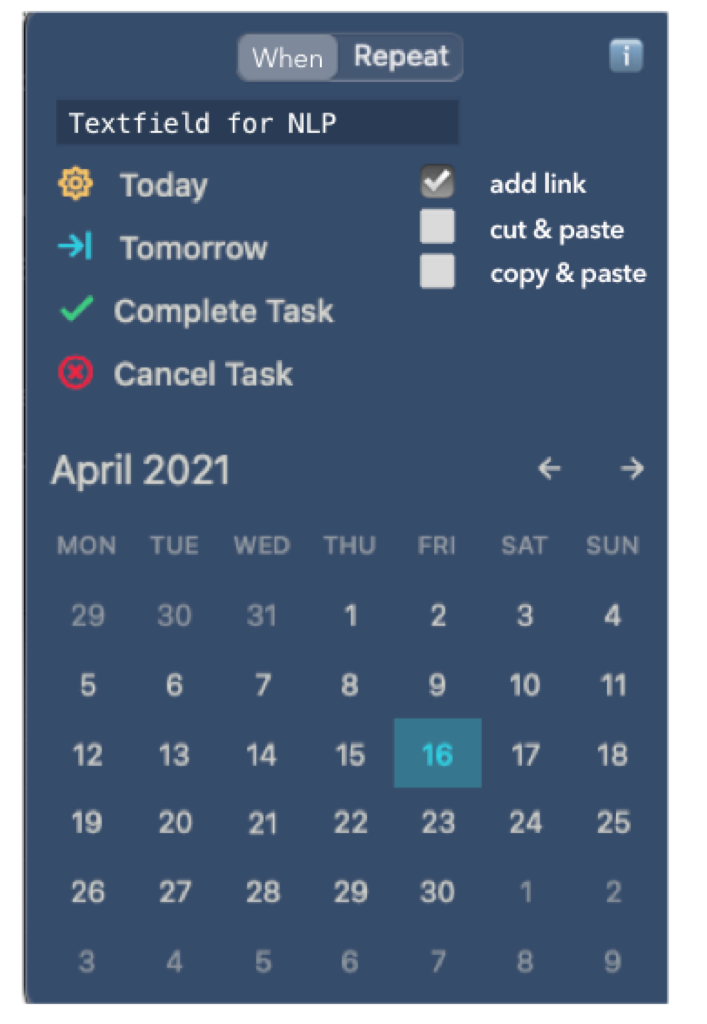
Rhubarb, I had an idea. Not sure which is the best request to post that. I think a good way to fix the terminology and confusion is not to use at all "schedule" or "move". While for you "schedule" might be the most understandable, others could understand it differently, same for "move". What about calling it just "When"? Then adding a few checkboxes for the behavior, see this very crude design:

Apr 19, 2021

Eduard Metzger: I'd like to take a step back. What is this discussion really about? I'm talking about the *usability of a core functionality*. The core functionality is assigning tasks to a date. Why is this a core functionality? Because Noteplan's unique selling point is the ability to show tasks in a calendar view that were created in Markdown. You call it "tasks are first class citizens" and "calendar-driven". I agree that this functionality defines, *when* a task should be done. Here's what Apple's Human Interface Guidelines say about [terminology](https://developer.apple.com/design/human-interface-guideline…) in iOS apps: "When labeling buttons and other interactive elements, use action verbs, such as Connect, Send, and Add." "When" is not an action verb. ;) What we need, is an action verb that describes the action "[to appoint, assign, or designate for a fixed time](https://www.merriam-webster.com/dictionary/schedule)" or "[to plan the time of (an event etc)](https://dictionary.cambridge.org/dictionary/english-german/s…)" or "[to plan to occur at a certain time](https://www.collinsdictionary.com/dictionary/english/schedul…)".

Apr 19, 2021

Rhubarb: Just to update it here on Canny, the community voted for "schedule" :) The original idea was inspired by Things 3. They use "when" in the same context.

Apr 26, 2021

Eduard Metzger: On a second thought, the word "schedule" is only important for the command that opens the schedule sheet. I agree that "When" makes sense as a heading or description of the options below. But unlike Things we have a second tab here, labelled "repeat". In my mind, "every 3rd Tuesday of the month" would be a valid answer to the question "when", not something that I'd expect in a separate tab. Currently I'd prefer the label "date" for this tab. On this tab you select a date, on the other tab you specify rules and parameters for repetition.

Apr 1, 2021

I was planning to add a "cut & paste" moving option besides the current copy option (which is not really moving like you pointed out) and work on the names (have adjusted the title of the feature).