
Apr 30
Add Options to Schedule by Linking, Copying, or Cutting a Task
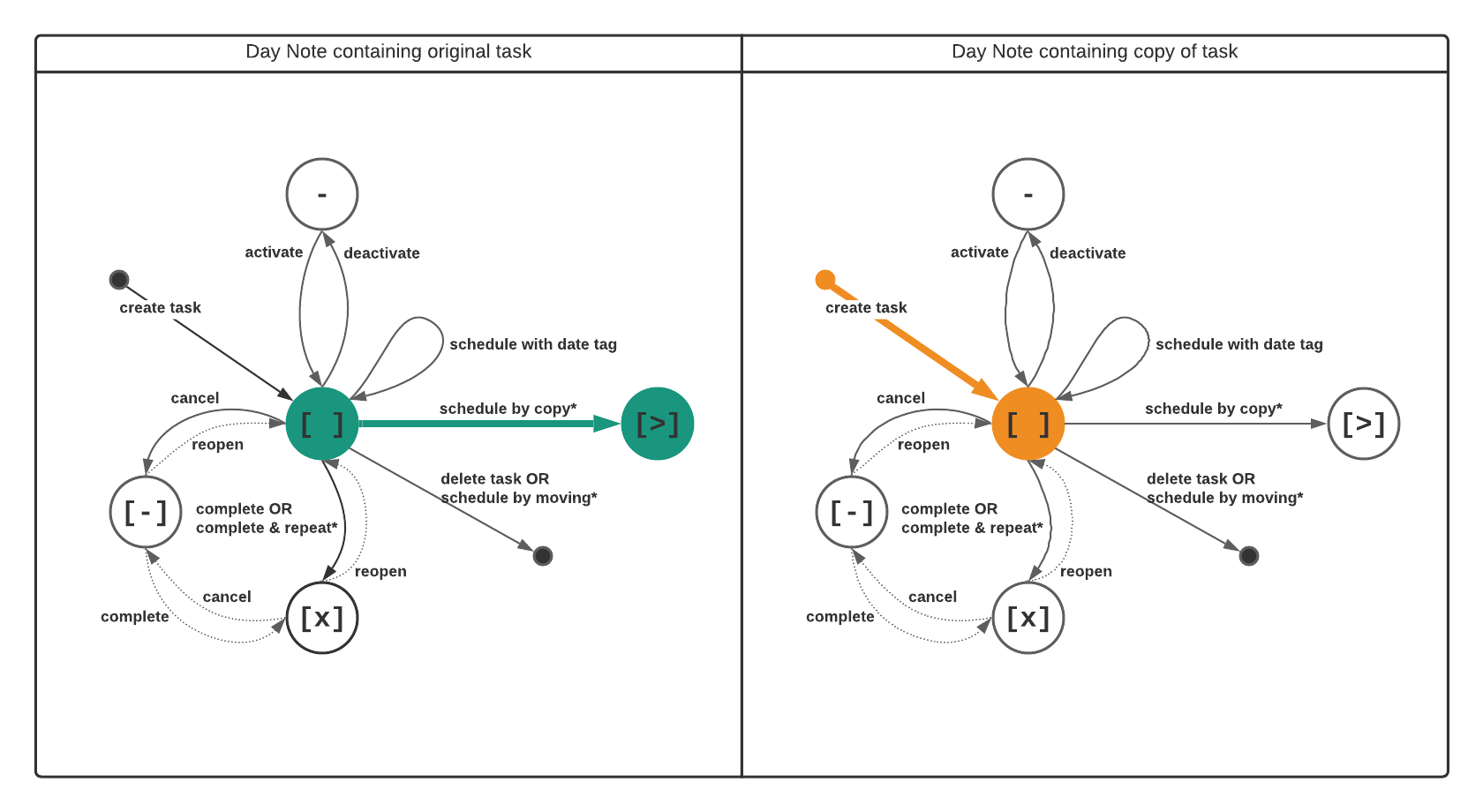
At the moment you can only schedule a task by copy & paste.
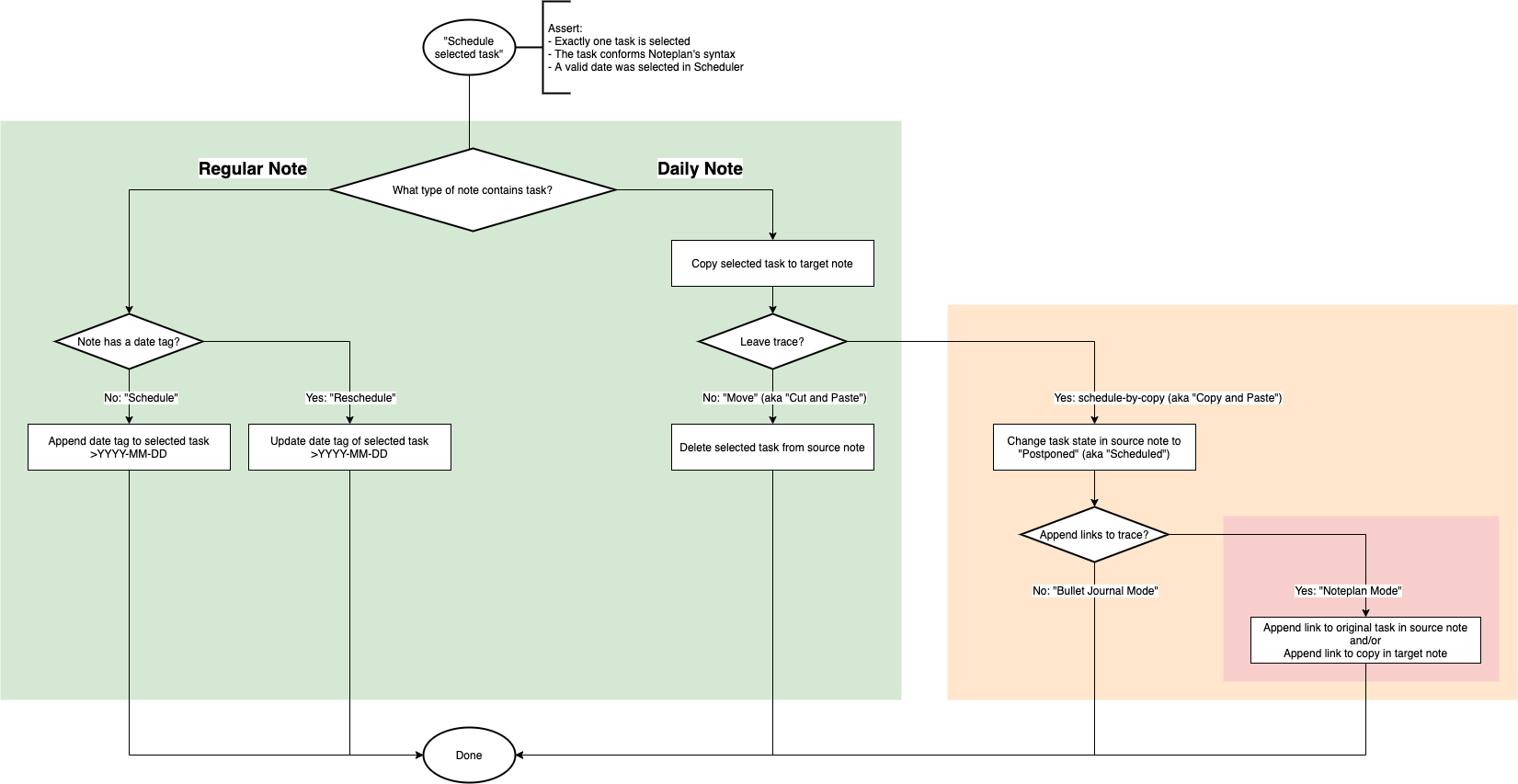
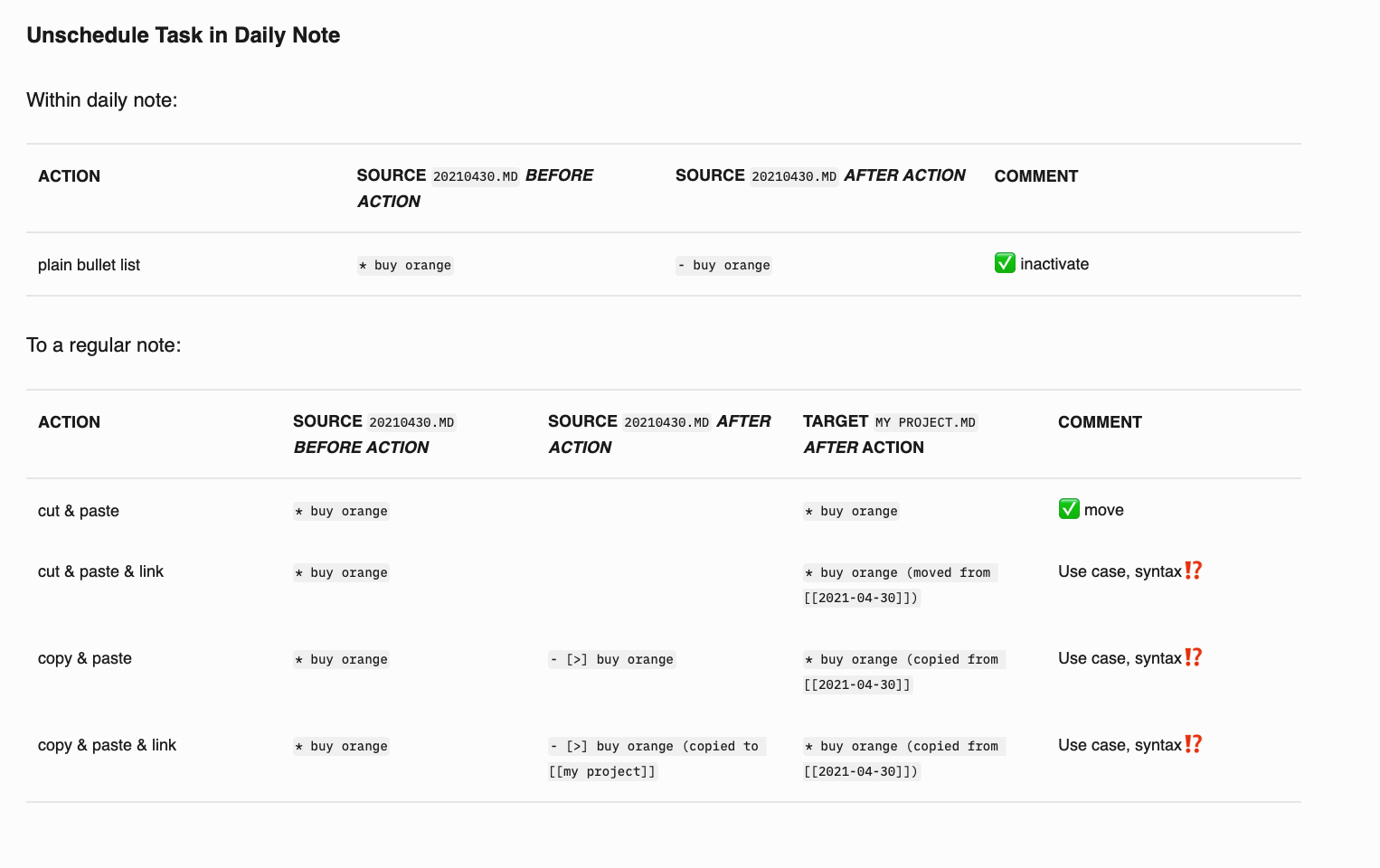
Means NotePlan doesn't delete the task in the current daily note. Instead, it copies it to the target date and marks it as "scheduled". This is ok for some tasks, but not all.
Many users have the habit of cutting tasks to the next day so that only the completed are left in the current or previous day. And some users want to add just the `>date` tag and link daily notes together instead of copying or cutting the task (which is not working at the moment and).
**The problem:**
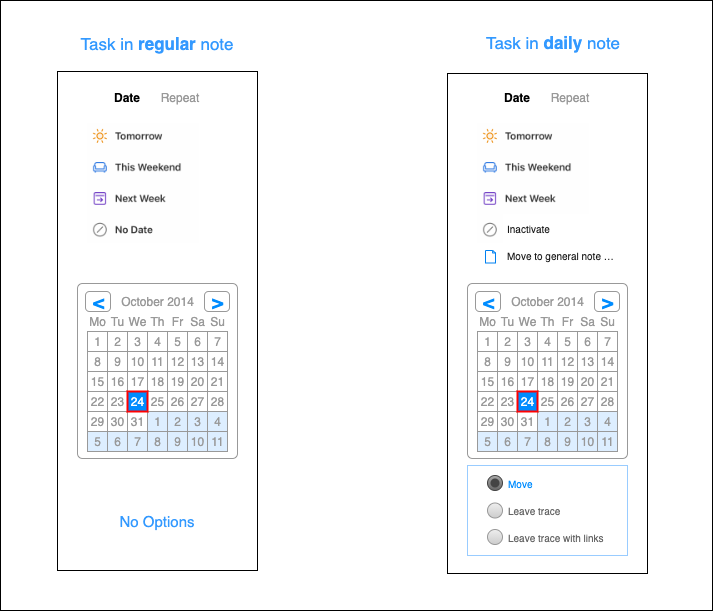
In addition to the previously said, the fact that scheduling behaves differently in the project and daily notes create some confusion and friction.
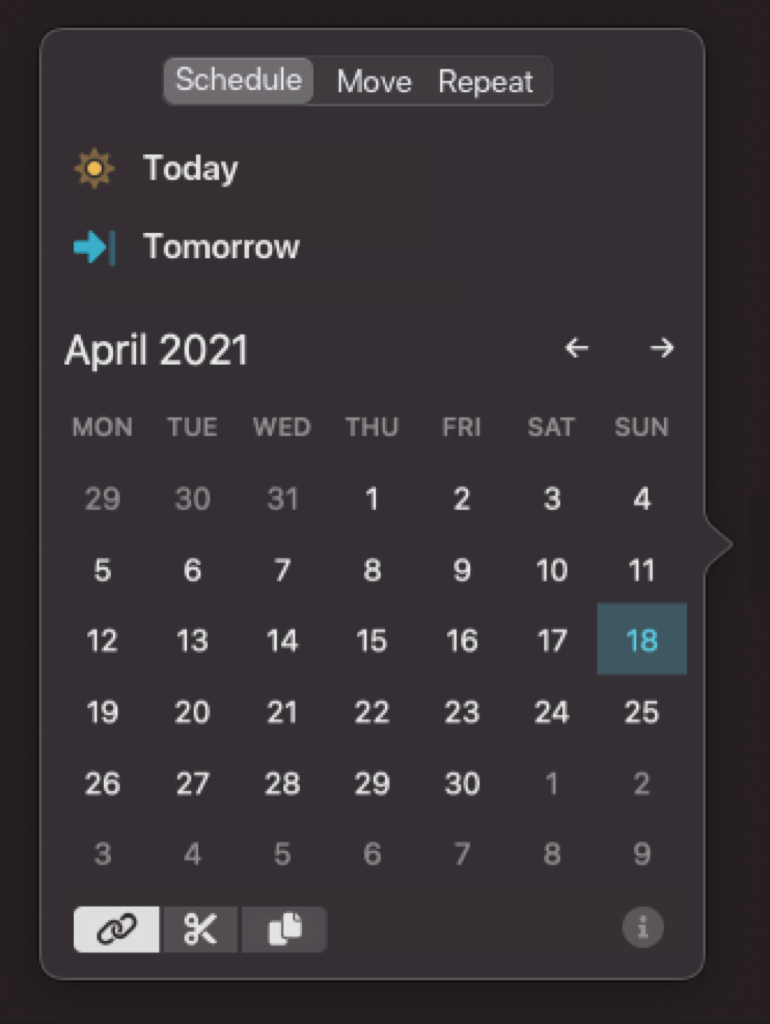
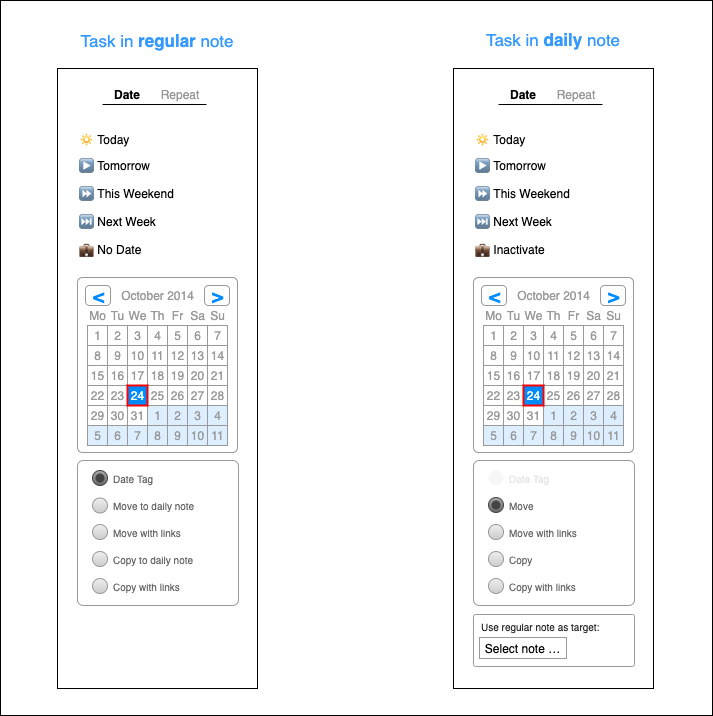
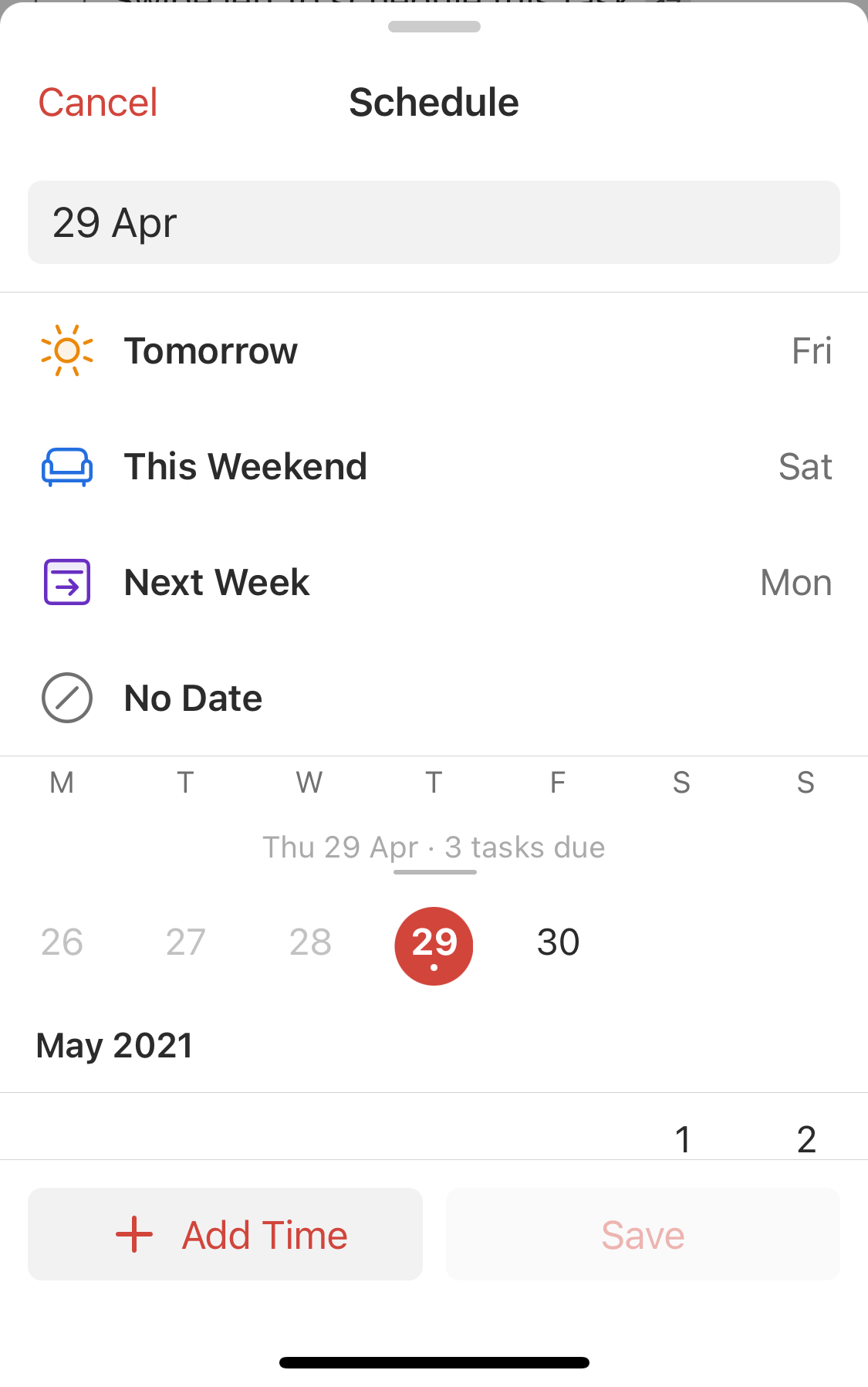
**The solution:** (see screenshot)
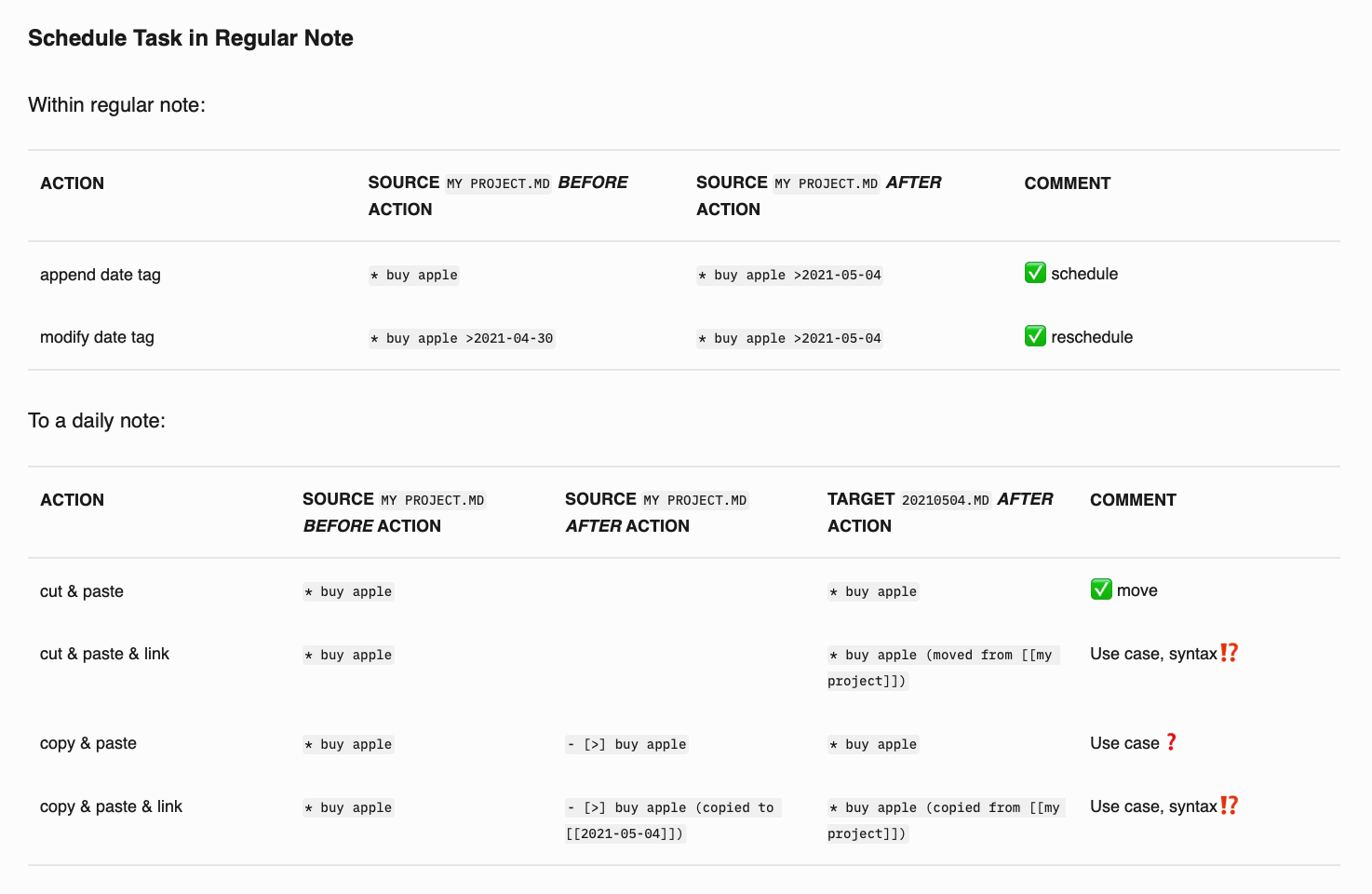
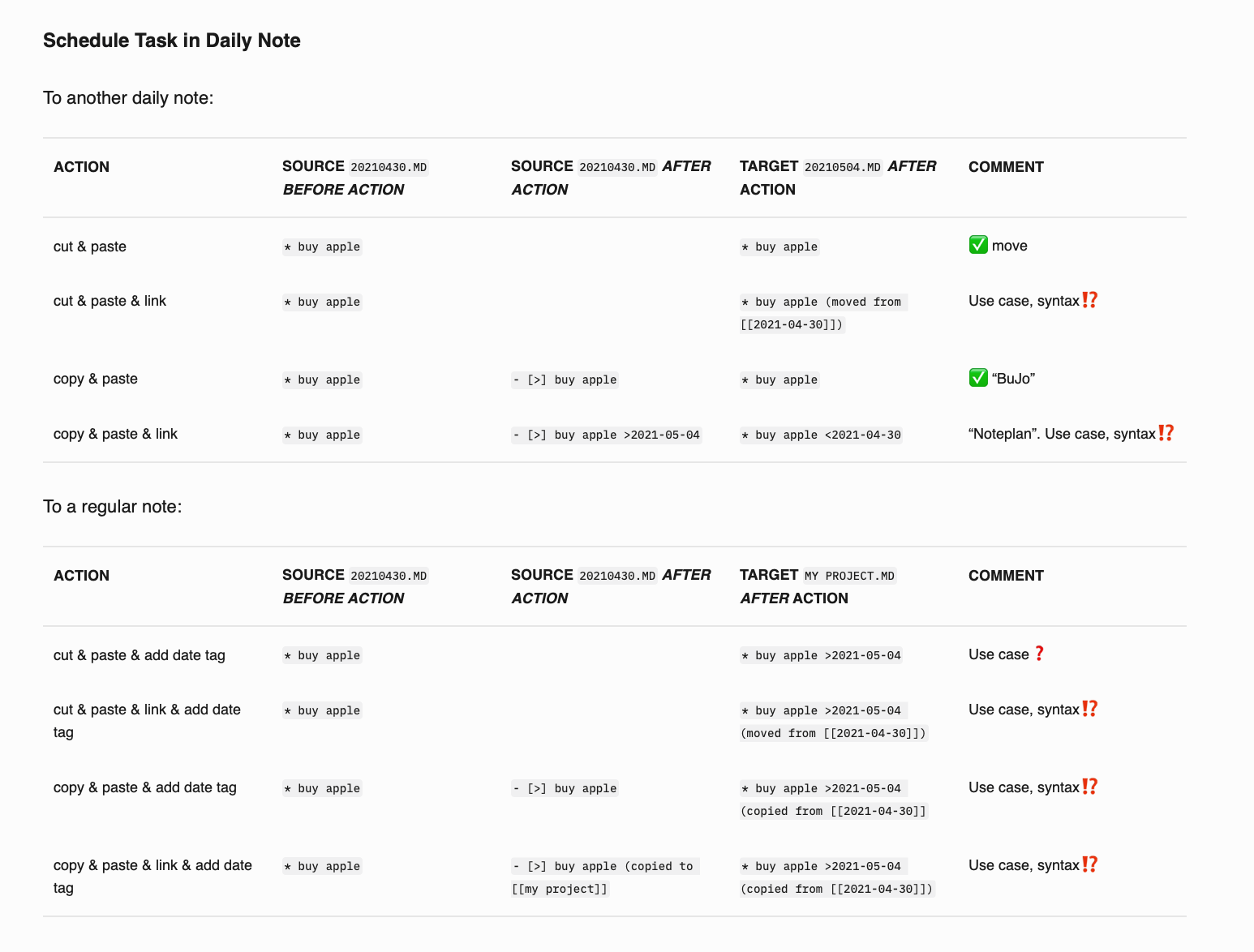
Add options to the scheduling, remembering your last selection in regular and calendar notes:
1. Link (just adds a `>date` to the task)
2. Cut (cuts the task and pastes it to the target date)
3. Copy (copies the task to the target date and marks current as scheduled)
Additional changes required:
- Rename "move" to "schedule" at the top.
- Create a backlink for `>date`, except the state of the task is "scheduled" to avoid duplicates in the schedule by copy option.
- Remove preference "Only add date when scheduling in notes" (you can use the options at the bottom to control this).
- Add an info button to explain the differences.
- Remove "Complete Task" to reduce clutter. And consider removing "Cancel Task" ([Click on check-box cycles three states](https://feedback.noteplan.co/task-management/p/click-on-chec…))
- Shortcuts (`CMD+1...`) would behave according to the last selected option.
For consideration:
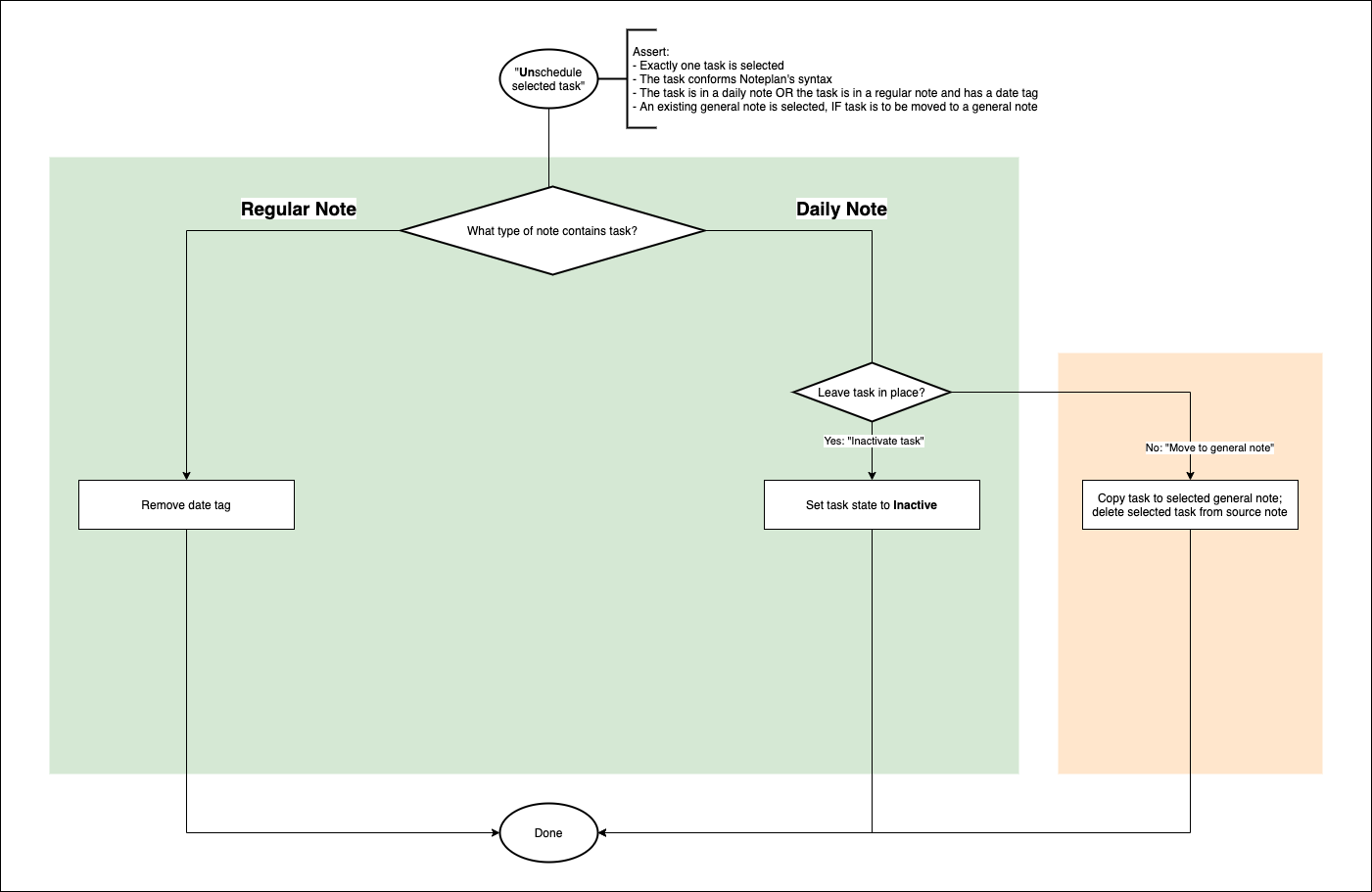
- Add a "Clear" button to remove an existing link
- [Add "move" section to move a task into a project note](https://noteplan.canny.io/task-management/p/move-task-to-pro…).
Related:
- [Call it schedule again](https://noteplan.canny.io/task-management/p/wording-call-sch…)
- [Add "Cut & Paste" Task Moving](https://noteplan.canny.io/task-management/p/add-cut-paste-ta…)
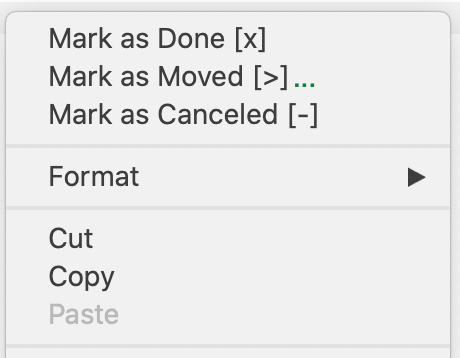
- [UI Bug: "Mark as Scheduled" is missing an ellipsis](https://noteplan.canny.io/task-management/p/ui-bug-mark-as-s…)
- [User preferences: Redesign task scheduling preferences](https://noteplan.canny.io/task-management/p/user-preferences…)
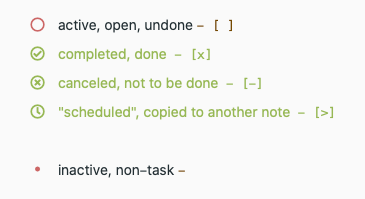
- [Eliminate task state "Postponed"](https://noteplan.canny.io/task-management/p/eliminate-task-s…)
- [Wording: more systematic terminology for "links"](https://noteplan.canny.io/task-management/p/wording-more-sys…)
Reviewing



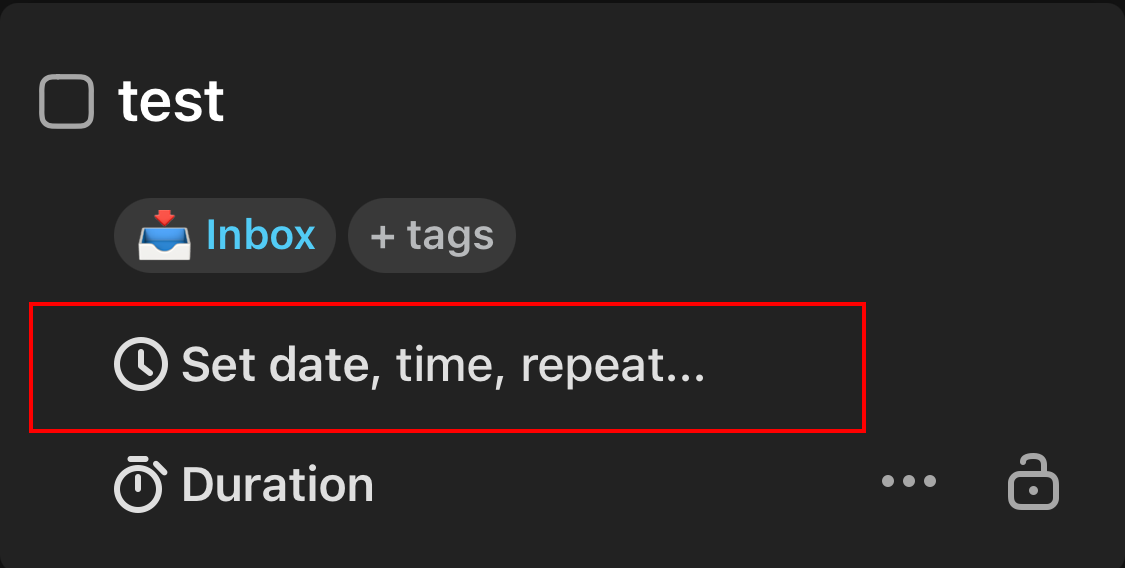
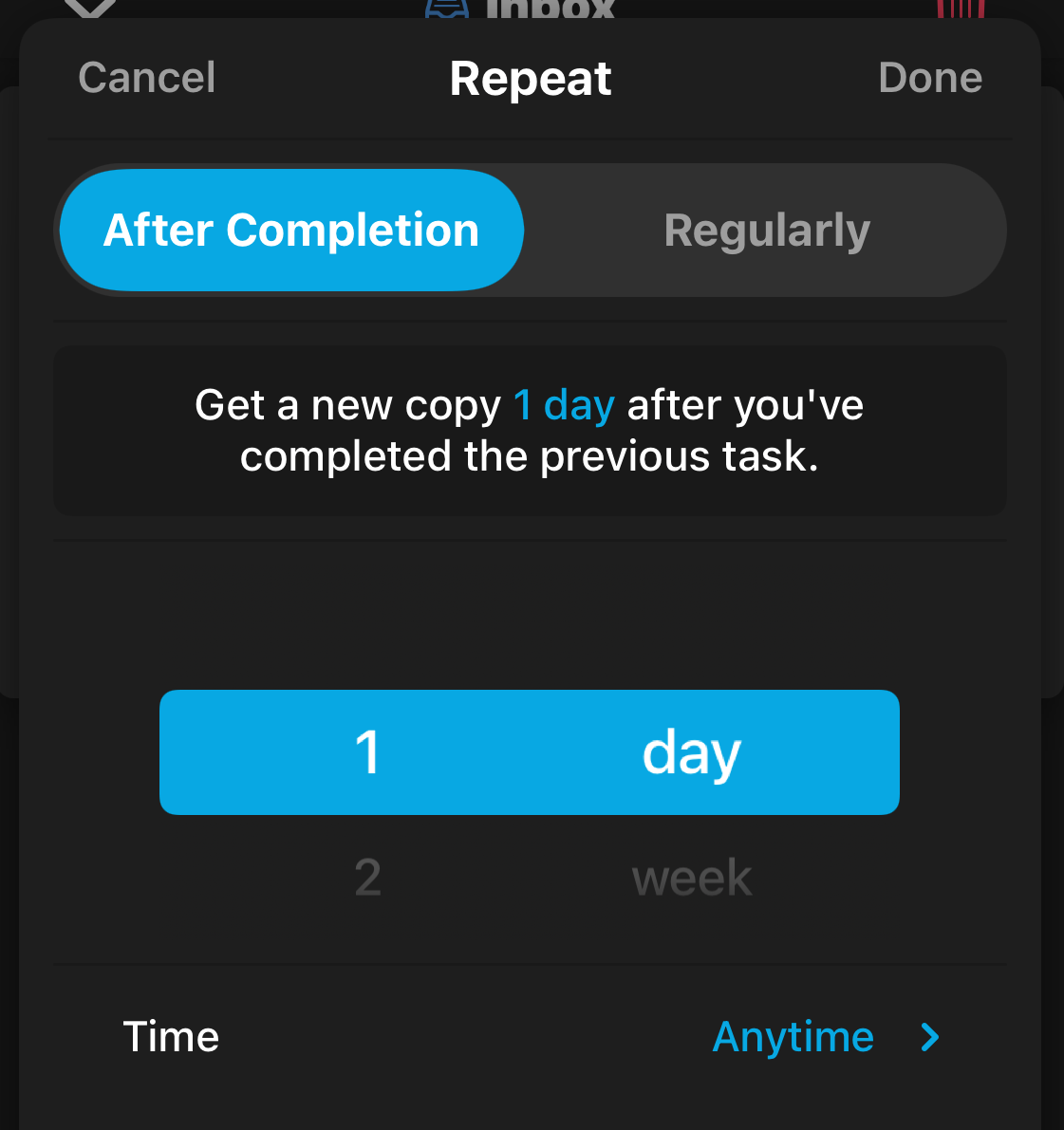
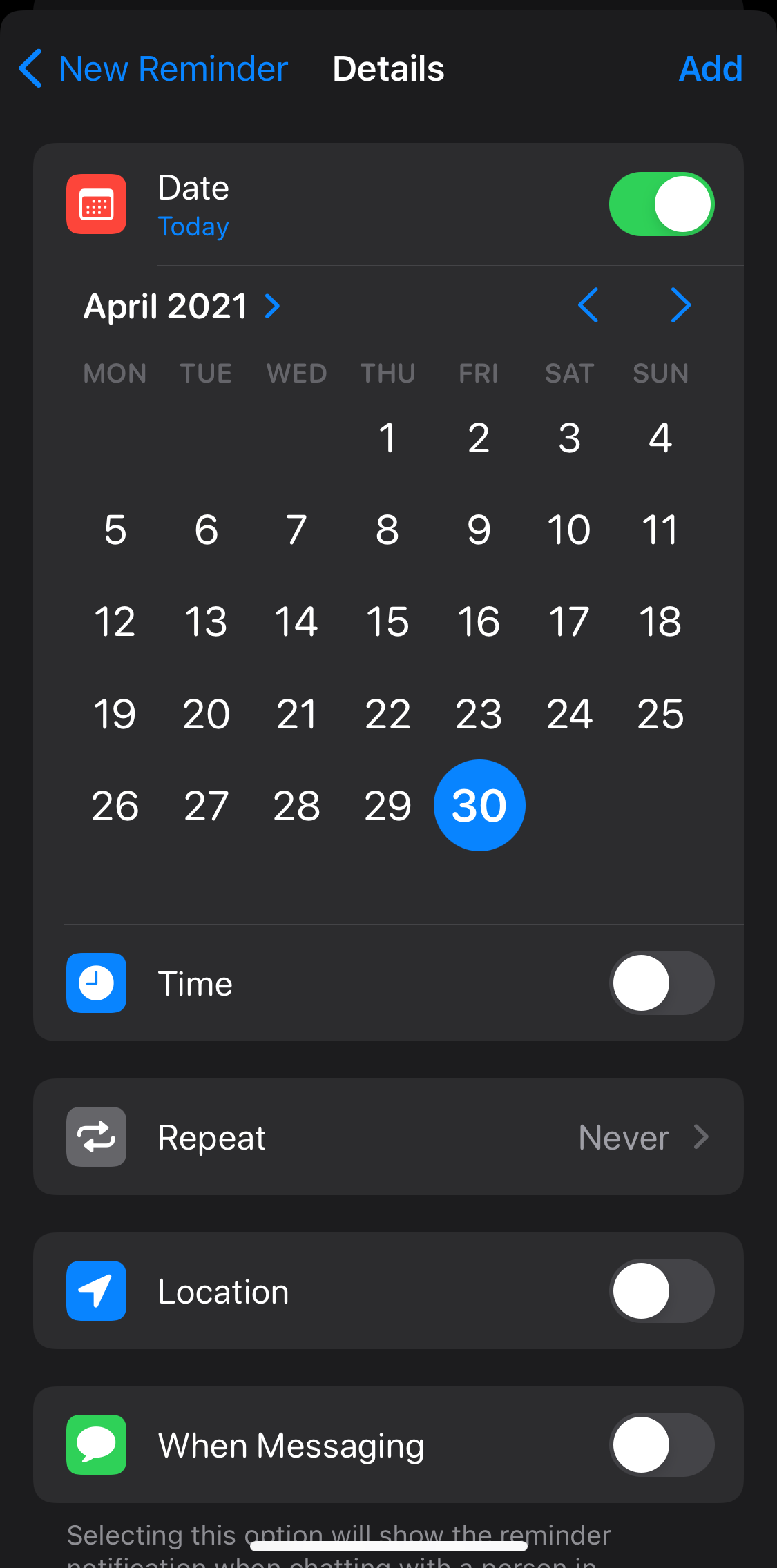
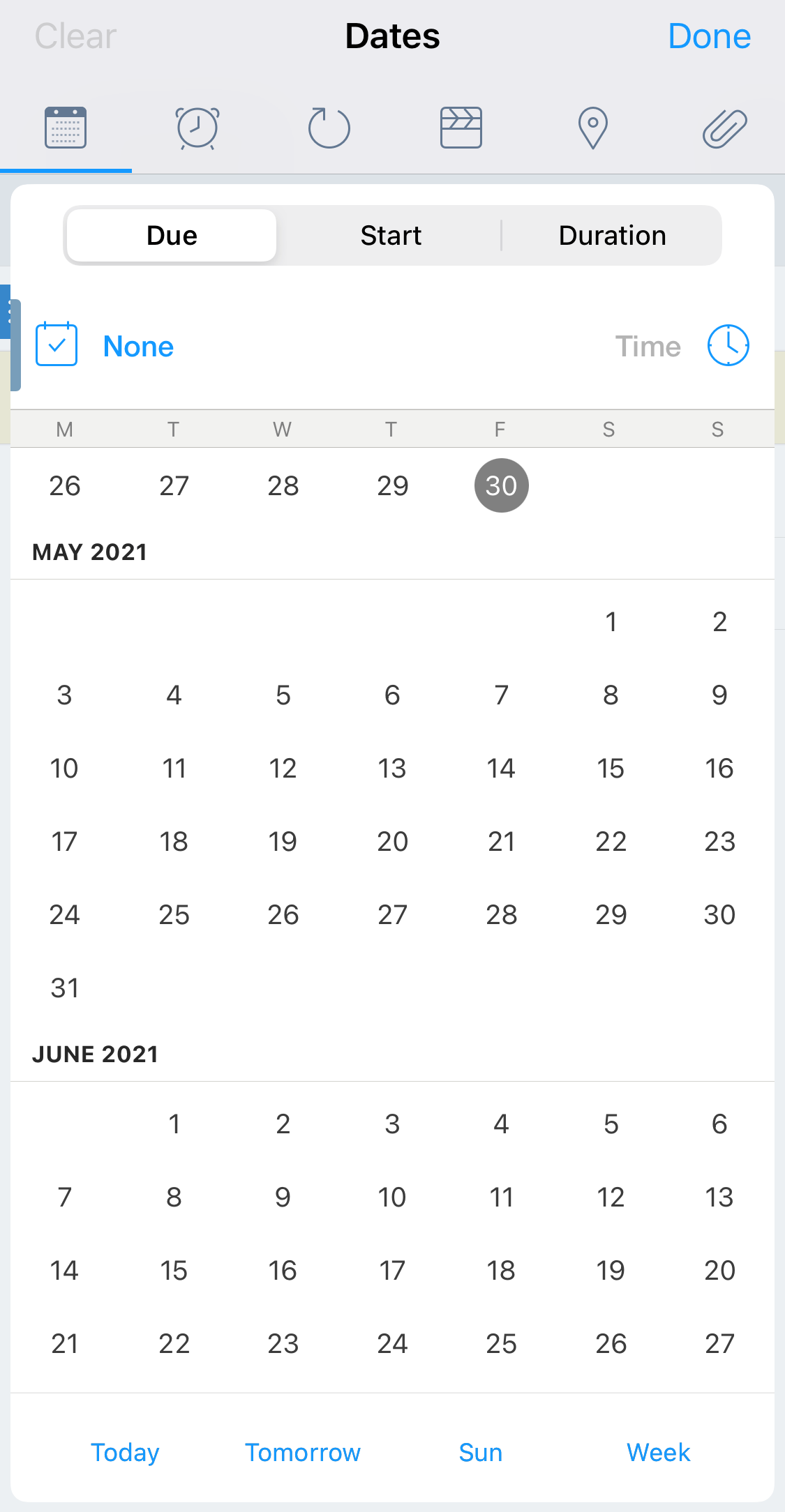
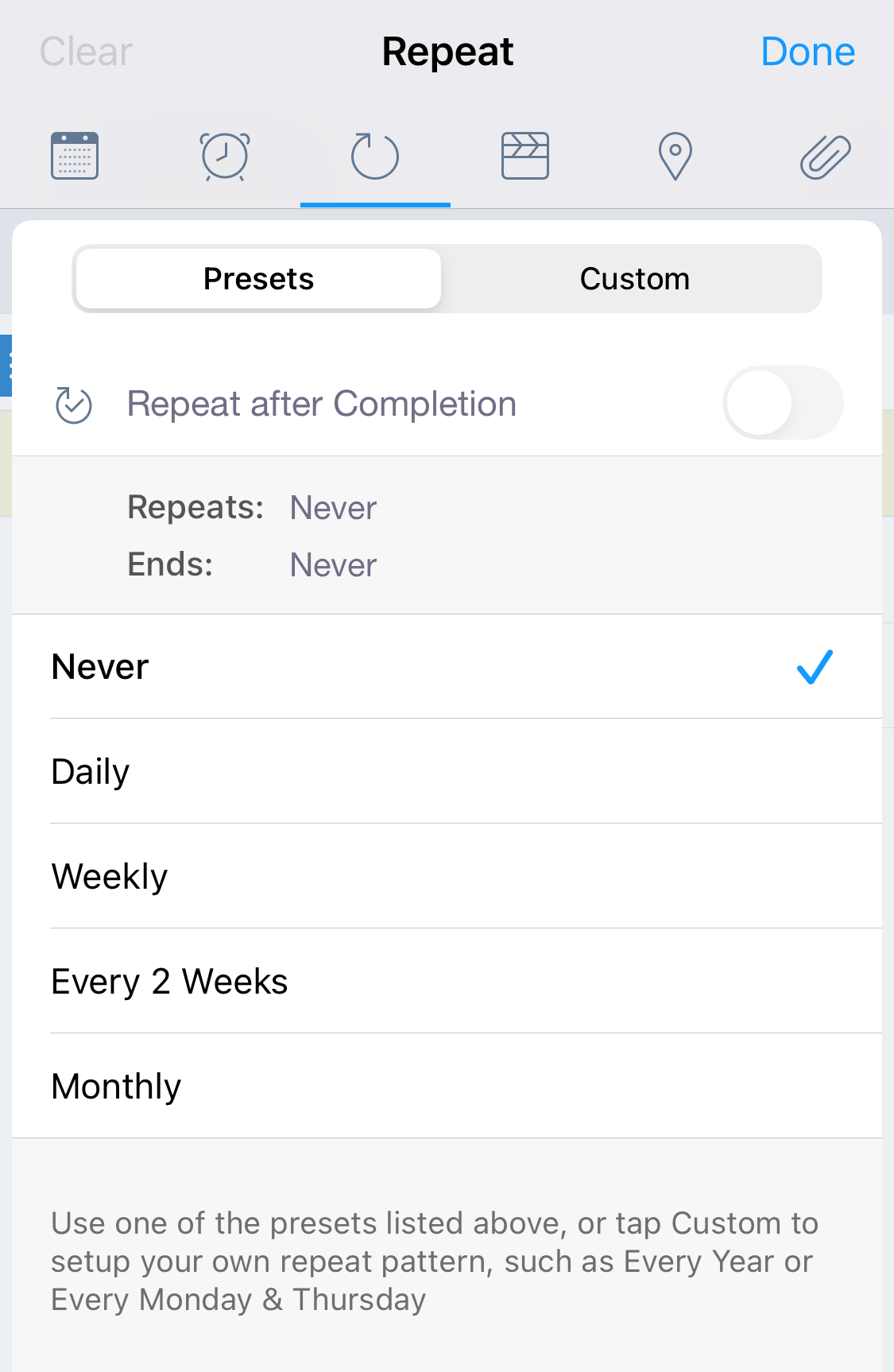
I'd like to add two requests here: 1. **Add "This Week" as an option in the scheduler.** I often find myself going back to previous daily notes from last week or sifting through my project notes to find things I want to accomplish this week, but I'm not yet ready to assign to a particular day. So having a fast way to schedule something to this week would be ideal. 2. **Make the scheduler navigable via keyboard.** When using ⌘+⇧+D to bring up the scheduler, it would be nice to keep the flow on the keyboard to arrow through the options available in the pop up.