
Jun 18
Broken reference linking
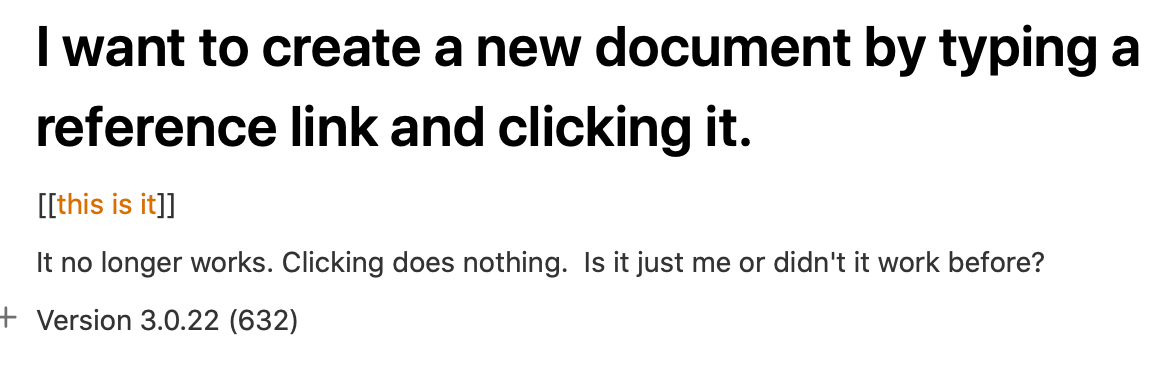
I want to create a new document by typing a reference link and clicking it.
[[this is it]]
It no longer works. Clicking does nothing. Is it just me or didn't it work before?
Version 3.0.22 (632)
Pending
Do you still see this problem? You can also create a log for me which might help. https://help.noteplan.co/article/57-how-to-enable-logging
I saw one other case on Reddit (I think) with the same problem. No more so far. I also can't reproduce it. Please share more details: - Can you create the note from a link on a daily note, project note or none? - Is it only on Mac, iOS or both? - Which macOS version do you use? - Please delete all notes in the trash or choose a name of a note which you never created, something random, just to see if it changes anything. - Please right-click on the link and click on "copy link", then share it here, so we can see if something is wrong with this.
Latest Mac release is 635. Please try that. For access details see NP Discord server (https://discord.gg/D4268MT).
Hello, has this issue been fixed? I have the same issue as Martin Rigby describes in his orginal posting. Version 3.3.1 (713) In my case I copied the content of a daily note to a new note in a folder. The existing links still worked but any new links to notes that do not exist, fail as martin describes.