
Apr 1
Bug: Filter in Review ignores Timeframe
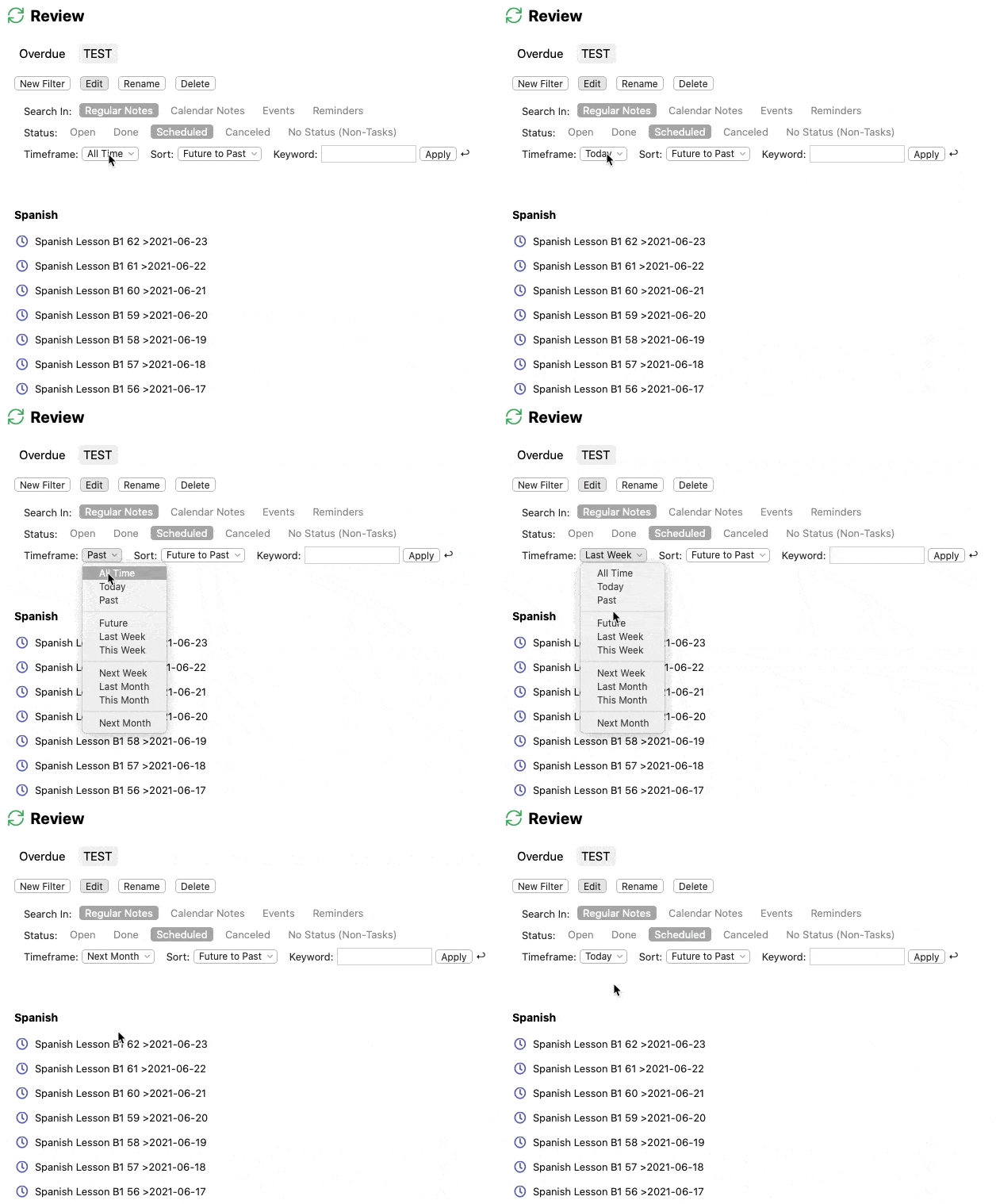
I want to create a filter in Review that shows only tasks that are scheduled for today with these settings:
- Search in: Regular Notes
- Status: Scheduled
- Timeframe: Today
- Sort: (doesn't matter)
- Keyword: (empty)
Review seems to ignore the Timeframe. Noteplan displays *all* scheduled tasks, no matter what Timeframe I choose. (See attached GIF of a real-life-example.)
The tasks are scheduled with date tags. I chose "Only add dates when scheduling in notes" as user preference. Unrendered markdown for tasks looks like this:
`- [ ] Spanish Lesson A2 57 >2021-04-11`
Related: [date tags as default](https://noteplan.canny.io/task-management/p/user-preferences…)
Completed
Ah yes, I think the timeframe filter just gets active for calendar notes at the moment.