
Jul 11
Calendar Sidebar: dynamically highlight the week row as the user scroll through Filter Views
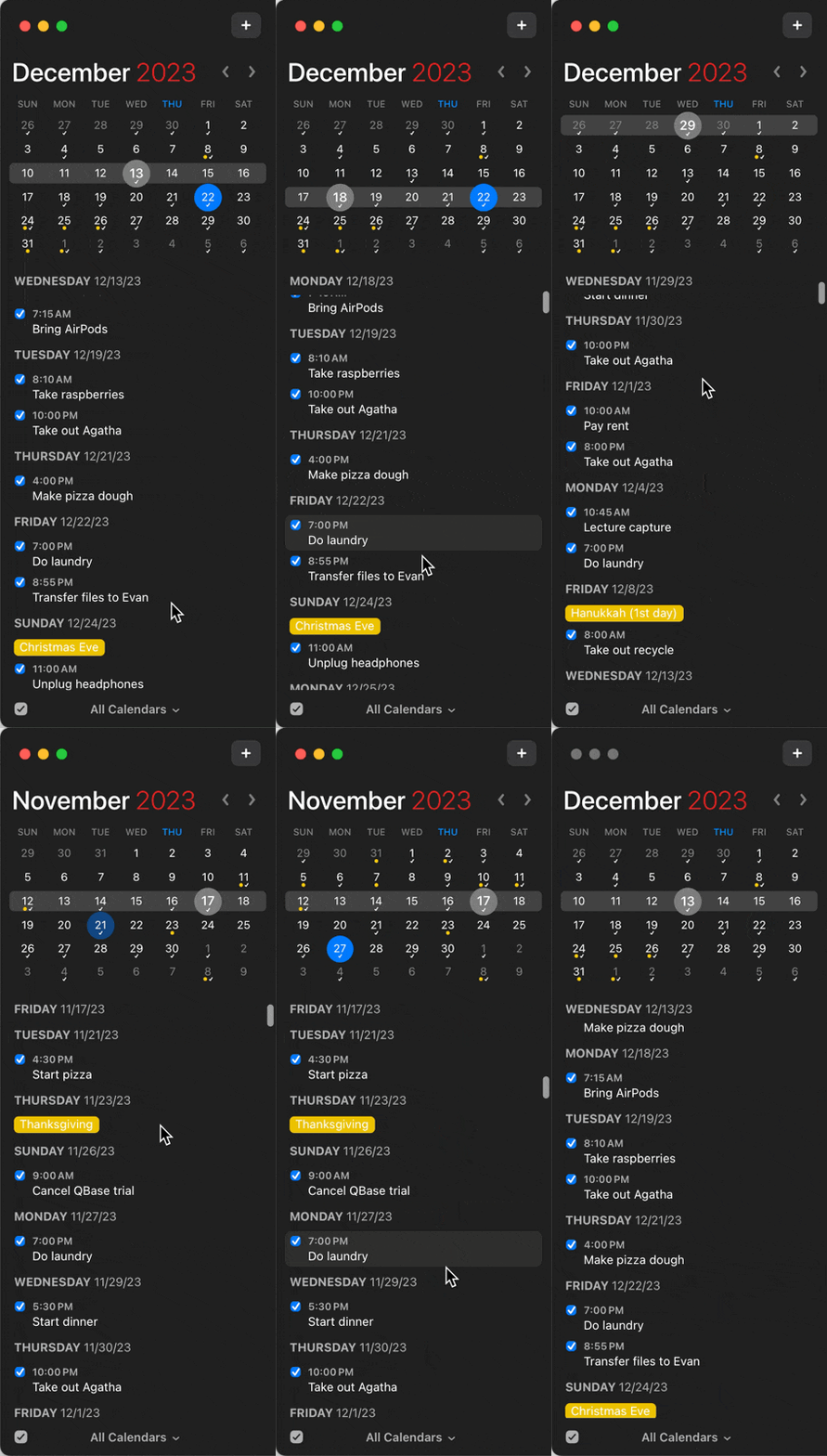
In the Calendar Sidebar, when set to one of the filter views (e.g. Next 30 Days), it would be nice for the calendar to dynamically highlight the week I'm viewing in the filter view, because I keep losing track of which week I'm looking at (doesn't help that the text for the week date range is so small).
Fantasical has a great implementation of this, please see attached gif.
Pending
Great idea, thanks for sharing! The issue is that the selection of the calendar top right is linked to the note opened in the editor in the center. It might be confusing if we "double-use" that for the scrolling?