NotePlan
NotePlan
Jul 18

Code and code block shortcut in iOS and iPadOS bottom bar

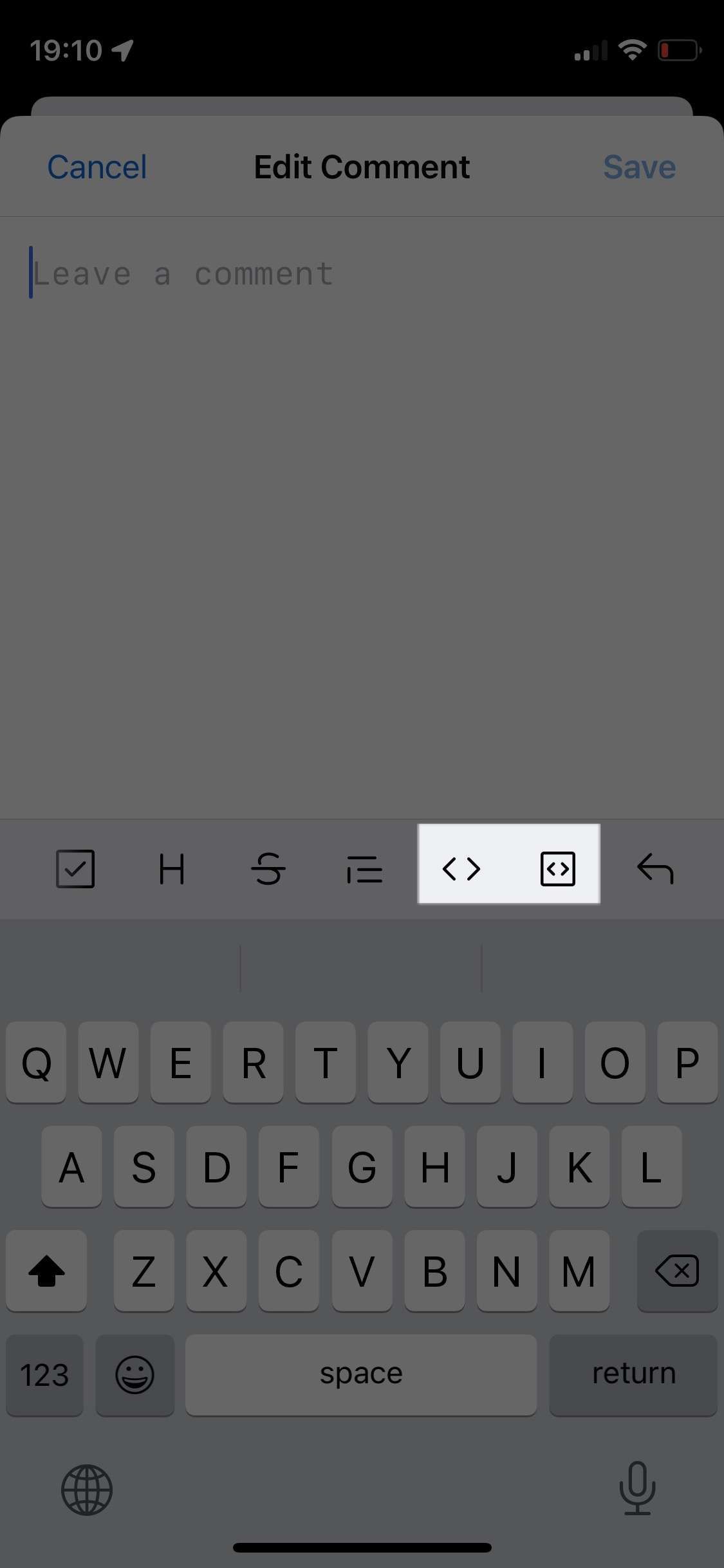
Without an external keyboard, backticks are impossible to be found on iPad. I think it would be useful to have shortcuts for wrapping text in backticks just like we have for bold and italic. I’m thinking of two shortcuts, one for simple inline code (single backtick) and one for code block (triple backticks).
CompletedCompleted

Jul 19, 2021

Done! Will be available in the next Release and TestFlight beta. https://testflight.apple.com/join/fm9q4OjE

Jul 20, 2021

Eduard Metzger: awesome! Thank you! I can’t wait!

Jul 18, 2021

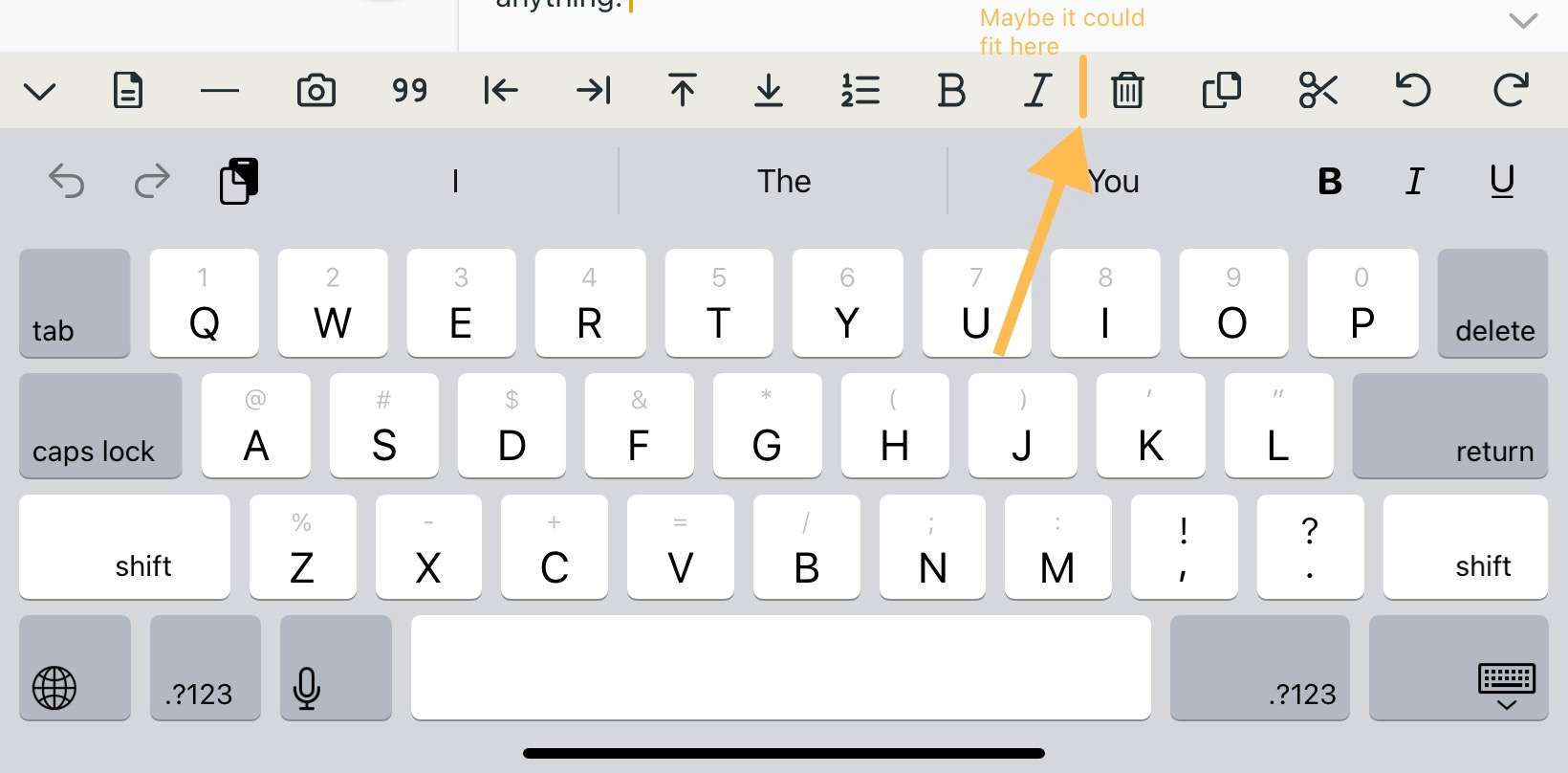
I have added code blocks/fencing. But I’m not sure what other icon to use for inline code. I want to add this too, but I’m running out of icons. Any ideas? See https://fontawesome.com/, anything there I can add very quickly.

Jul 18, 2021

Eduard Metzger: I think that the iOS GitHub icons feel pretty intuitive. In font awesome that would be code-simple and square-code. Although I see they’re Pro icons and available in 6.0.0-beta1 which might make them unavailable.

Jul 19, 2021

Alin Panaitiu: Oh man, you are right. FontAwesome 6 has it. I bought it just a few months back, so that should be no problem. I searched in FontAwesome 5 all the time. Thanks so much for checking it!

Jul 19, 2021

Eduard Metzger: I'm happy to hear that! Is there a Testflight beta I could start testing that also works with Setapp licensing?

Jul 19, 2021

Alin Panaitiu: Yes, see: :arrow_right: Mac AppStore: https://noteplan.co/download/NotePlan-⁠3-Beta-⁠643-AppStore.… :arrow_right: Mac Setapp: https://noteplan.co/download/NotePlan-⁠3-Beta-⁠643-Setapp.zi… :arrow_right: iOS: https://testflight.apple.com/join/fm9q4OjE You can also check on Discord in the #releases channel. On the website you find the Discord invite. I keep the betas up to date there.

Jul 18, 2021

The latest beta added the second of your requests. But I agree about the first, as the backtick is very difficult to get to.