Submission
avatar
Rhubarb
Apr 27, 2021
Board
Features
Status
Pending
Get Updates
Powered by UserJot
Due (Deadline) dates
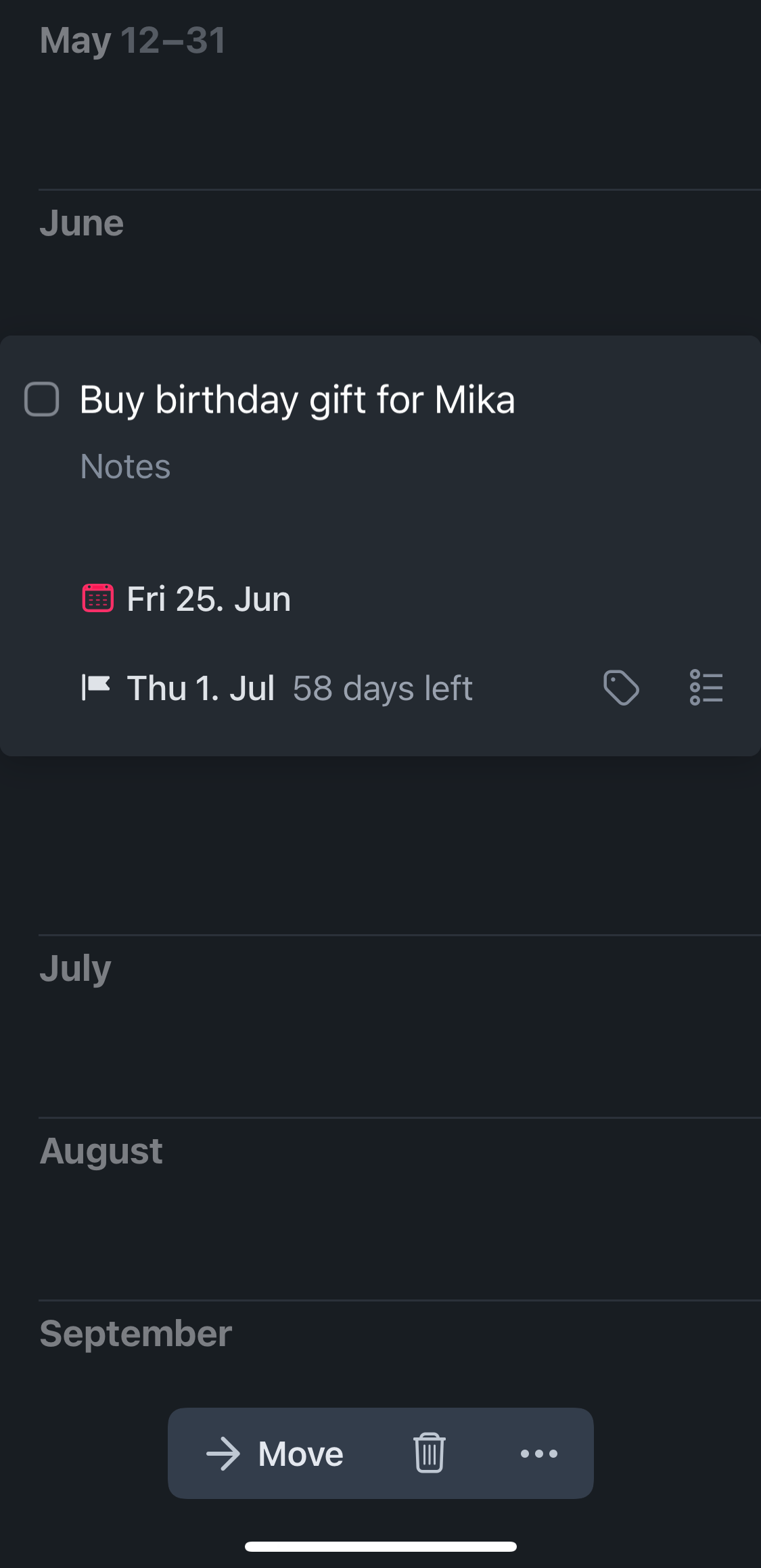
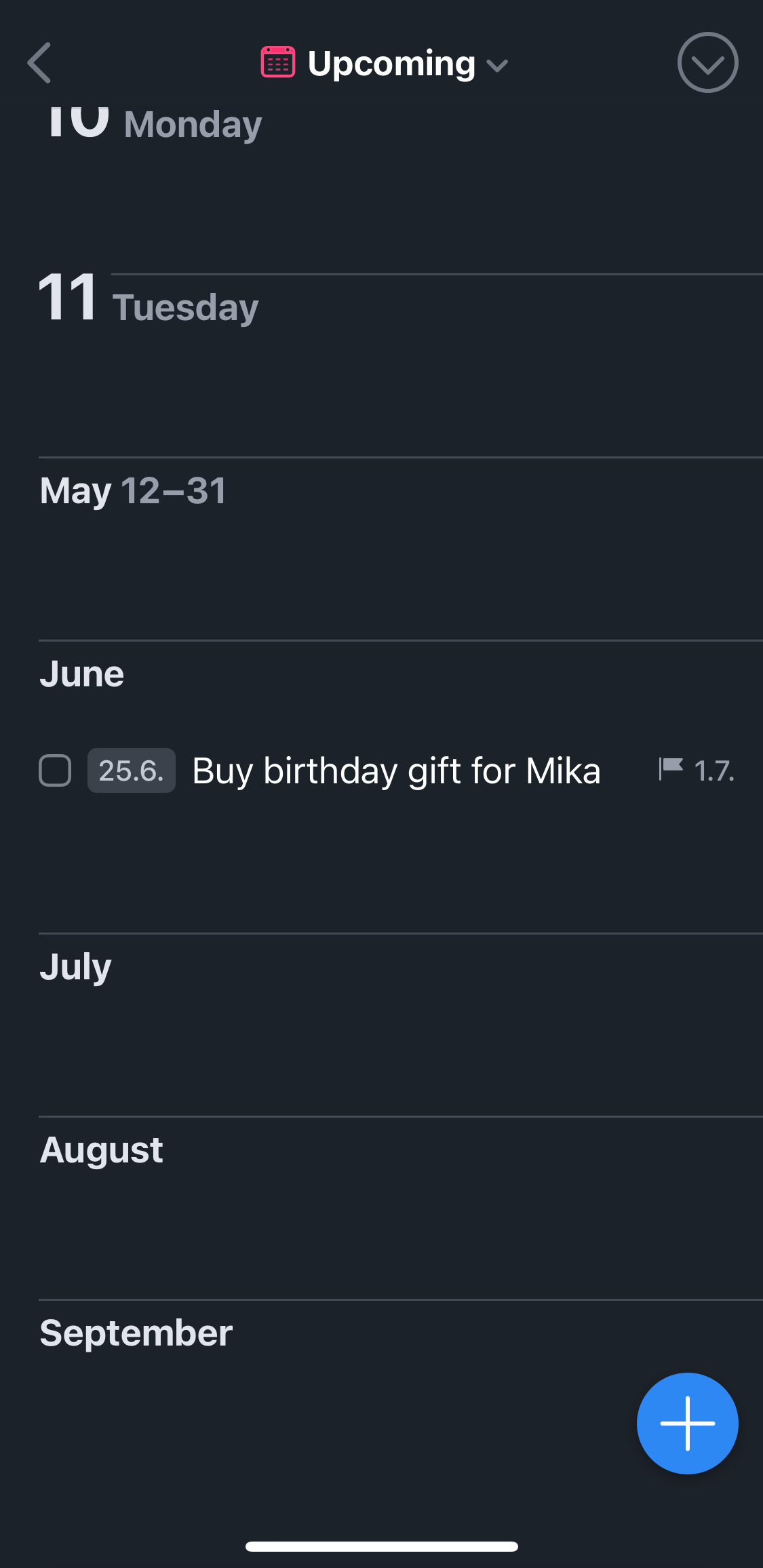
Design a mechanism that allows to specify when a task is due, as opposed to when a task is scheduled to be done. Example: Mika's birthday is on July 1st. On that day I want to show up on Mika's doorstep with a present. The **due date** for getting that present is July 1st. But the **do date** might be February 3rd or June 29th, because that's when I have time to get the present. Edit: A better name for this feature might be **Deadlines** (see comments below). Edit: Consider adding a separate backlink item for "due soon..." items that shows them x days before the due date. How are other apps dealing with this? Edit: Consider using `!date` syntax for deadlines/due dates.
avatar
Rhubarb
Apr 27, 2021
27
avatar
Jonathan ClarkApr 27, 2021
I'd like this, though it would need names that were more different than 'due' and 'do' :-) But it's a low priority compared to other things. After all, we've all been using NP for a while without this ...
avatar
RhubarbApr 28, 2021
Jonathan Clark: I created this feature request so that we can collect all ideas in one place. I expect this to be a longer lasting discussion. No urgency. When due dates pop up on Discord or Reddit, we now have a link to share. :-)
avatar
Anton SklyarMay 4, 2021
Although there have been some situations when I wanted both dates to be available, I would **downvote** this feature request actually, just because it would clutter NotePlan syntax while the same could be implemented just by adding due date as an italic comment (I frequently use a dash and italic to add metadata to the tasks, especially because in Dracula Pro theme it has a nice distinct color, see attached screenshot). One could also use date linking (using double square brackets) for the same purpose. E.g. mention due date in the task like `[[2021-07-01]]` if you would like to see it on the due date, in addition to the scheduled date. Thus, I think this feature request need not be implemented.
avatar
RhubarbMay 4, 2021
Anton Sklyar: Related Reddit posts on r/noteplanapp: [How I manage Due Dates](https://www.reddit.com/r/noteplanapp/comments/g68by9/how_i_manage_due_dates/), [ASK: Due dates?](https://www.reddit.com/r/noteplanapp/comments/fw7yg7/ask_due_dates/)
avatar
Anton SklyarMay 4, 2021
Rhubarb: Thanks for the references, discovered even more workarounds ) And still, scenario described in the feature request could be covered by two separate tasks on two separate dates. Or one task that has not only scheduled date (`>`) but also linked date (`[[`). So I do not yet understand why new concept is needed for that. Although one useful mechanics came to my mind, as to how those two dates should behave: if I have scheduled date A and due date B then the task could appear in references section of the daily note on **all the dates between A and B**. Like when I have “buy present” scheduled for June 25th with a due date of July 1st, and if I do not complete it on 25th, it will remain visible in references section on 26th, 27th, etc. until I actually buy a present and check the task off.
avatar
RhubarbMay 4, 2021
[Marvin](https://amazingmarvin.com) is an app that distinguishes between do dates and due dates: [Tutorial Video](https://help.amazingmarvin.com/en/articles/2567905-the-difference-between-do-and-due-dates), [How-To: Due Dates](https://help.amazingmarvin.com/en/articles/2609346-due-dates). I like how they visualize the *countdown* to a due date.
avatar
Anton SklyarMay 4, 2021
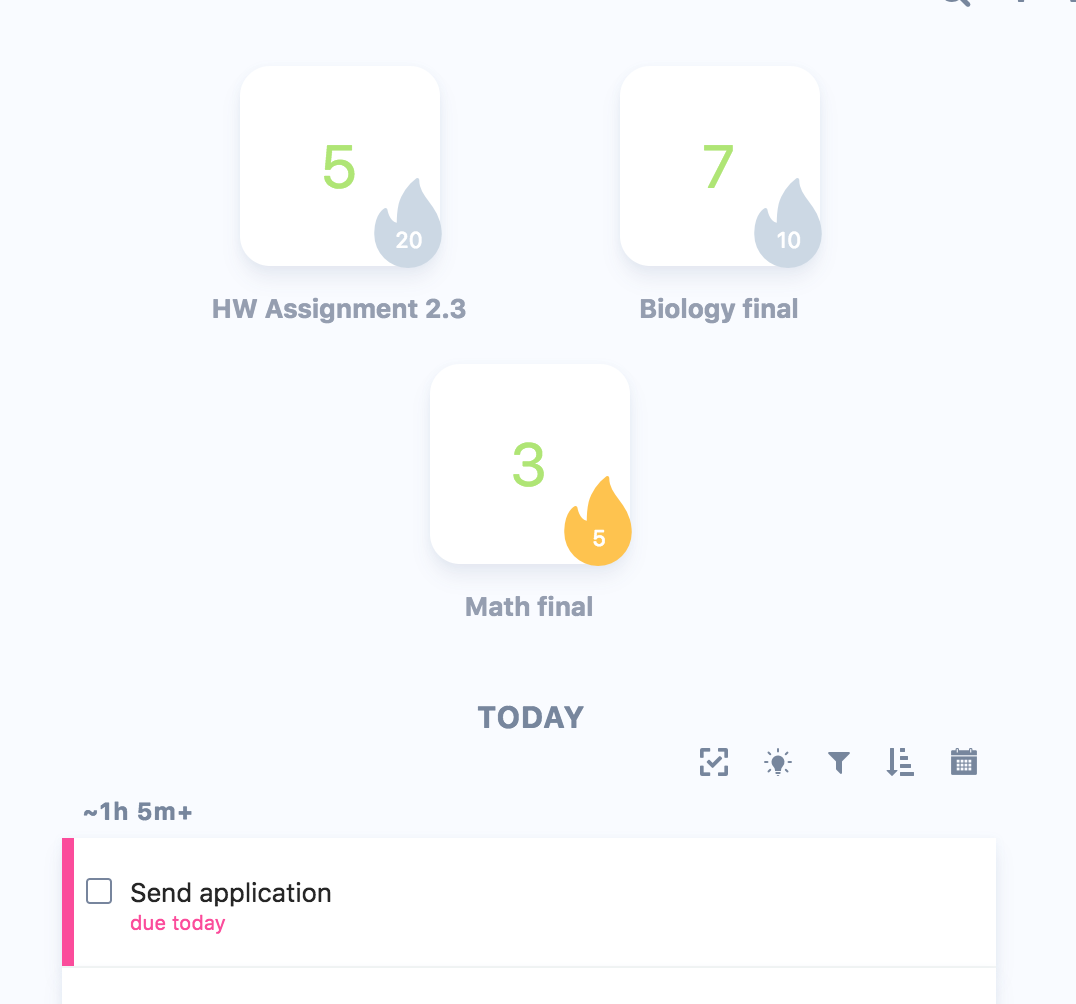
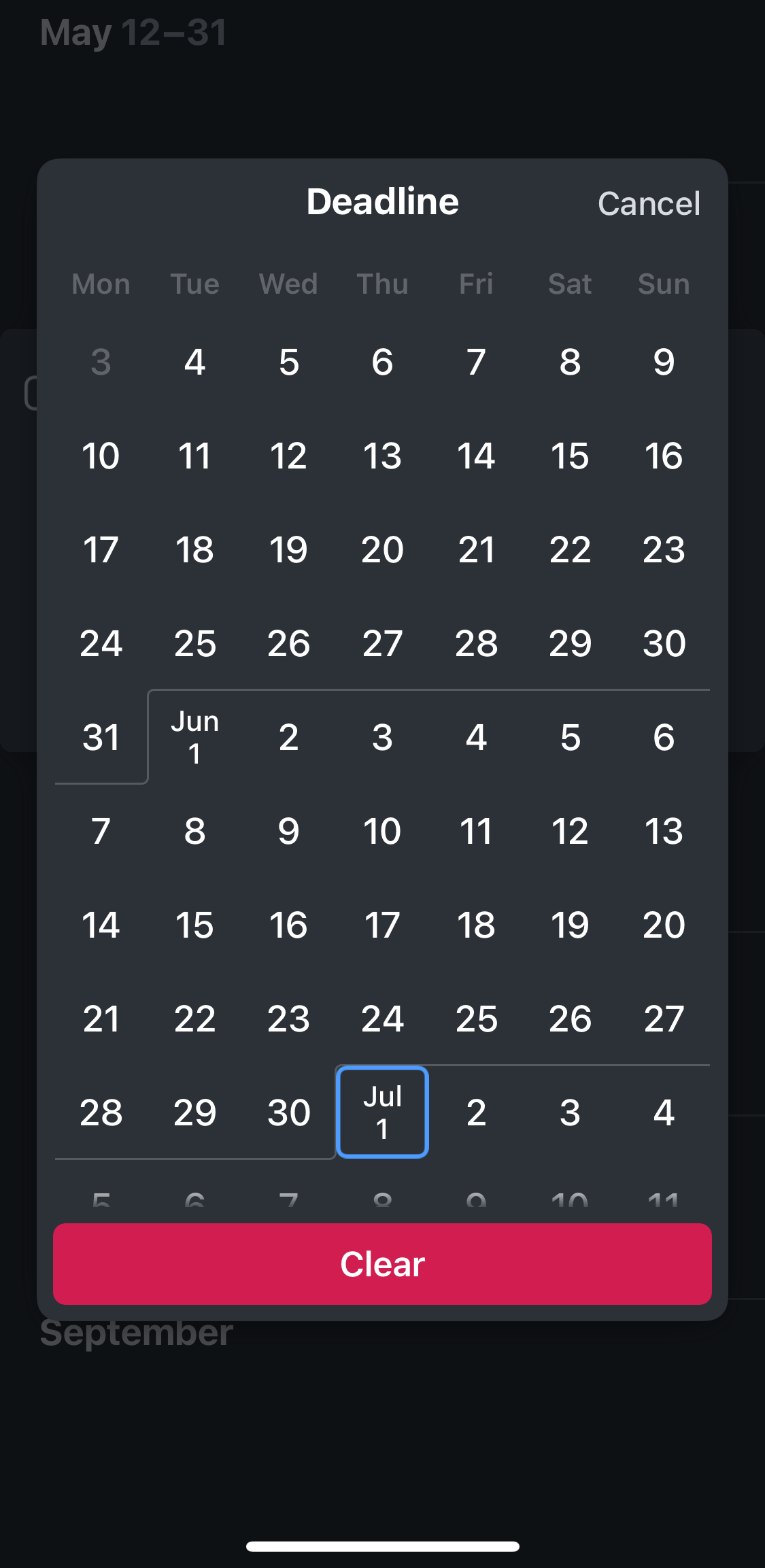
Rhubarb: I like how deadlines are implemented in Things, by the way: - if a deadline is set for a project, you see the amount of days left (or see the month, or even year, depending on how far in the future the deadline is) - if a deadline is today, the task/project becomes automatically visible in the daily view, and has a red flag on it, and remains there in the future days, informing you how many days passed since the deadline - they have a dedicated "deadlines" filter to show all the projects / tasks that have a deadline I'm not sure how all of this would fit into NotePlan UI. But sharing for some inspiration.
avatar
RhubarbMay 4, 2021
Anton Sklyar: Thanks for the pointer! For example, I find the word "deadline" a great inspiration for Noteplan. I added it to the OP.
avatar
Rob GraceMay 6, 2021
Partial solution using existing syntaxes: https://discord.com/channels/763107030223290449/763107030654779422/839895779783213067
avatar
MatthiasJan 5, 2022
Interesting, so it would work similar to @repeat. That functionality kinda works now with repeat of you think about it. In the meantime you can put a task on a particular day and go to schedule then click "repeat for x days" and it should work just like this. Naturally UX doesn't communicate start and end day like you're talking about, but it would get the job done for now.
avatar
Jonathan ClarkJan 11, 2022
I'm not disagreeing, but I am going to ask for clarification on what you're suggesting, John Johnson. Do you mean the task appears each day _whether completed or not_? (I guess not, but if you do, that is more like an @repeat.) If you get past the 'end' date and it's still not completed, what do you want to happen next? This is probably related to this ... Is the 'end date' a type of deadline, beyond which this task is not valid? The reason I ask is that (to my surprise) I've functioned well on having just `>date` which function as a hybrid between don't-start-before-date and do-on-this-date. Where something really has a deadline, then I normally include that in the section heading which this task lives within. It doesn't automatically flag it up or anything, but at least it's normally staring at me within the reference area.
JJ
John JohnsonJan 12, 2022
Jonathan Clark: on start date, the task appears in references, and reappears until completed. The due date is for the human to know when it’s due, and NotePlan wouldn’t need to do anything with it as far as references go. This would also open up opportunities like filters for “due in the next 7 days”, etc. It just seems natural that a task planning app would accommodate tasks that take more than one day, and start on some day in the future.
avatar
Colin GoldJan 12, 2022
I would be open to seeing this in the filters? Perhaps?
avatar
Christian BogenJan 12, 2022
I suggested something similar to Eduard on Twitter: https://twitter.com/bogenschlag/status/1463511312961527811 I could image support for calendar weeks, too, eg. `>cw15`. Task still open after the time frame should simply be treated like any overdue task. Personally I would use the hell out of this. Many if not most of my tasks don’t need to be done on one specific day but rather during a given time frame (often beginning some time in the future)—and the limiting flexibility of many task managers in this respect always bothers me. (One that does this quite nicely is Things with separate start and due dates.)
avatar
Eduard MetzgerJan 19, 2022
Have merged it with the due dates. Seems to be the same request. I'm not clear how the syntax could look like though. There needs to be something more strict or shorter like `>YYYY-MM-DD+x`, example: `>2022-01-19+10`. Means start on 2022-01-19 and due in 10 days?
avatar
Christian BogenJan 19, 2022
Eduard Metzger: Personally I like the !/> notation above better.
avatar
Eduard MetzgerJan 19, 2022
Looking through my notes I found another syntax idea: `!2021-03-01` = due date, whereas `>2021-02-01` would be the start date.
JJ
John JohnsonJan 19, 2022
Eduard Metzger: yeah, I was going to say, if a task has >2022-01-19 it should begin showing up on that day, and persist until completed. !2022-01-20 wouldn’t be terrible. But since begin on is >2022-01-18, it would seem natural for due to be <2022-01-20. E.g > is “on or after”, < is “until.” [ ] develop plan >2022-01-20 <2022-01-23 I realize that could potentially break existing logic. Hm, what about >= and <= ? That’s really what they are intended to say, greater than or equal start date, and less that or equal due date. It’s intuitive. [ ] develop plan >=2022-01-20 <=2022-01-23 Personally, I don’t care for the +5 syntax, as it forces everyone to do date math. If something is due on Feb 12, how many days is that? Also the +5 syntax blends in with the rest of the date, and is not obvious. Thanks for still considering this, and entertaining our suggestions!
avatar
Colin GoldMar 24, 2022
Don’t turn Noteplan into a task manager. Anywhere tasks can remain flexible is a plus, but making tasks have to have a date transforms their flexibility
no
nopiOct 29, 2022
Days with due dates would be nice to display in another color on the small calendar to visualize approaching deadlines, similar to the red days with overdue tasks. If they have a unique syntax such as `!date` this could be possible.
avatar
Valentino SerusiFeb 15, 2023
would love start date and deadline
avatar
Anton SklyarFeb 19, 2023
Just one comment to the other suggestions. Someone mentioned that `>2023-03-01` syntax that we have right now is "scheduled" and that we need a separate syntax for "due". I would argue that current `>` syntax actually represents **due date**, because after that date the task is indeed shown as **overdue**. Thus, what we probably need is the additional syntax for the **start date**, without changing current behaviour of `>` due dates, not to break the existing workflows of the users. This means that `<` or `!` syntaxes are not perfect for the feature.
avatar
Anton SklyarFeb 19, 2023
How about just a double `>>` for start (defer) date? ``` * Task with due date >2023-01-01 * Deferred task >>2023-01-01 * Deferred and due >>2023-01-01 >2023-01-31 ``` NotePlan could even automatically dim the tasks that have future defer date (i.e. `>>` with future date in it), for the task to be taken out of attention in the project note until it needs that attention.
avatar
Trisha CupraFeb 27, 2023
I'd like to see a task that needs to be worked on (or at least reminding you) daily until the due date. So, my current project would be like: * XYZ Widget project >today...2023-3-03
no
nopiApr 27, 2024
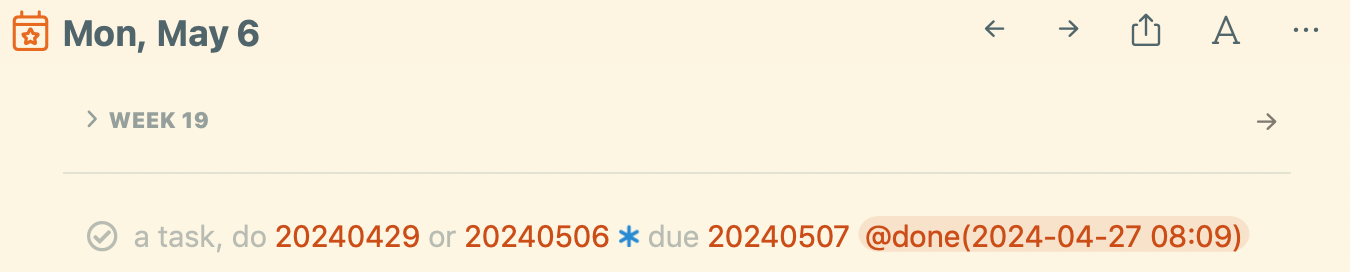
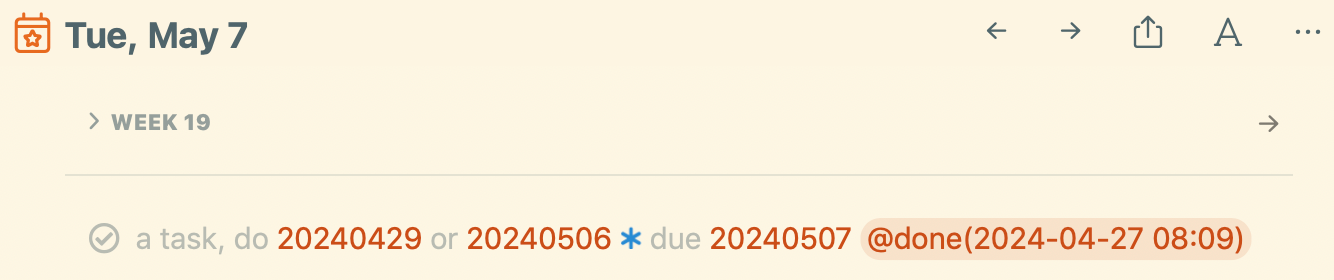
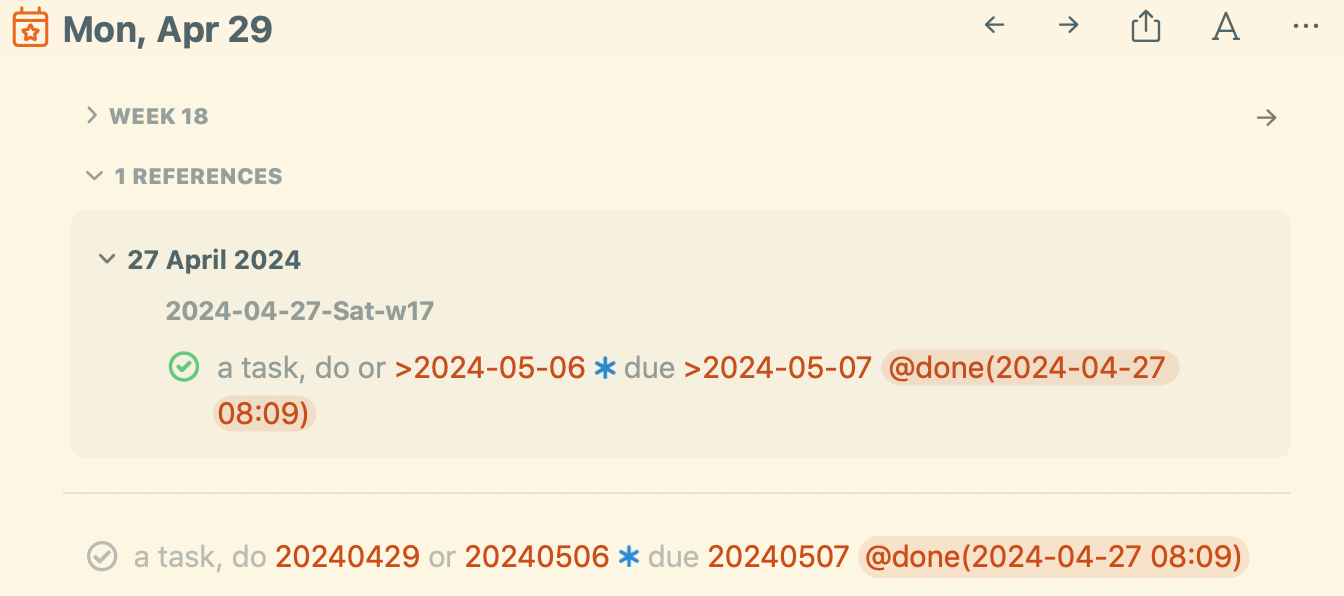
I bump into this a lot. For me it would be enough to have links to several dates, the last one being the due date. Problem is that the task doesn't show up in the backlinks of all those days except for the first date in the line. (it doesn't matter whether it is the earliest or some other date, the position in the line determines whether it's recognized for the backlink.) The best for now is probably to copy it as a synced line, use the links to navigate to the three dates and paste the task there. That would also check it off everywhere once done. - No, it doesn't sync that it's checked. Maybe it would without the done date. It works fine though if I lock in the sync mark (by copypasting a space before the text). Then the check-off is synced to all lines. Having a blue star before the due date is a nice visual, too. That might work for now, will use it a bit. (the [[yyyymmdd]] links are interoperable with Obsidian, so I mostly use those.)
no
nopiApr 27, 2024
actually, I should put the due date first, then it shows up in the backlink of the most important day. will play with it.
avatar
Mike KarolowJun 3, 2025
I'm again experimenting with migrating from a combination of Things and Obsidian to just Noteplan and was surprised that due dates don't exist as a first-class concept in Noteplan. From simple things like recurring bill reminders to larger work project deadlines, tracking deadlines are important to many of my workflows.