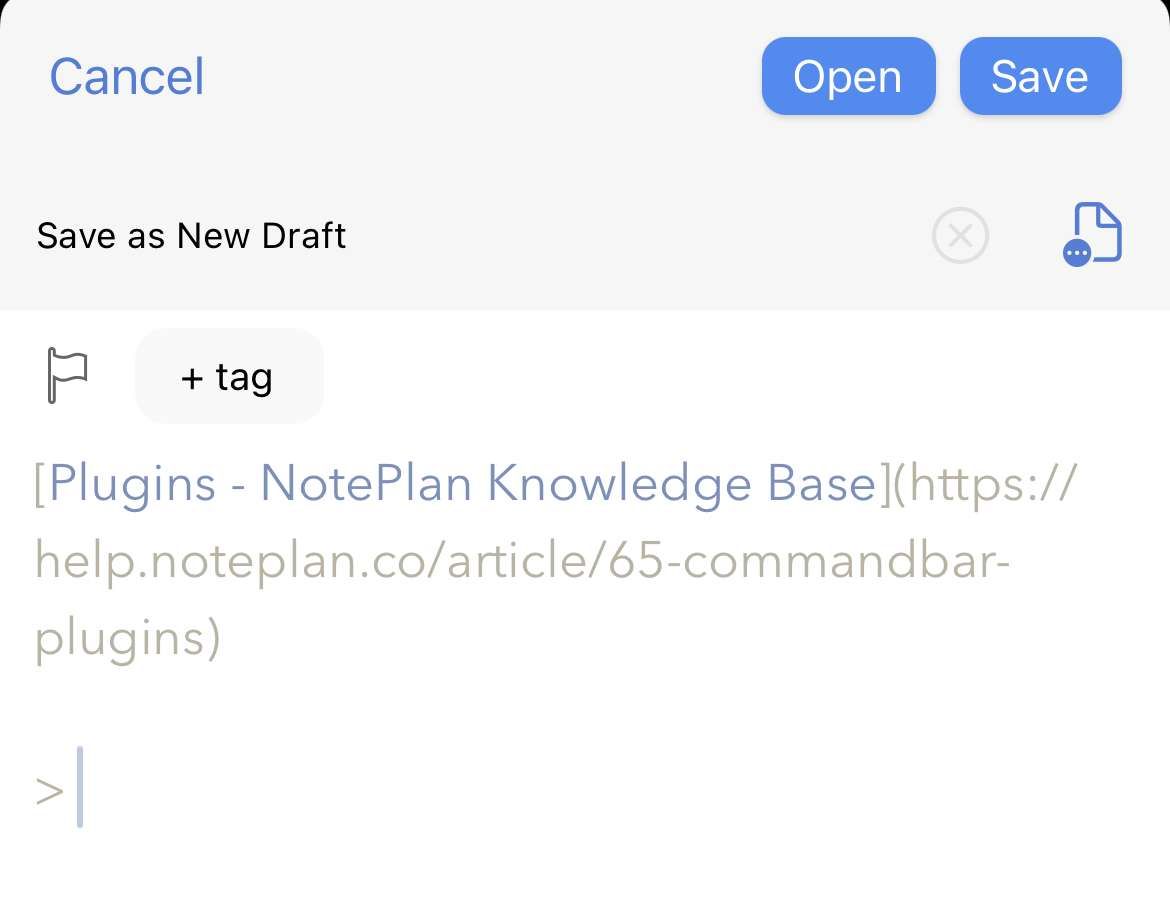
Would love to see the share sheet function for iOS. It's available on other apps and I believe this would not be a major effort to implement. This is real impediment to my workflow. The same goes for Spotlight search.
This one feature is becoming a deal breaker for me. Bear is great. Craft is great. It seems so basic and fundamental. The other feature requests here feel like feature creep. Missing a useful sharesheet feels like a grotesque feature gap. Please please please make this one happen. I’m shocked that there isn’t more support here.
Would be great if you could integrate tags/mention autocomplete to the share sheet (e.g., similar to what Draft/DEVONthink has).
The number of apps that are in the NotePlan share sheet is artificially limited. There should be no limits. For example, I’m in kindle app, reading a sample book and I decide to buy it later. I hit share and try to target NotePlan. No dice. I could share to bear, Tex message, well, almost all my apps. Why not NotePlan?
Martin Rigby: I've run into the same issue. I would think it has to be some kind of 'app category' type of rule in iOS itself. Eduard Metzger: do you know why this tends to happen? +1 for the expansion options. If someone recommends a book, Netflix series, or YouTube video, I'd love to file it away accordingly in my 'To Read' or 'To Watch' notes... rather than my Daily note.
Martin Rigby: I think its limited by the supported type of media. For NotePlan its text and links at the moment. If there are other media types its not showing NotePlan, like images.
Eduard Metzger: it’s not impossible to have a useful sharesheet. Bear is great. Craft is great. It sucks that NotePlan is so limited.
I often capture screenshots to Bear, and write notes and tags right in the share sheet. I love that you can append or prepend as needed and then select the note you want. In NotePlan's case you need to be able to select a calendar note or a folder not. Maybe the better functionality would be to just have the ability to choose Today, or one of your most recent notes. (or maybe Today, Tomorrow, One Week and your most recent notes) That keeps it simple. Apple notes defaults to your most recent note and gives the the option of earlier notes, which keeps it super simple. You can quickly capture a lot of stuff into an apple note or a Bear note using the share sheet. There is one major problem with Bear notes though. You can't append a screenshot and an annotation at the same time. Soooo annoying. You can' only create a new note.
Exactly!
Yes, please.
HI Eduard Metzger, now that you’ve perfected the shortcuts and added support for multiple media formats, wouldn’t it be great to refine the share extension of NotePlan as well? (there seems to be several similar requests...maybe they could be merged)