Eduard Metzger This is superb news!!! My workflow these days: I record meetings with Plaud and export via Markdown, paste the Markdown into NP. This gives me the opportunity to add a few key slides to my NP note.
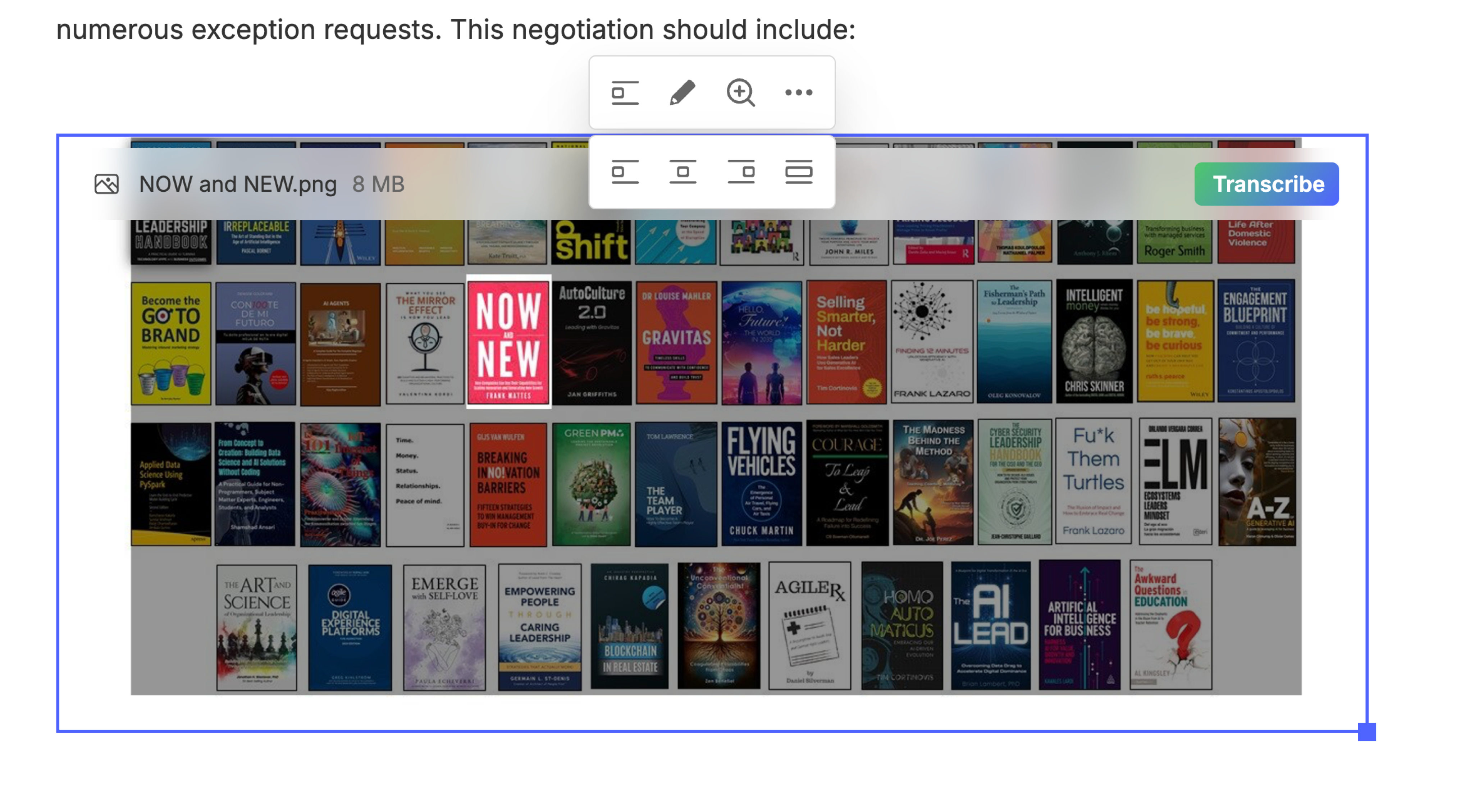
Eduard Metzger: Would it be possible to select the location of the image as well? I would like to see mine centered, as in Evernote (see screenshot)
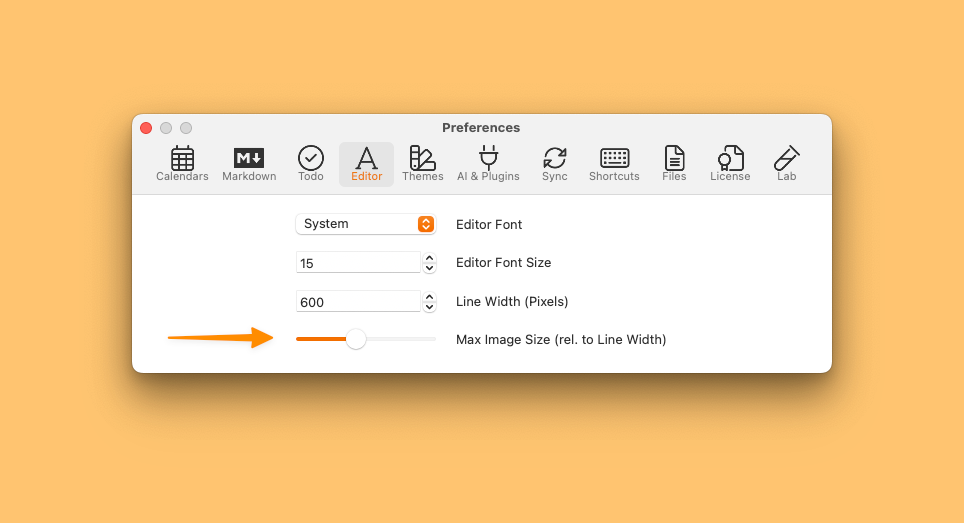
Default settings for image sizes are coming in the next update.
Eduard Metzger: Well that's great to hear! Are other improvements related to image handling (described here in the other posts) planned too? For example: - allowing to put images side by side (imagine that I have set this setting to a 64px thumnail and then insert multiple images in a single line in my note, will they display in the same row or each in its own line?) - allowing to resize individual images (even a context menu that allows one to choose among a fixed set of options would do)
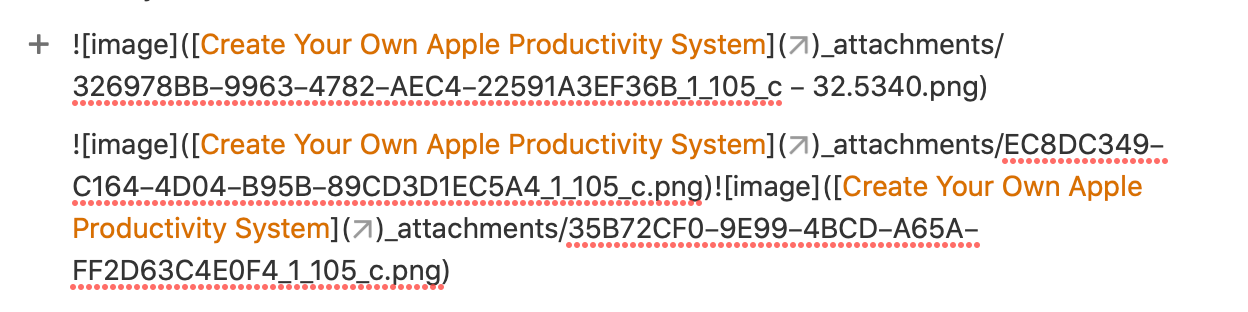
Eduard Metzger: As others have said, this is an awesome step forward! 👏 However, other than resizing, I think the biggest issue with image handling is the fact that they seem to be attached differently than say, PDFs. For example as described in this comment attached. I basically stopped trying to attach images to notes because of this issue, and when absolutely necessary, I first convert them to PDFs and attach as a PDF. It seems like the file management with images just works differently and is prone to breaking. Thank you for your help with this!
Anton Sklyar: You can put images side by side. The problem was always the size. So if resize images to 50%, two can fit on one line. To 10% and technically at least 10 would fit (not tested) The manual resizing is not added yet because it's significantly more difficult. We could update the markdown parser to check the size inside the link but it's very cumbersome to change that at the moment.
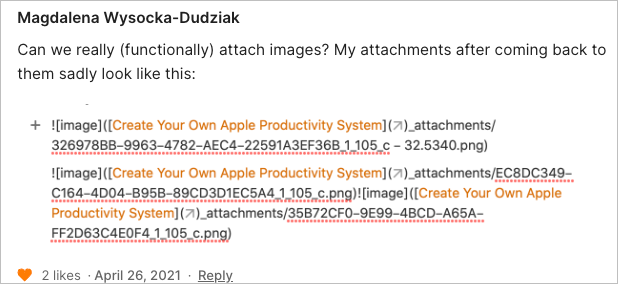
Daniel Danilov: It looks weird in whats happening for you. It seems there's a link in between the name of the image. Can you send me more details? What's the name of the image or the note and how do you add it? You can also mail [email protected] It looks like a bug. I think the note name is detected as a link. But not sure, would need enough info to reproduce it.
I totally agree! In logseq and bear for example are small stripes in the corner, which allows to resize images. These two apps ares also markdown-based and I hope noteplan can implement this feature as well.
This would be great. The amount of space images use isn't workable at the moment. Ability to choose between thumbnail and normal size. Also tapping the image will open a pop up might be nice.
+1.. Maybe any updates on this Eduard Metzger ?
Jose Miguel Ochoa: Not yet, but thanks for the reminder!
Eduard Metzger any update regarding this request? :)
Bump for the thread, still missing larger previews :(
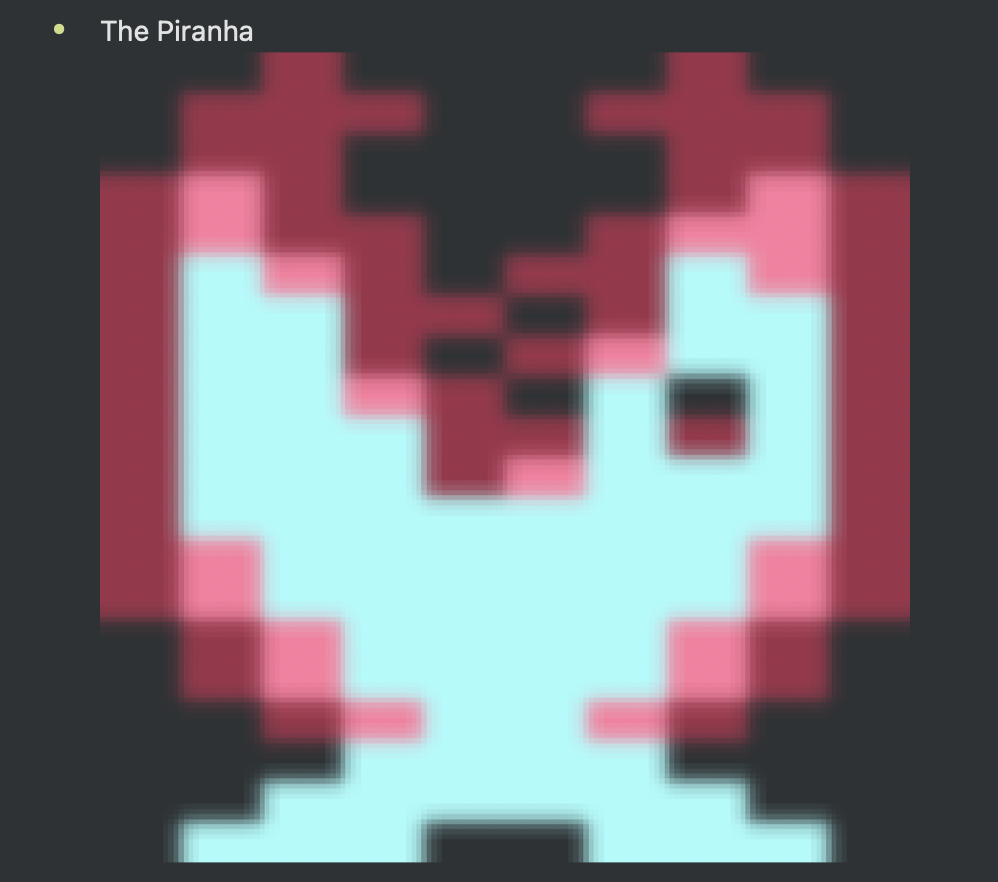
In addition: currently the resizing of small images leads to ugly results. It would be great if resizing were optional in this cases. In my example I used an image of a C64 sprite (24 x 21 px).
Marcel Dümmel: This one was fixed in the last update!
Can we really (functionally) attach images? My attachments after coming back to them sadly look like this:
Magdalena Wysocka-Dudziak: not sure if I replied already. Can you send me ([email protected]) the note where it breaks if it doesn’t contain private information? Or the note title and the image with the original name. I would like to reproduce this.
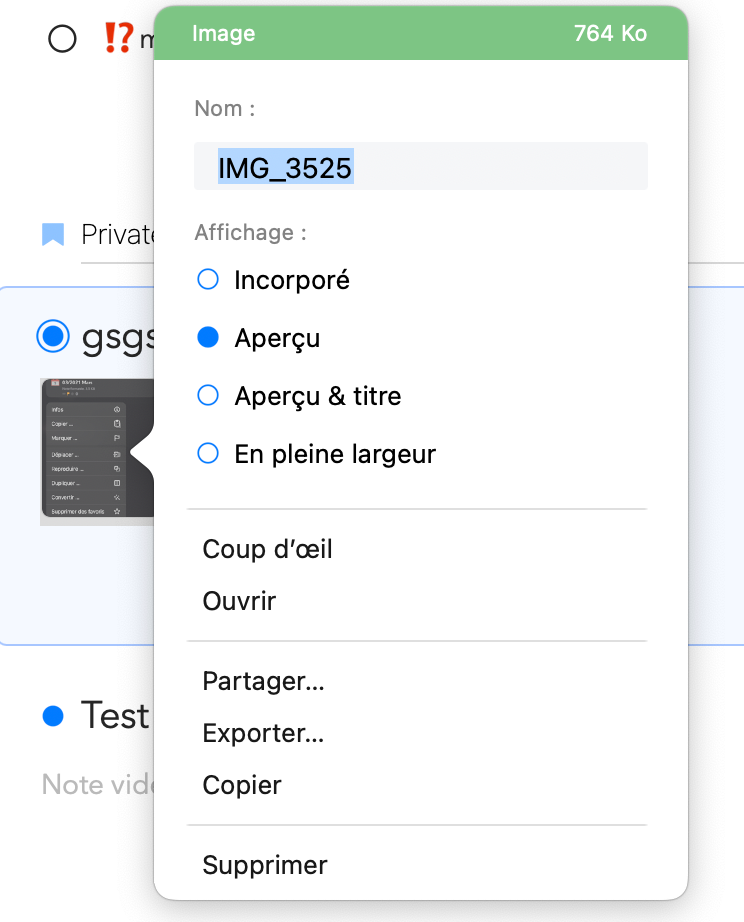
Simple would be to be able to choose if you want to display it as thumbnail or full size, etc. Basically, different fixed sizes. Ideally a full resize like Panda would be possible. I'll rename it to "Image Resizing".
Eduard Metzger: Selection among fixed sizes would be great.
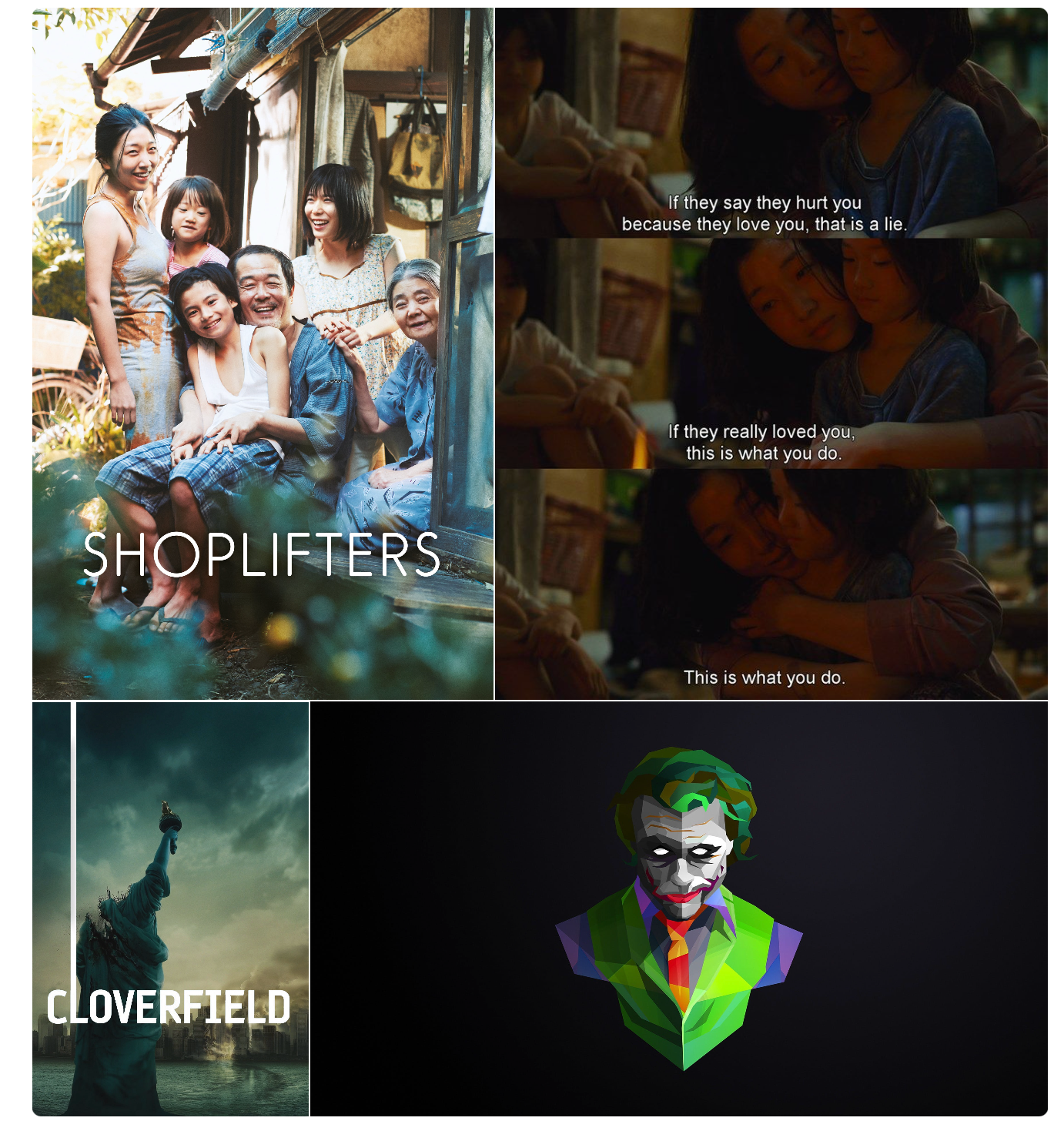
Eduard Metzger: A plus will be the possibility to add multiple images on the same line. I sometimes find it frustrating to only have 1 image on a single line...
podiboq: Fully agree!
Eduard Metzger: What's important to me is to be able to display it like a thumbnail in the note, without actually resizing the original image resolution. Which means if after that, I double-click on the thumbnail, the original image is displayed.
David Dahan: Thanks for elaborating. Yes, that’s how I understood this request as well. Another (finished) request was not to resize the original image.
Just released! You may need to wait up to 24h until it shows up.