NotePlan
NotePlan
Jul 1

Improved Email Functionality: Sending in RTF Format

I have been using the "Copy as RTF" function frequently, particularly for email templates. While this feature is useful for copying the email body, it lacks the ability to include the subject line. To address this limitation, I kindly request the implementation of either of the following options: 1. Toggle Default Function: Introduce a setting that allows users to customize the default behavior of the "Send as Email" function. This way, users can choose whether they want the Email to be in Markdown or RTF. 2. Additional "Send as Email in RTF Format" Option: Add an extra option within the application's share functionality that directly sends an email in RTF format. By incorporating one of these features, users like me who rely on email templates stored in notes will be able to streamline our workflows, eliminating the additional step of copying the subject line separately.
PendingPending

Jul 3, 2023

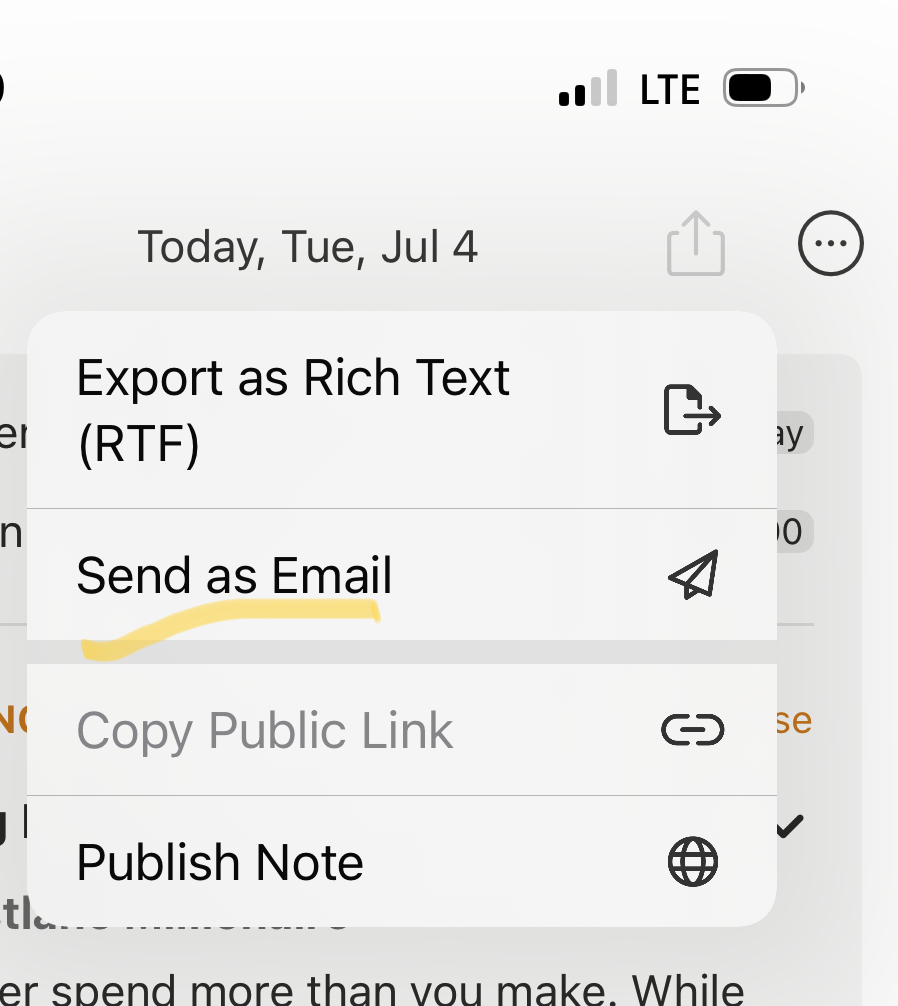
I'm a bit confused, there's a "send as email" option already, which creates an email in RTF format (on iOS in HTML), see attached screenshot. Did you see it? This will copy the title of the note and the invitees if it's a meeting note. The issue with markdown vs RTF is that email software normally doesn't understand markdown. So it would be all look like code a bit: ``` ## Heading * [ ] some task in **bold** ``` Please clarify, if I got it wrong!

Jul 4, 2023

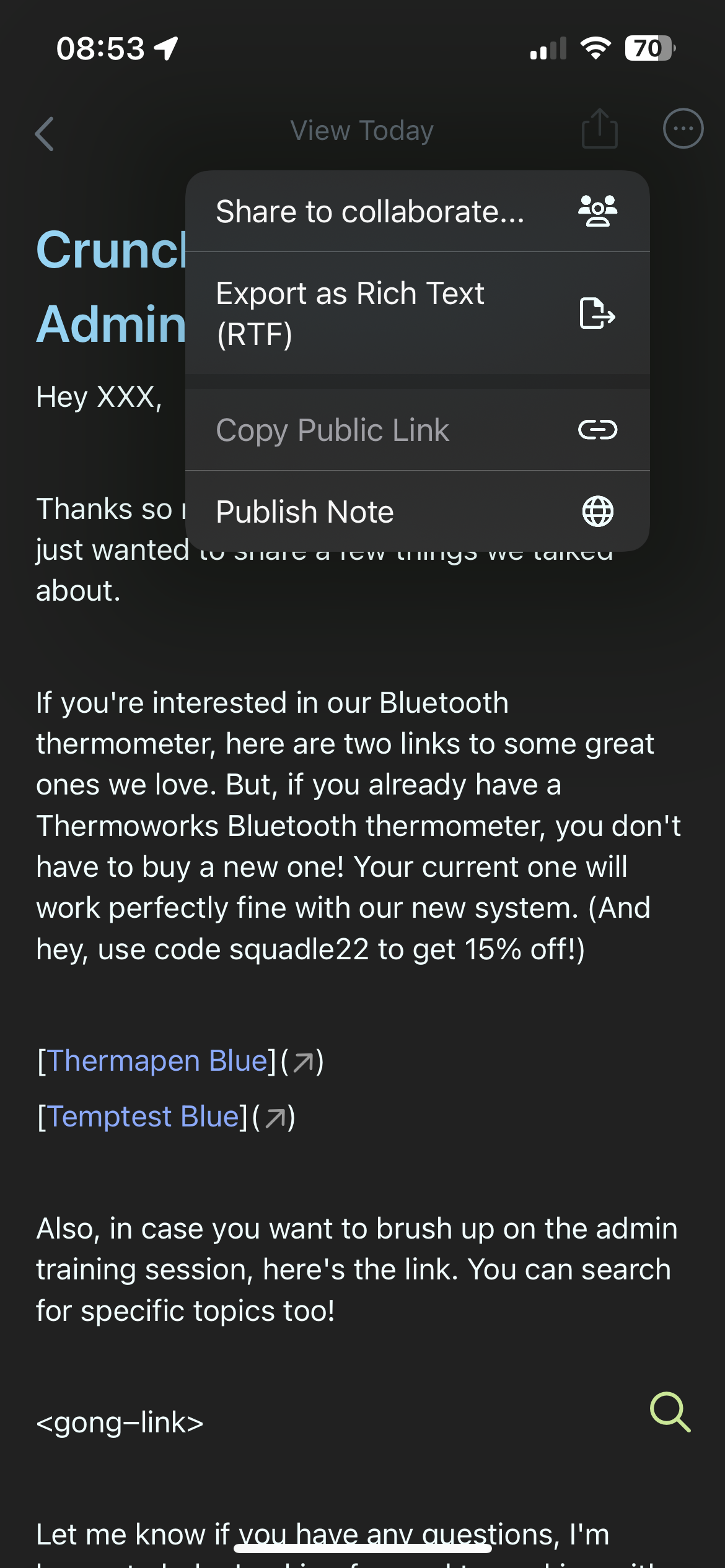
Eduard Metzger: on ios there is no option to share to an email, it only attaches itself as a document. Send as email does not act the same way as copy as rtf. i’ll add a screenshot of this asap when i am back in front of my computer.

Jul 4, 2023

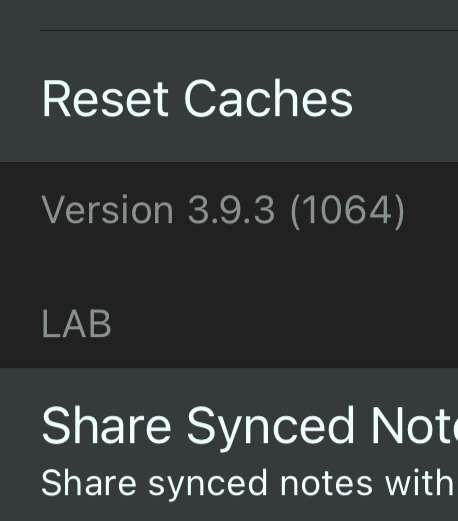
Skye Henderson: I see, thanks for sharing. Please check if you can download the update, it's also available on iOS since the last update about a month ago.

Jul 4, 2023

Eduard Metzger: is this not the latest version, i don’t see any updates.

Jul 4, 2023

Eduard Metzger: https://s.tape.sh/sSOOYPl5

Jul 4, 2023

Skye Henderson: Yes, that's the latest, do you see the "Send as Email" option in the export (or "share") button menu of any note?

Jul 4, 2023

Eduard Metzger: no, they all look the the screenshot i already sent.

Jul 4, 2023

Skye Henderson: I see, somehow the links work in Apple Mail. I need to check what goes wrong with Spark

Jul 4, 2023

Eduard Metzger: thank you!!!!

Jul 4, 2023

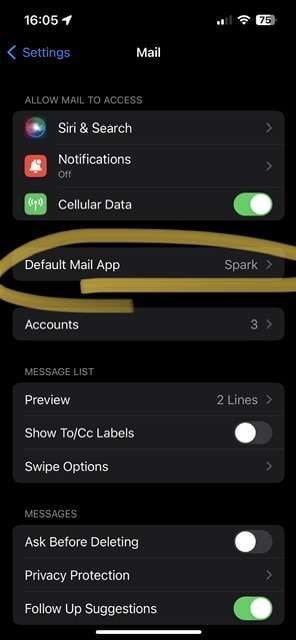
Skye Henderson: Ok, you don't see the button because your iOS can't send email this way. Do you have Apple Mail installed? It only works with that unfortunately.

Jul 4, 2023

Eduard Metzger: gotcha. i don’t have it installed because i hate to have my email on here twice and. is there any chance you will consider adding functionality to send with your default email app set in the ios settings?

Jul 4, 2023

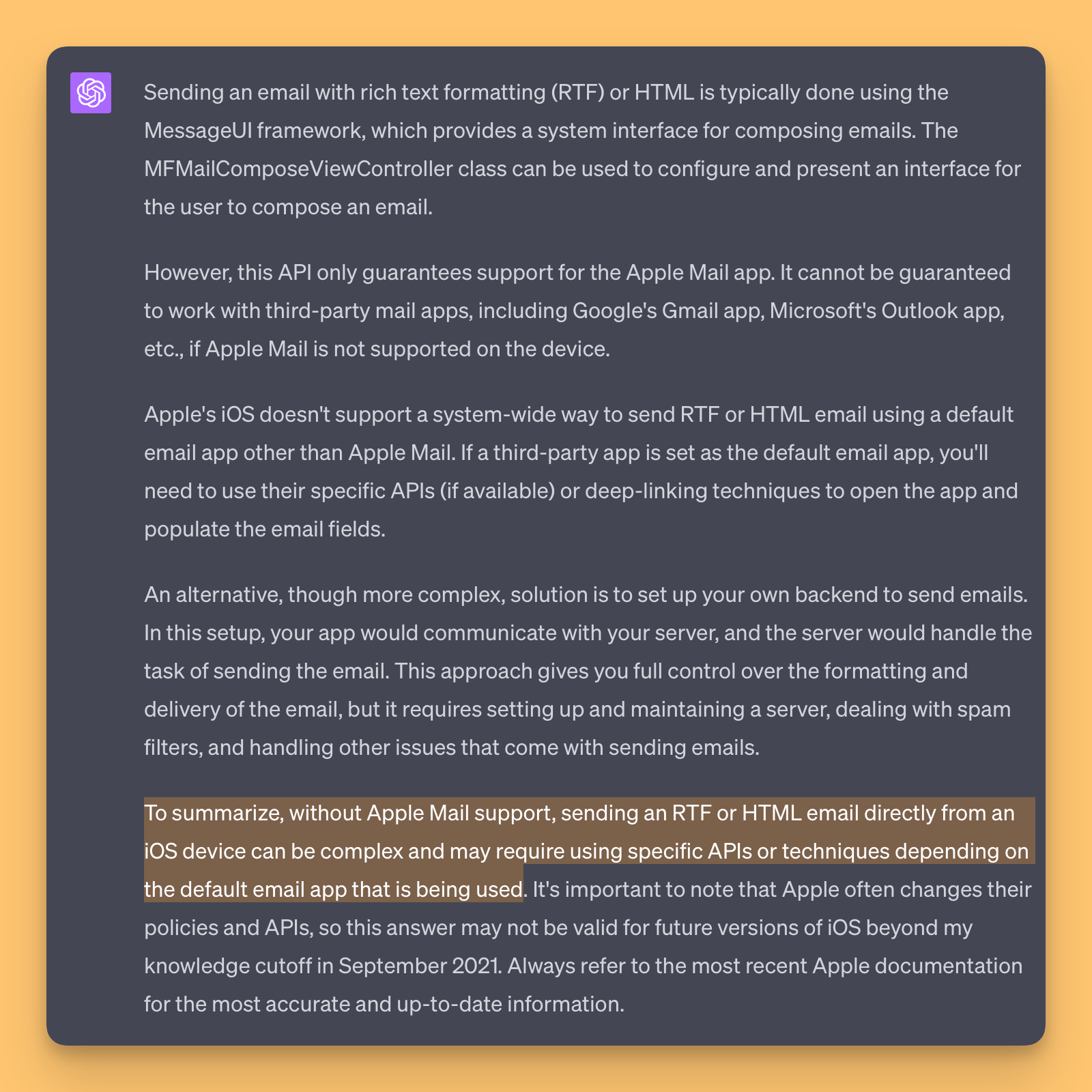
Skye Henderson: If it would be possible, yes. But it seems only Apple Mail is supported using this specific function. Or I need to implement something for individual email clients, using their functions. Not sure if this is possible. See attached what chatGPT says.

Jul 4, 2023

Eduard Metzger: gotcha, thanks for figuring it out! the desktop app is the most important to me. your consideration for the ios is appreciated, i may be the outlier here and it’s okay if you’re not able to.