
Feb 16
(macOS) I right-clicked on a task in the references area, and the menu opened there, but the highlighted task is not the one I clicked on
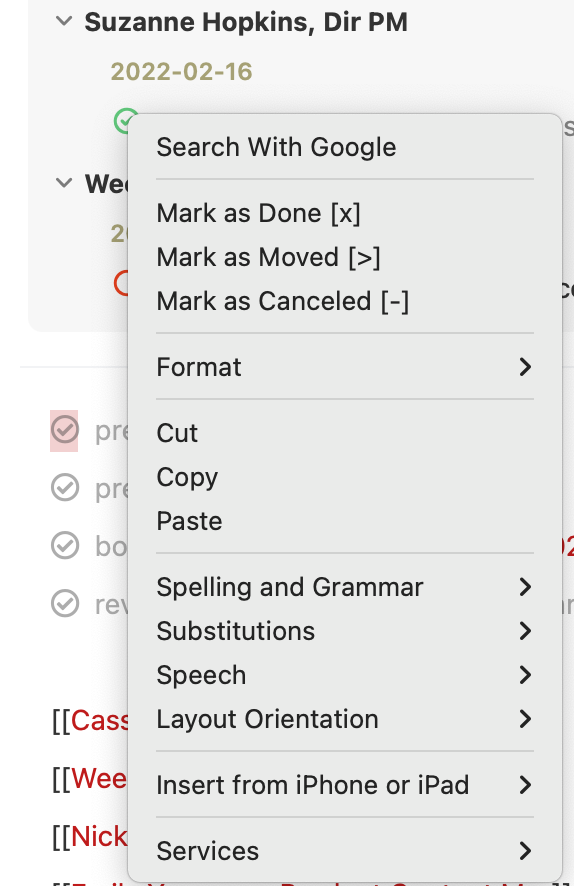
I right-clicked on a task in the references area, and the menu opened there, but the highlighted task is not the one I clicked on; instead, it is the first task in the note below the references area. This led to mistakes and confusion.
In the screenshot you can see the menu. The item I right-clicked on is at the upper left corner of the menu, in the references area. But the highlighted item which the menu will act on is well below that.
NotePlan 3.4, macOS 12.0.1
Completed
I have removed the right-click above the reference area for now.