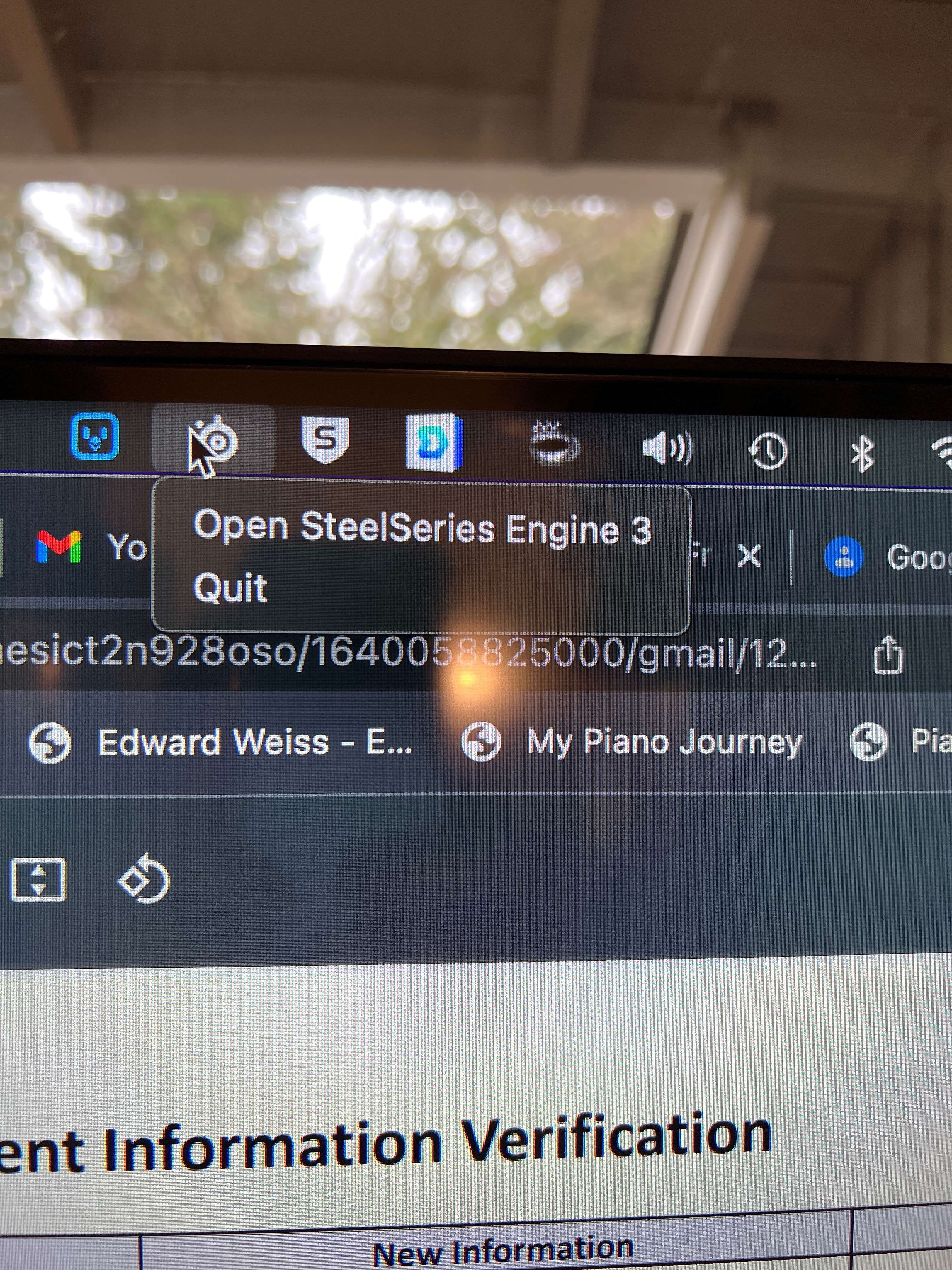
Eduard Metzger: usually they will pop up a menu which would include common actions, combined with the ability to run at login. The most minimal examples I have running now is in the pic, but I think the opportunity to do more comes naturally once you have the menu.
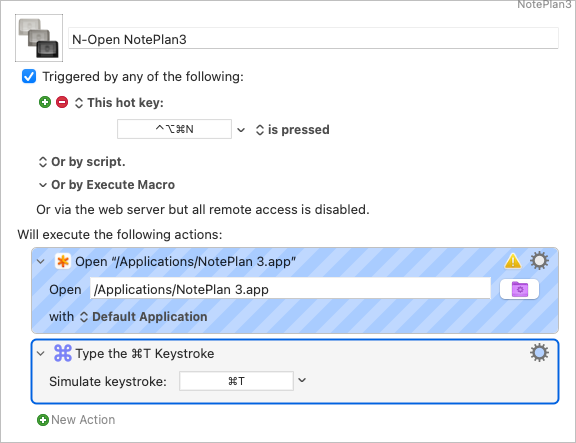
Graham Wheeler: I see what you mean. Thanks for the photo. Did you see Ted Goff's solution with Keyboard Maestro? That might work, too?
What operating system are you using? If you are using Monterey, you can do this with a shortcut and use the x-callback interface If you paste this into your browser, it will open NotePlan to today note ``` noteplan://x-callback-url/openNote?noteDate=today ``` This same construct could be used to create a shortcut that will perform this operation for you
Mike Erickson: I love the browser shortcut. I also set this up as a Keyboard Maestro macro which opens NotePlan and goes to the Today Note.
Thanks for sharing this! Do you know some apps which do it like this? Having a menubar version, which launches the real version? Isn't it almost the same to open spotlight and run NotePlan from there?