
Mar 18
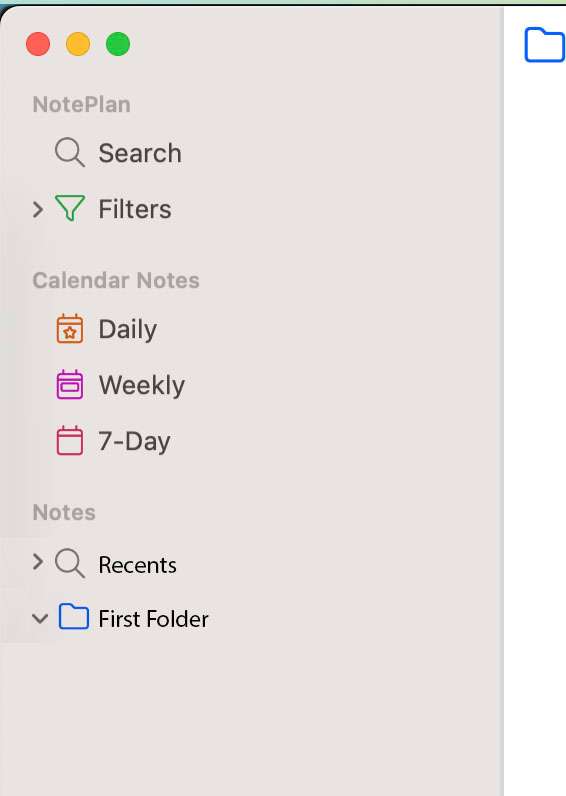
Recents Folder Improvements
Needs a keyboard command, or some way for it not to be moving up and down the folder list.
Closed
Eduard Metzger: Now I see it. I wish it were at the top, but this will do. I also need more than 5.
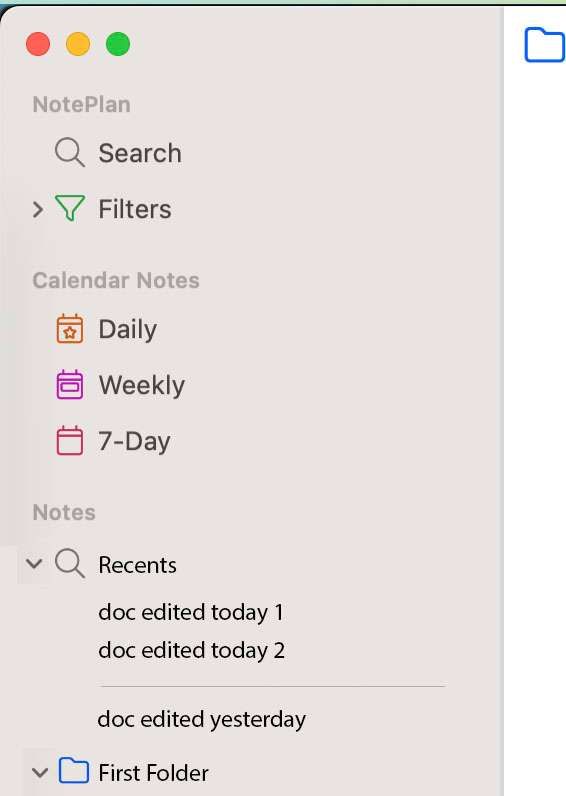
Maybe not. It feels pretty useless. It's always getting pushed away. Honestly, I may have known that it was there and just forgot because it's so useless. I need to be able to see my recents at all times. That's just how I've worked for 30+ years. My recently edited files are always right there, in a window or even the other markdown tools I use. Sure, CMD-J is awesome, but CMD-J is precisely why the recents list is constantly gone. Bear just works like I need to work. CMD-1 through CMD-6 take me to what I need the most. It's always at the top. Muscle memory. see screenshot. Maybe if I could CMD-J to Recents or to a specific folder. I already have a lot of muscle memory with CMD-J. Even better than recents, a TODAY folder would be perfect. But only if it's quickly accessible via a keyboard command, even CMD-J. Maybe having a link on your daily note (something I would do manually if possible) that brings up all of your files edited today would be another alternative. Maybe there is a way to make a plugin or script for that. I've just found that to be incredibly buggy. Even the template feature is really buggy. Honestly, if Bear comes out with Daily notes and basic todo management, I'll probably switch back. NotePlan is awesome at managing toDOs but awful at managing files. I've explained my stance on that in multiple posts. You can only move one file at a time? Scrolling is a nightmare. If the folders expanded into a new column, that might be useful and create more object permanence. Kind of like column view in finder. It raises questions about the tags and other groups. If that stuff were at the top, like bear, you could expand folders to a second column no problem. Sure, I could just NOT use the folder feature in Noteplan and then everything would sort to the top. But I shouldn't have to do that. Actually, if it worked like bear with a column for tags and a column for documents, it might work for me. The constant scrolling is just a nightmare.
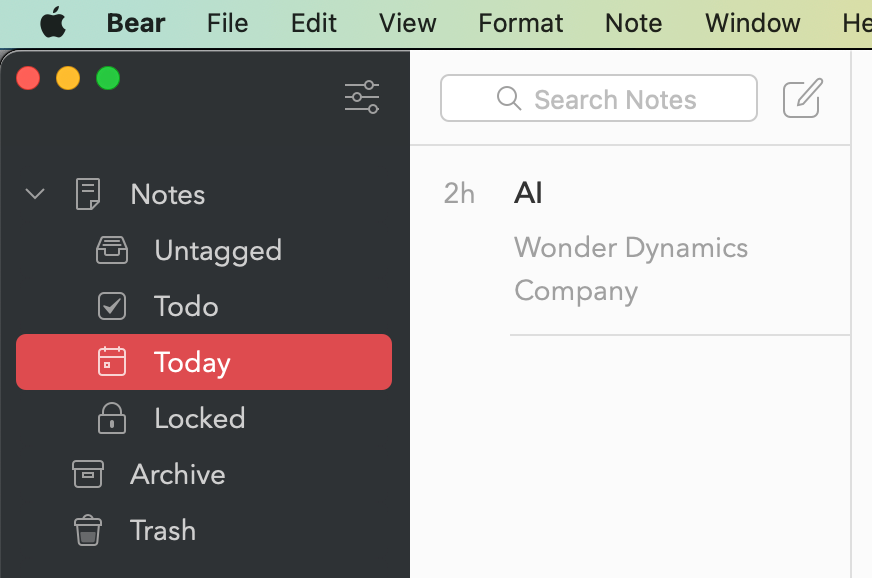
Eduard Metzger: Is this new? I never noticed it before.
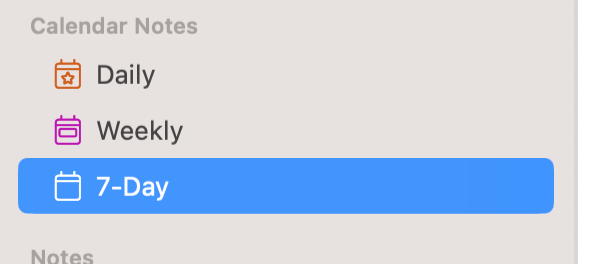
Martin Rigby: The 7-Day view is there since a long time.
The reason I hadn’t seen it is because I almost exclusively use the iOS app. My iOS NotePlan is bricked so I’m using desktop now.
Do you not see this in your sidebar already, towards the bottom?
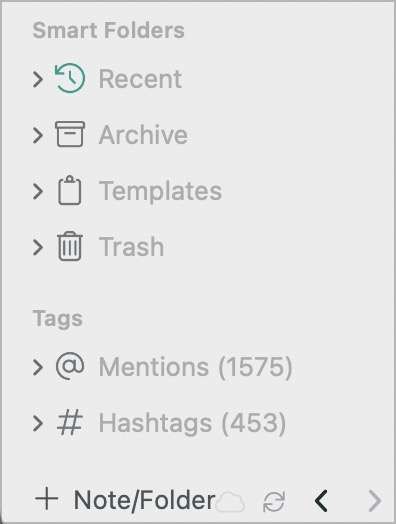
Jonathan Clark: I do now.
It constantly disappears, so I probably knew it was there originally and just forgot since it's always gone. As far as I know there isn't a keyboard shortcut to get you there and scrolling is a nightmare.
And maybe it goes back a week, or could be a setting.
Uses: 1. If I see duplicate names, I can quickly see what was edited today. 2. At the end of the day, I can drag everything edited today into the Today note, so that each note references the correct calendar note. 3. I can quickly put everything edited today into the correct folders. 4. Works as a great, end of day journaling tool to reflect on what you worked on.
I need this because it reflects my workflow in the finder. It's nice that you can set the sort to the top of each folder, It would still be great if I could quickly see everything I edited today in a Recents, or today "folder/search" as illustrated in the attached. "Recents" might would be even better with a divider after stuff edited today.
Thanks for the suggestions for Recents, like Jonathan Clark mentioned, we already have a recents, did you see it? Also, an alternative is to use CMD+J without search terms, then you also get a list of recently edited notes. It shows more than the recents folder. Let me know if this solves it!