
Jan 26
RTL Language Support
Please add RTL language support
Completed
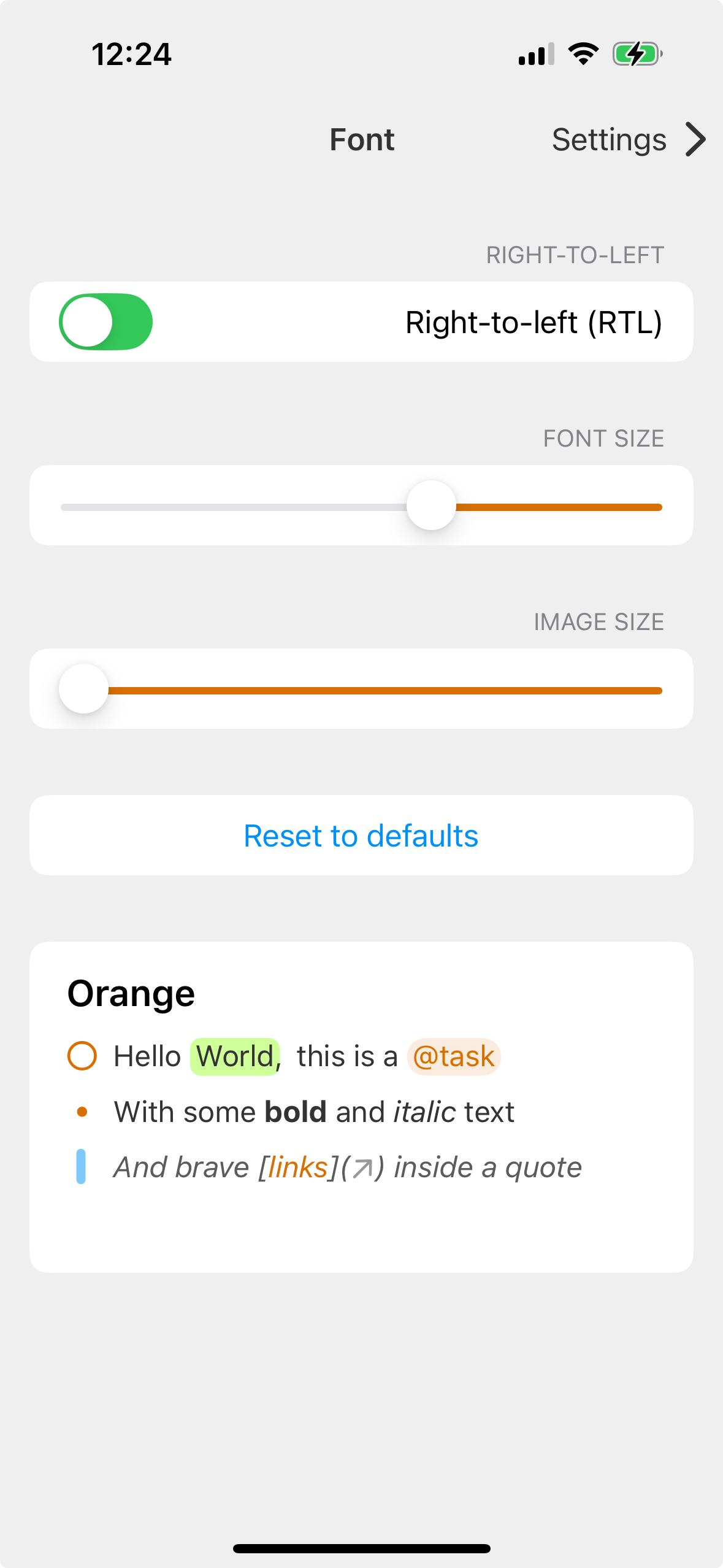
Coming in the next beta. A way to force the complete UI to RTL. I hope it improves also the text behavior, but I'm not 100% sure.
Please Please Please
Please also add RTL interface option
90% of the implementation is done, but some bugs remain which are planned for later to be fixed.
I have a solution, but I need help testing it. So far I have identified following language codes: ["he", "ar", "ur", "fa"]. Anything else? Feel free to check this alpha, but make a backup of your data first! https://noteplan.co/download/NotePlan-3-Beta-736-AppStore.zi… https://noteplan.co/download/NotePlan-3-Beta-736-Setapp.zip
Eduard Metzger: Would this work for someone with a Setapp subscription? I tried searching quickly, according to Wikipedia, Arabic, Hebrew, Pashto, Urdu, and Sindhi are the most widespread RTL writing systems in modern times. I'm not sure if you're considering top-to-bottom, right-to-left (TB-RL or TBRL) scripts such as Chinese, Japanese, and Korean. That being said, I'm happy to help test the "he" part and share findings.
Daniel Danilov: For Setapp I better make another beta and post it here. But I think I covered Arabic, Hebrew, and Urdu. Sindhi and Pashto I need to check if I can find the appropriate keyboard layout on macOS.
Oh second question. Top-to-bottom maybe later. First lets see if RTL doesn't have some unwelcome side-effects.
Daniel Danilov: Setapp link added to the original message above.
Eduard Metzger: Thanks! I've done some quick testing, overall it's a great step forward! Here are a few situations I've noticed: https://cln.sh/GcZoUhCmx0ArCpWs4eKP - when jumping to English note, everything displays RLT https://cln.sh/91VkqOVIaS8hHh6K33cX - "new task" appears out of screen https://cln.sh/hiVZu4l0z2Z2afPcp37B - empty marked task jumps to the left https://cln.sh/kNLHsOPpR9jpYqwG0xaH - the above is also true for daily notes https://cln.sh/K1f68pALDojusxKnEi5D - English (title) note with Hebrew content appears on the right side, Title should be on the left side. https://cln.sh/SvfQugh15GnYRHWpo1b4 - subtasks not showing visually until content is added https://cln.sh/dyYjDMMFKSSTaqMCkN84 - when entering brackets ]] or [[ - it displays the other way around in RTL. https://cln.sh/4JEmfq2fD61ShDuoRPh7 - the + and dots to manage individual lines appears on the left, which can be hard to match to the correct line. I think it should be on the right. https://d.pr/i/MMhdbN/5l2gk9hA7e - references should also appear on the right on RTL notes I hope this helps!
Eduard Metzger just making sure you saw this, and also referencing a relevant article that might be helpful: https://blog.prototypr.io/dont-be-backwards-2573b117c5d9
Daniel Danilov: Thanks! Have fixed a couple of them. Some are a bit hard but one bug remains, completed tasks display a bit incorrectly, still RTL, but with a problem. Will check this out a bit later.
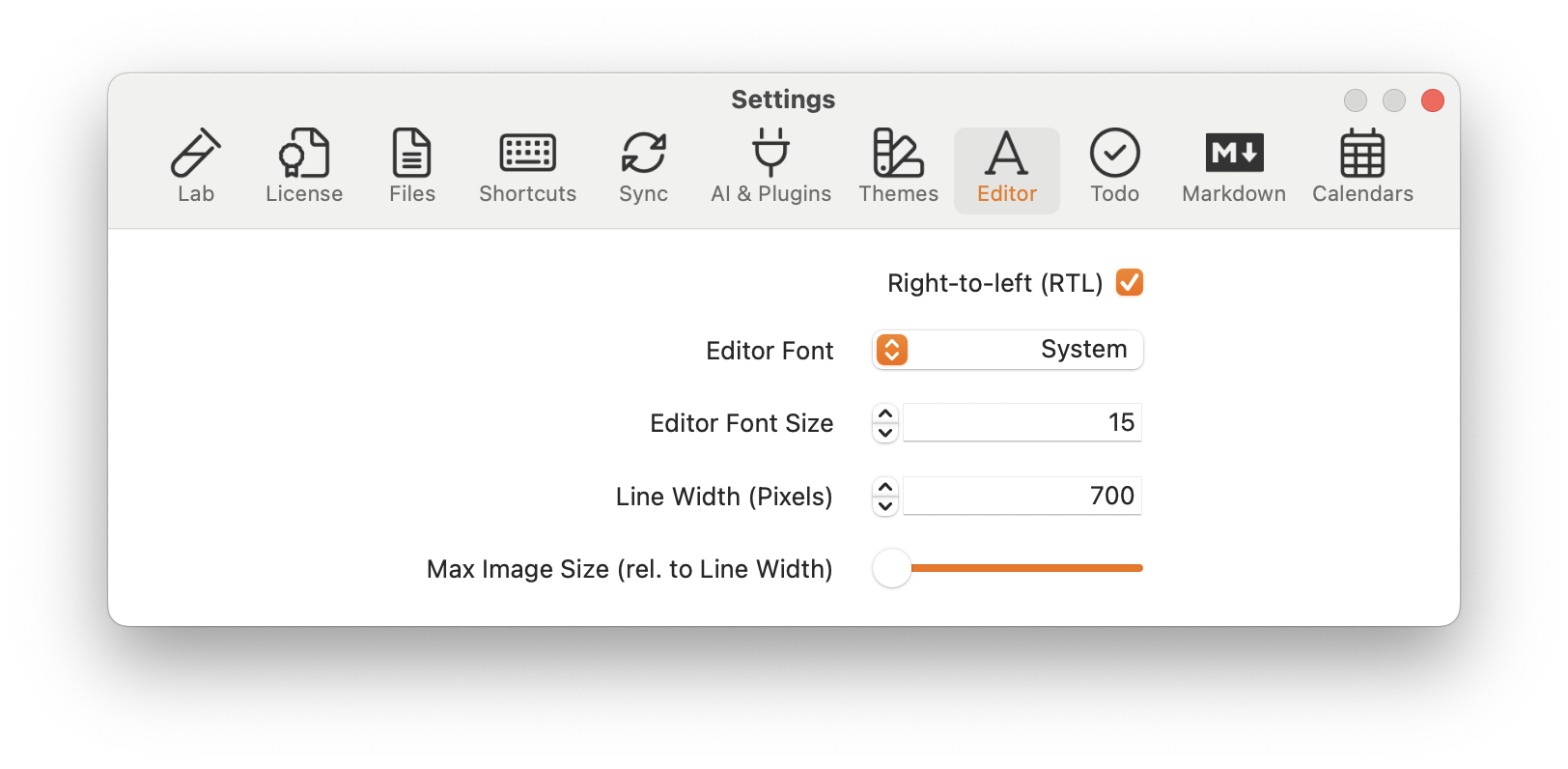
Closing for now, the RTL setting has been added in the latest App Store release under "Editor".