Michael Carroll Eduard Metzger - I'm also experiencing this issue in 3.9.7.
Matt: Thanks for pointing this out! I just checked on my side and it seems to work fine with my Downloads folder. Can you reproduce this consistently? Like linking a file in a note, restarting NotePlan and after that you can't open it anymore?
Eduard Metzger: Thank you for confirming. It appears this was probably a false alarm. When I relinked the file, it worked fine. In fact, the file likely had been moved or deleted, as I cannot find it at all. Thus the error I experienced ("The application “NotePlan” does not have permission to open" [filename]).
Available in the latest beta! See the Discord #releases channel.
Issue is fixed now. Will share a beta soon on Discord.
This seems the best solution to accessing non-text , non-image files. the user (who should know best what might work for them) can then manage the files, and link to them from NotePlan. If stored on iCloud files, might the same link work also in iPadOS (There are some files for which there are editors for both iPadOS and MacOS, where being able to jump to the file from ma project note, but open it for editing in the native app would bring benefits. This would extend the core advantages of NotePlan in managing projects, whilst avoiding the 'everything bucket' elephant trap.
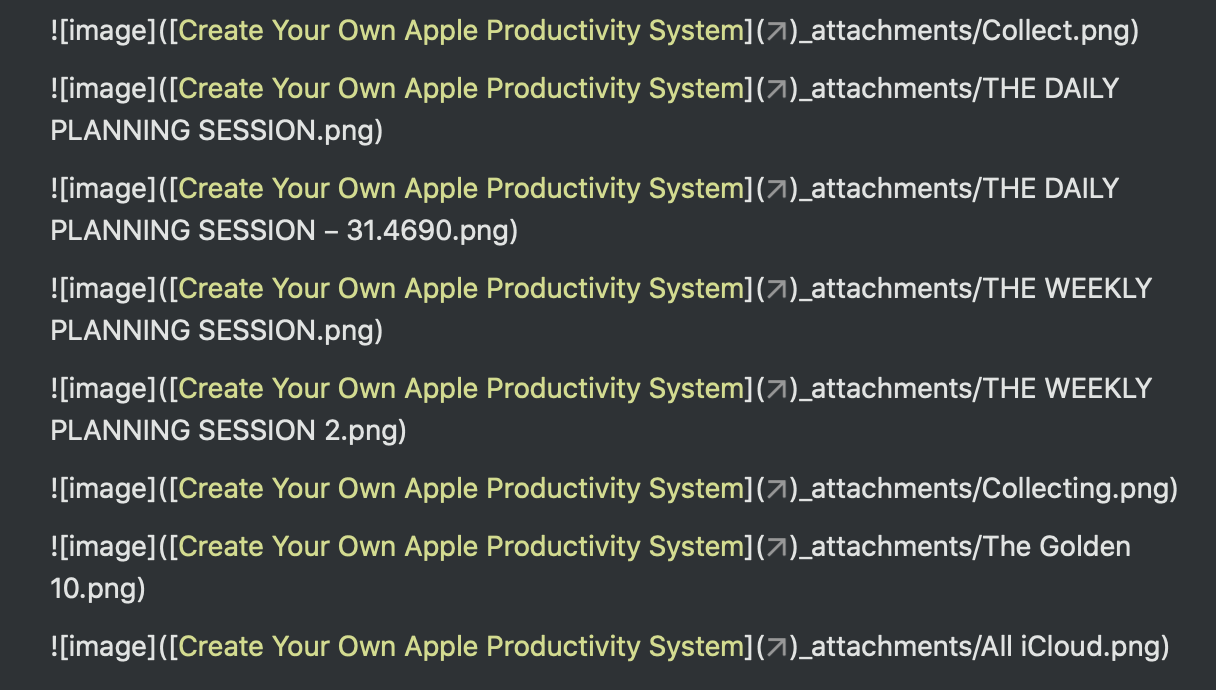
I have the same problem. The images look great, but when I leave the note and go back... this happens.
Magdalena Wysocka-Dudziak: This looks like a different problem. Possibly the issue is that you have round brackets "(" or ")" in your note name or image name?
Eduard Metzger: No, no brackets. The strange thing is that in some subpages the very same images work just fine 🤔
Magdalena Wysocka-Dudziak: Can you copy the full url for me and send it? If you copy it, NotePlan will reveal the full path. What you see is a partially hidden path in the screenshot. Then I can check what might be going wrong.
Eduard Metzger: There's no url. It's a file from my iCloud. When I tried the image from my photo album it didn't work either.
Eduard Metzger: Besides we started this discussion by email, remember?
Magdalena Wysocka-Dudziak: Yes, I need some sample note to fix this. I don't see it in my notes and don't get other reports. Best is if you can just send me the full, plain note. From here I can only guess. But I can already see in your screenshot, the URL (path) contains square brackets which conflict with the link syntax.
This would be a SUPER powerful feature!
This is marked complete, but this issue with the latest, Version 3.9.3 (1069), still exists.