
Jan 10
"schedule" a synced line to a date or a note
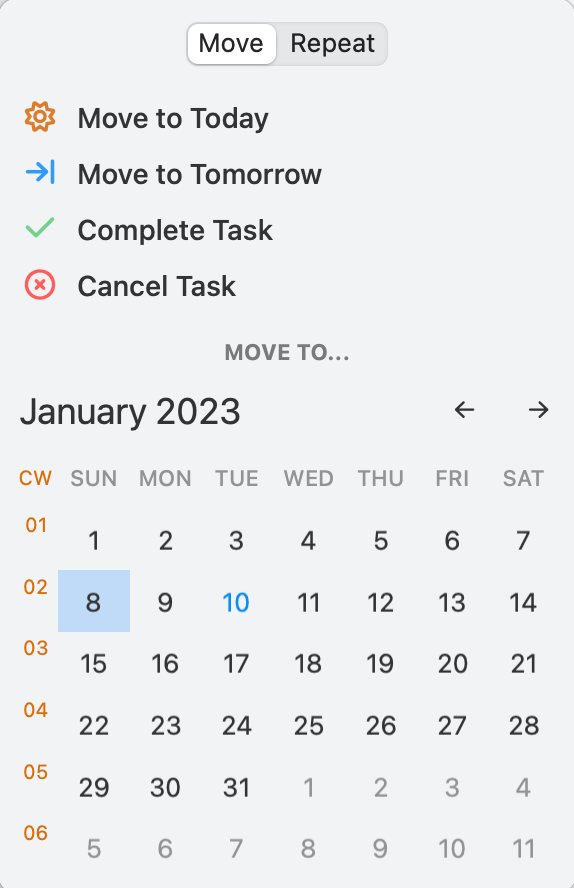
It would be nice if one could use the scheduling interface with calendar to click to copy a synced line to a date.
Right now, when "scheduling" a task that is a synced line to another date, the blue sync star is lost.
A similar interface to copy a synced line (task or not) to a note would be nice as well. A nice option would be a search field and the most frequently used notes below the calendar that pops up when clicking on the arrow to schedule a task.
Pending
A workaround is to add the date link as >2024-04-27 or [[20240427]] before the blue star. Or to copy some text preceded by a space and paste it behind the star. The blue star is then locked in the middle of a text, and the line is still synced. I actually like this better visually than having the star at the end.