NotePlan
NotePlan
Nov 4

Scroll Past End of Document

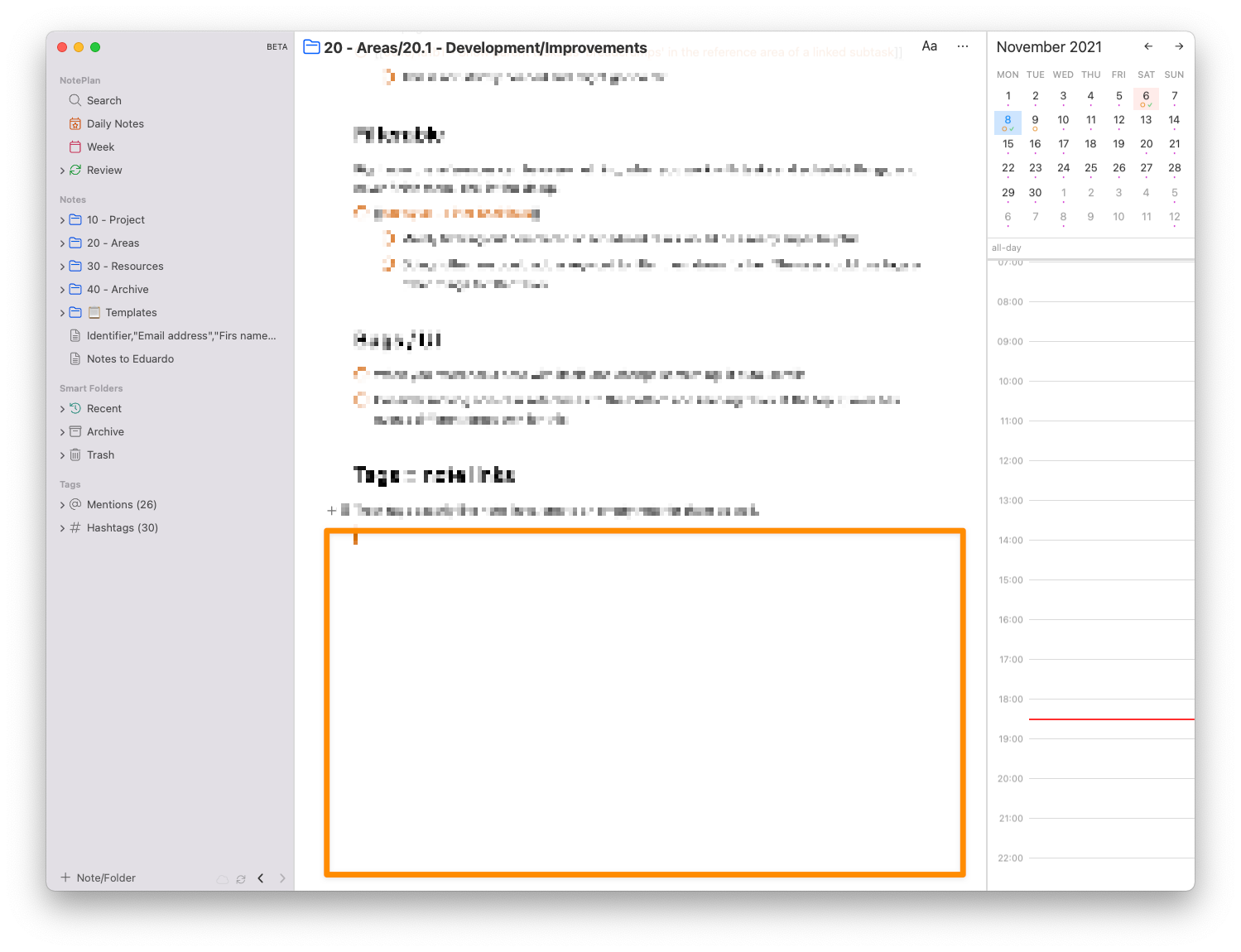
Being able to scroll past the end of a document would make editing a much better experience, especially on large screens, rather than having the typing position constantly at the bottom of the screen. The current work around is simply adding multiple line breaks to the end of a document, but that's not a very good user experience. For example, Typora has typewriter mode which places the end of a document at the middle of the screen, and Sublime Text has a preference for allowing infinite scroll past the end of the document.
CompletedCompleted

Jun 16, 2022

Looks like we can now scroll the content all the way out of the viewport. That seems too far. Putting the last line at 1/3 to 1/2 the height of the view port from the bottom seems like it would do fine.

Nov 8, 2021

Have adjusted it further up. Will be available in the next beta/release.

Nov 9, 2021

Eduard Metzger: Wow.... thanks so much!

Nov 4, 2021

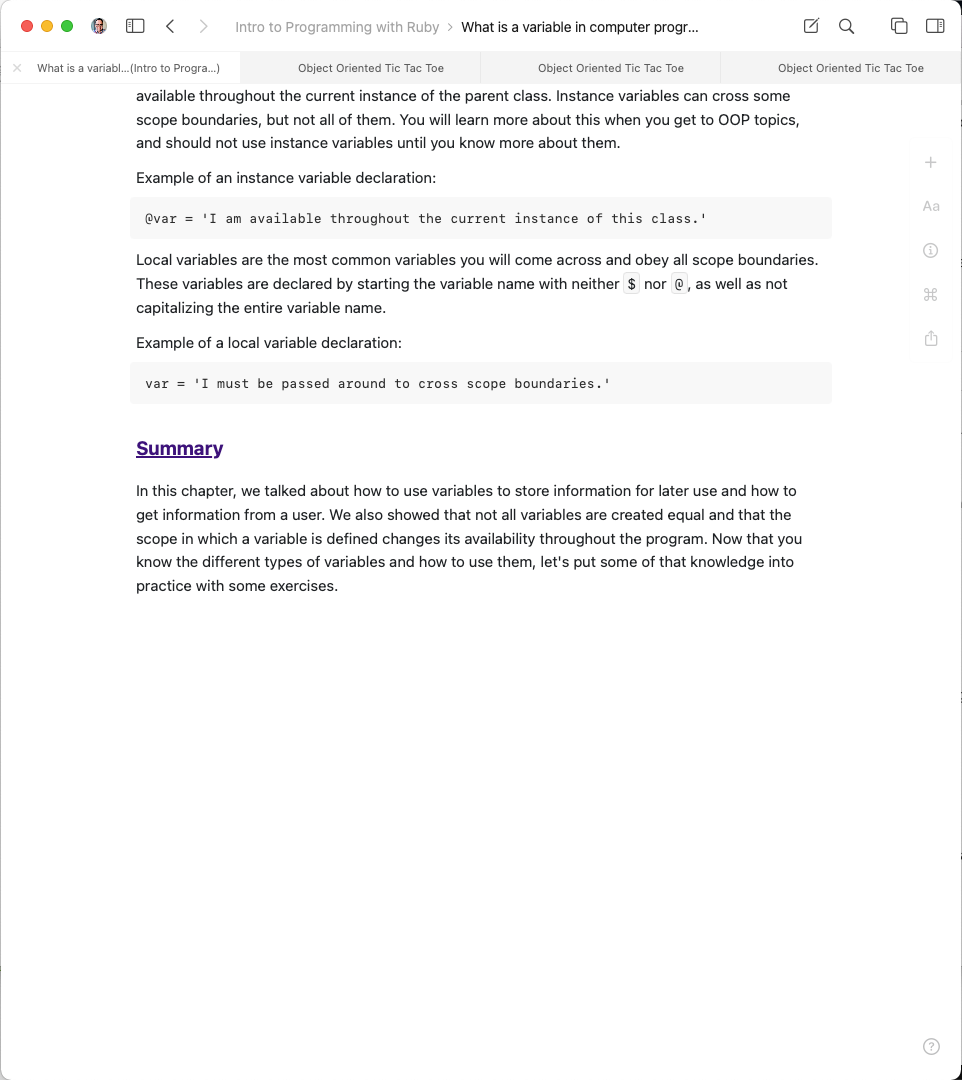
I really try not to be one who is comparing one product's features with the features of competing products, but both Obsidian and Craft put the last line around the middle of the screen height as well. It's just such a more comfortable writing experience.

Nov 8, 2021

Wayne O.: Thanks for sharing this, I just wanted to ask if you have seen this in other apps, I can confirm in Obsidian you can scroll quite high up!

Nov 8, 2021

Eduard Metzger: Craft puts the last line at the midpoint, while Notion puts it about a third of the way up from the bottom. See attached screenshots. Thanks!

Nov 8, 2021

Here's a screenshot of Typora in 'typewriter mode'.

Nov 4, 2021

I have often thought the same thing. I live inside VSCode all day and it supports this functionality, and I have often thought it would be nice to have in NotePlan! Good request