
Apr 26
ShareExtension on iOS should create markdown links
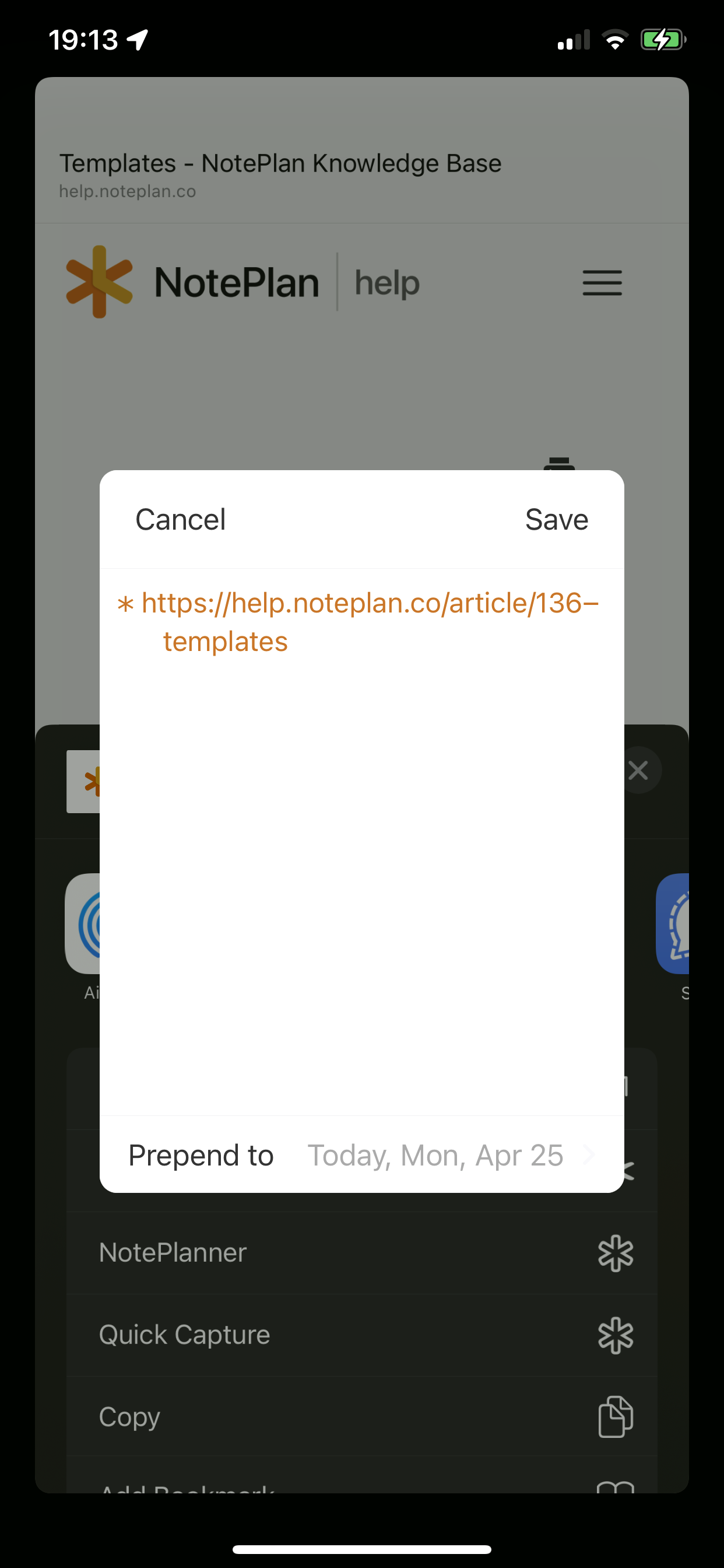
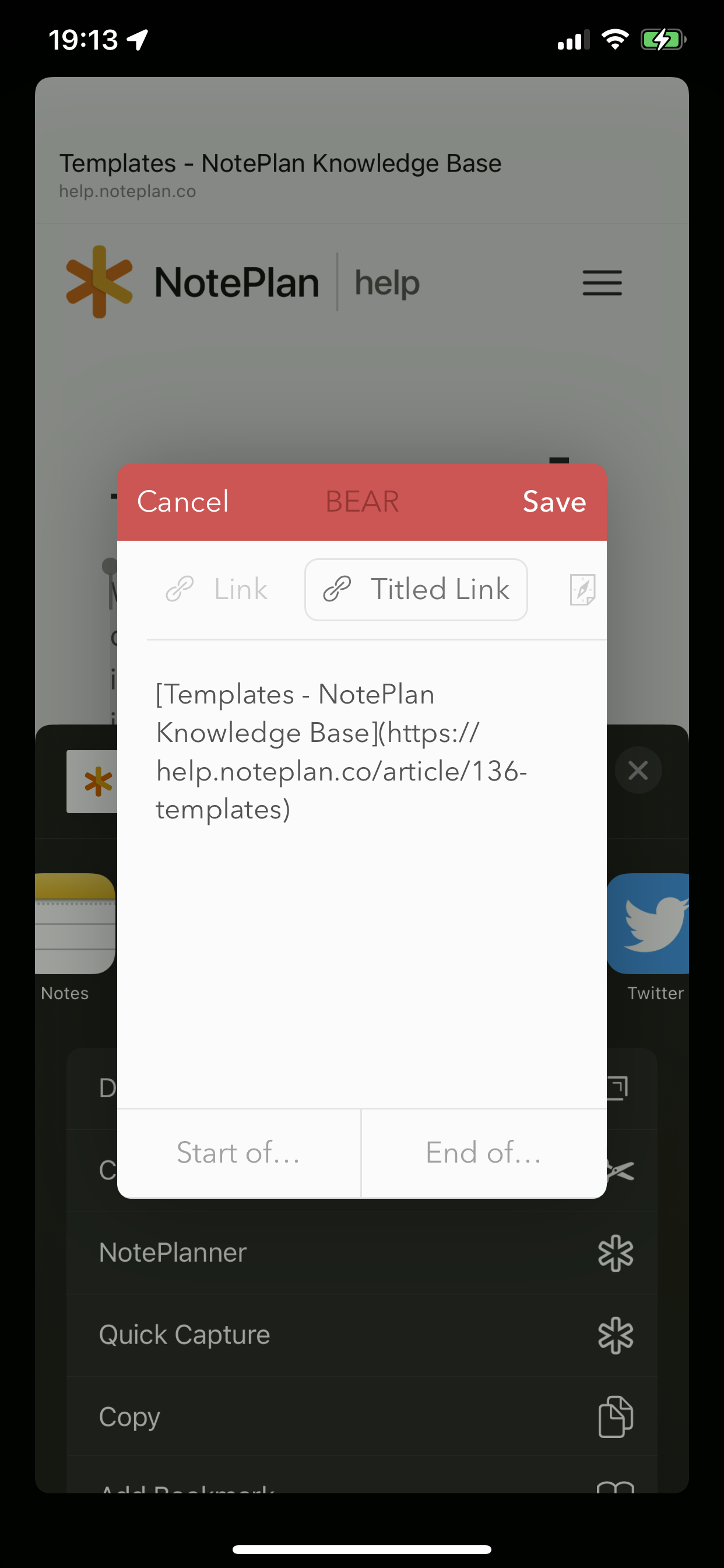
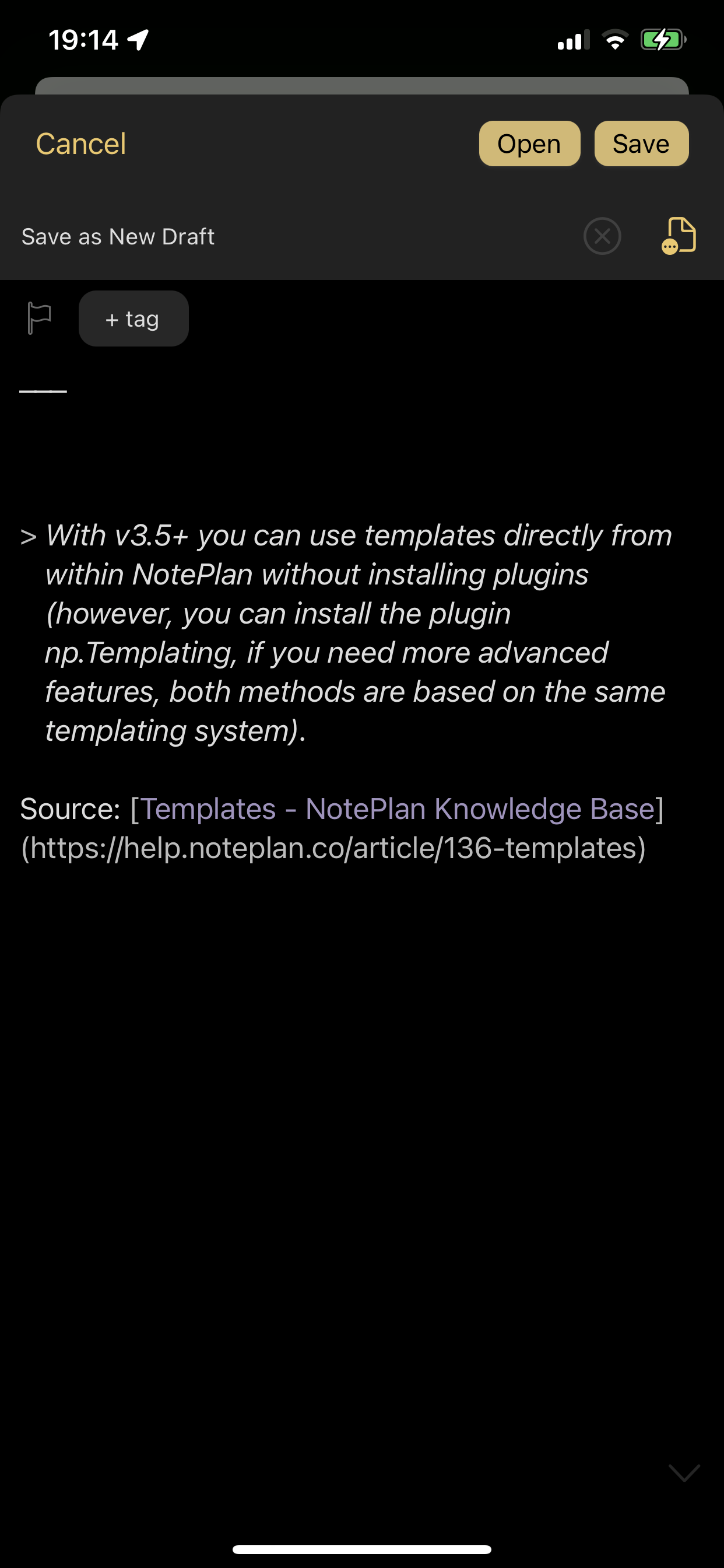
The current NotePlan share sheet functionality has the option of importing a link as a task only to the daily notes. Suggest adding the option for prepending or appending a smart link and text to a list of recent notes.
Figures show share sheet options for NotePlan, Bear, and Drafts.
Pending
HI Eduard Metzger , now that you’ve perfected the shortcuts and added support for multiple media formats, wouldn’t it be great to refine the share extension of NotePlan as well?