
Oct 16
Show all connected event/meeting notes in the references of that day
If a note has a link to a event with date 2022-10-18, clicking on 2022-10-18 should have some option to find that note (I created a separate feature request about filters for these cases).
Original request/bug:
When clicking on a date in the calendar, a reference to all notes that have a event with that date references should show up
For example: If I have a linked note to an event with date 2022-10-09, clicking on 2022-10-09 should have an option to resurface all references to that date
Currently only daily notes with that date are resurfaced
Pending
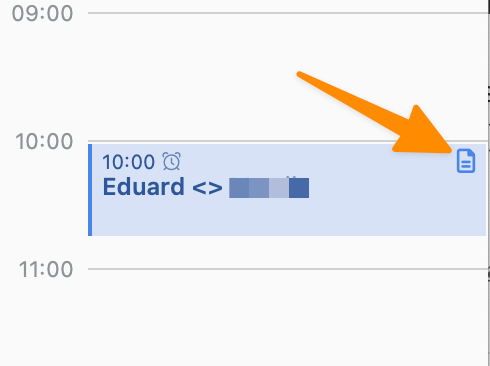
I’m not quite sure what you mean. Where do you click on the note that is linked to an event? In the context menu of the event or in the sidebar? And what should happen? The date should be selected in the monthly calendar? > Clicking on a calendar date should give the option to display all notes that are linked to events on that date So instead of showing the daily note it should show all linked notes to that day or you want to see all notes that are linked to events also visible at the top in the references area? Screenshots would help here a lot!