
Apr 11
Synced lines seemingly not working in NotePlan v3.8.1 for MacOS
When I command-drag, option-drag, or control-drag a line from one note to another, the line is merely moved and does not be come a synced line.
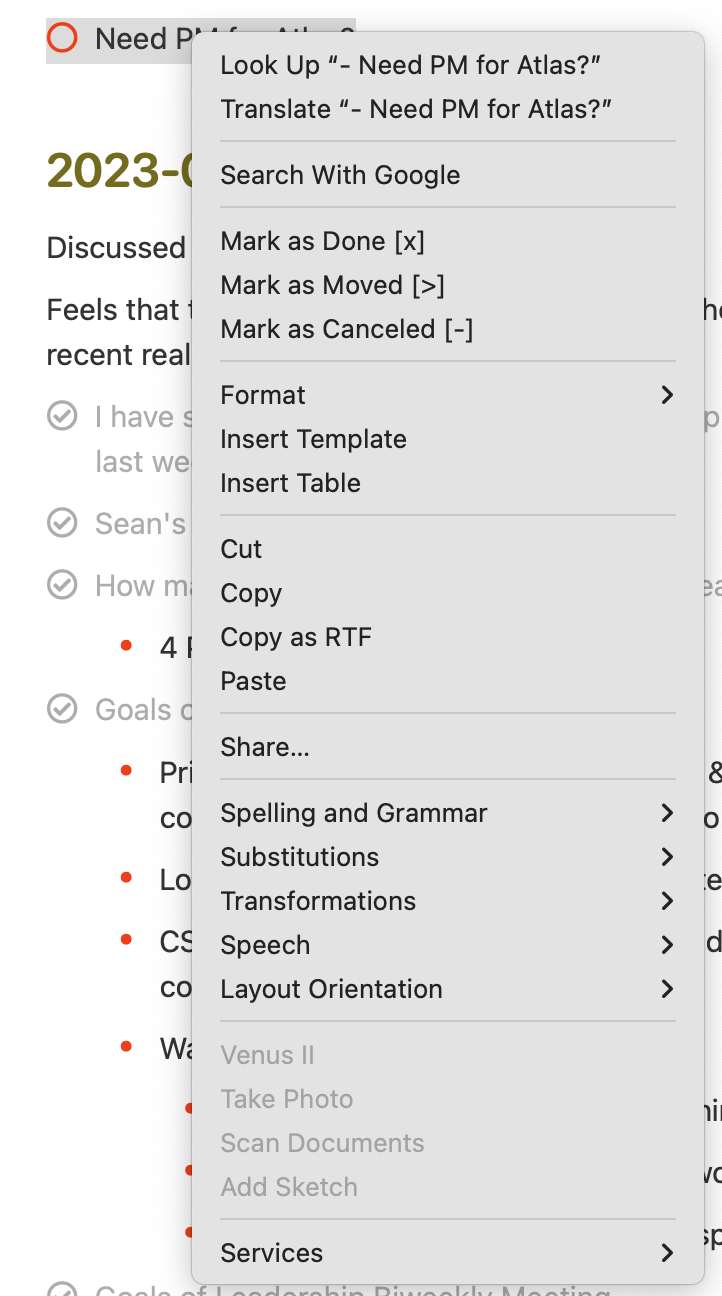
When I right-click or control-click on a line in a note, I get a long context menu but it does not include any mention of synced lines. Screenshot attached.
Closed
Never mind. I see that this is a click item, not an alt-click item.