
Mar 15
Tighten Editor Displayed Line Spacing
The **default** line spacing between paragraphs has too much white space, but **no line spacing** looks perfect on-screen -- it would be great if the user could adjust the displayed line spacing and tightened it up from **Pref > Editor**
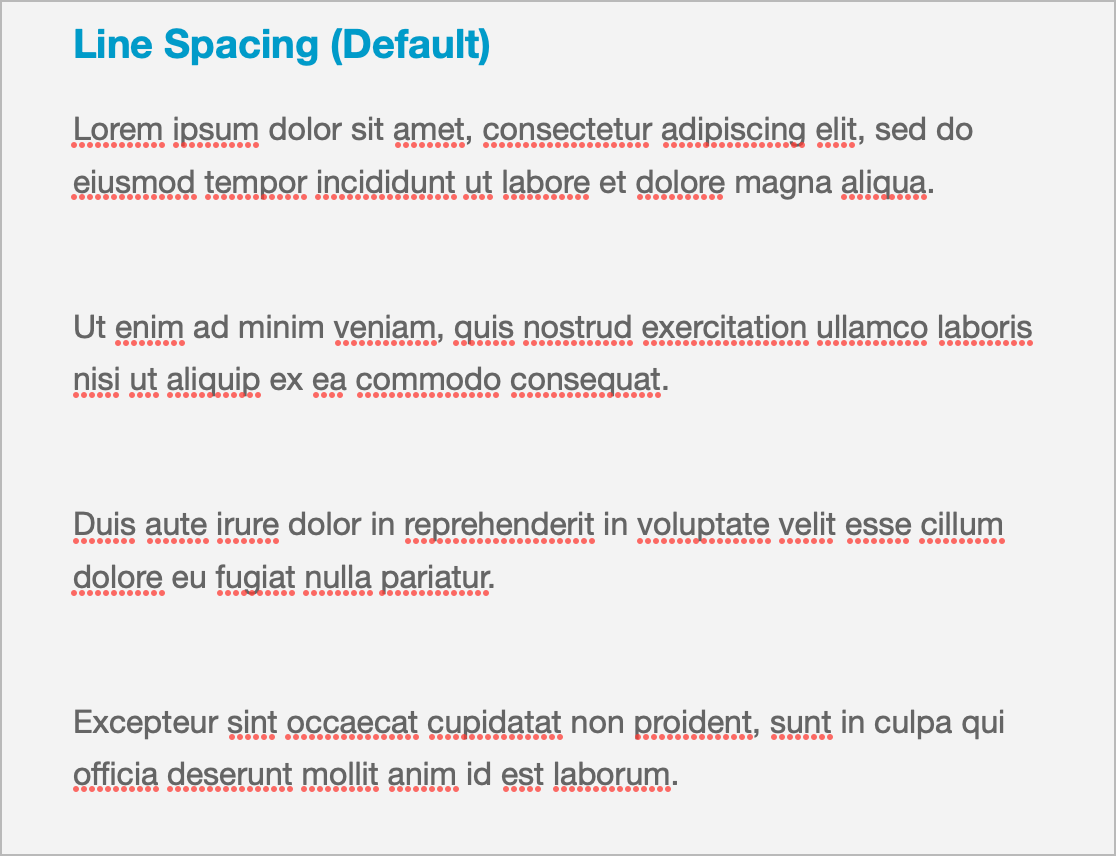
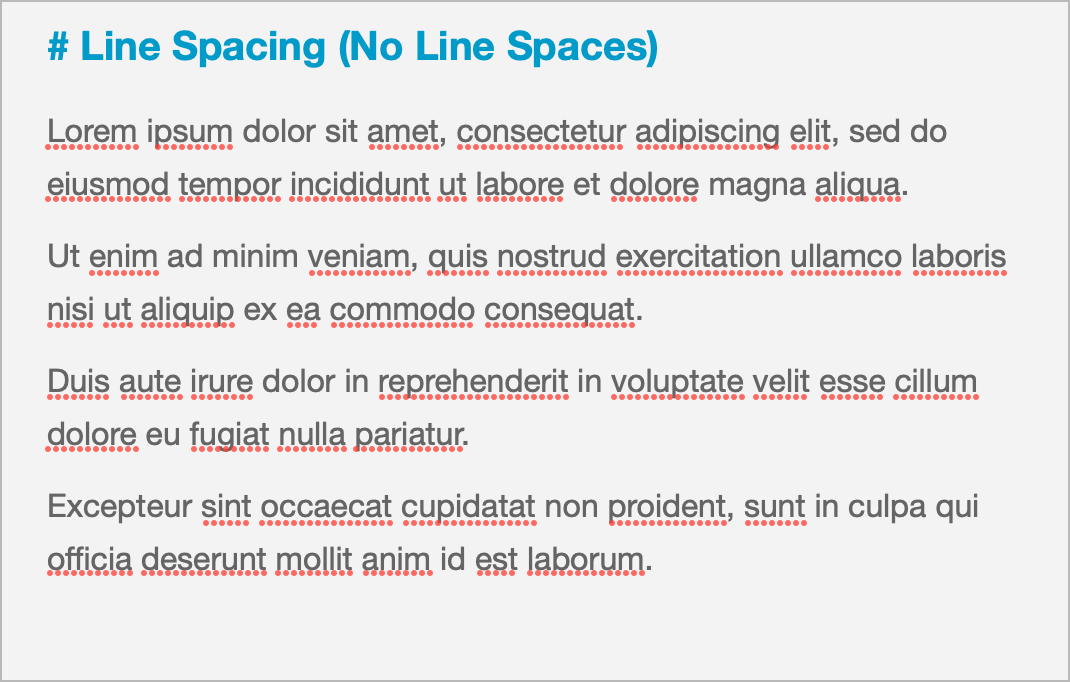
Pending
I'm a little bit confused by what exactly a **paragraph** is in NotePlan. It seems to behave differently than Markdown usually behaves. I imported all my existing files into NotePlan today and there is SO MUCH space between the paragraphs, and I think it's because empty lines in Markdown are rendered as a separate (empty) paragraph in NotePlan. However, usually if you have something like this: --- Hello // an empty line World --- You get two paragraphs, not three. I also want to keep having empty lines between my paragraphs, so currently I'm just living with this inconsistency. To kind of make it look better, I set `paragraphSpacing` to 0 even though some things look weird with that setting. Edit: My example doesn't work since this site doesn't understand code blocks (kind of funny IMO) and it collapses all empty lines. I tried to adjust it so that it's clear what I meant.