
Mar 27
User preferences: date tags as default
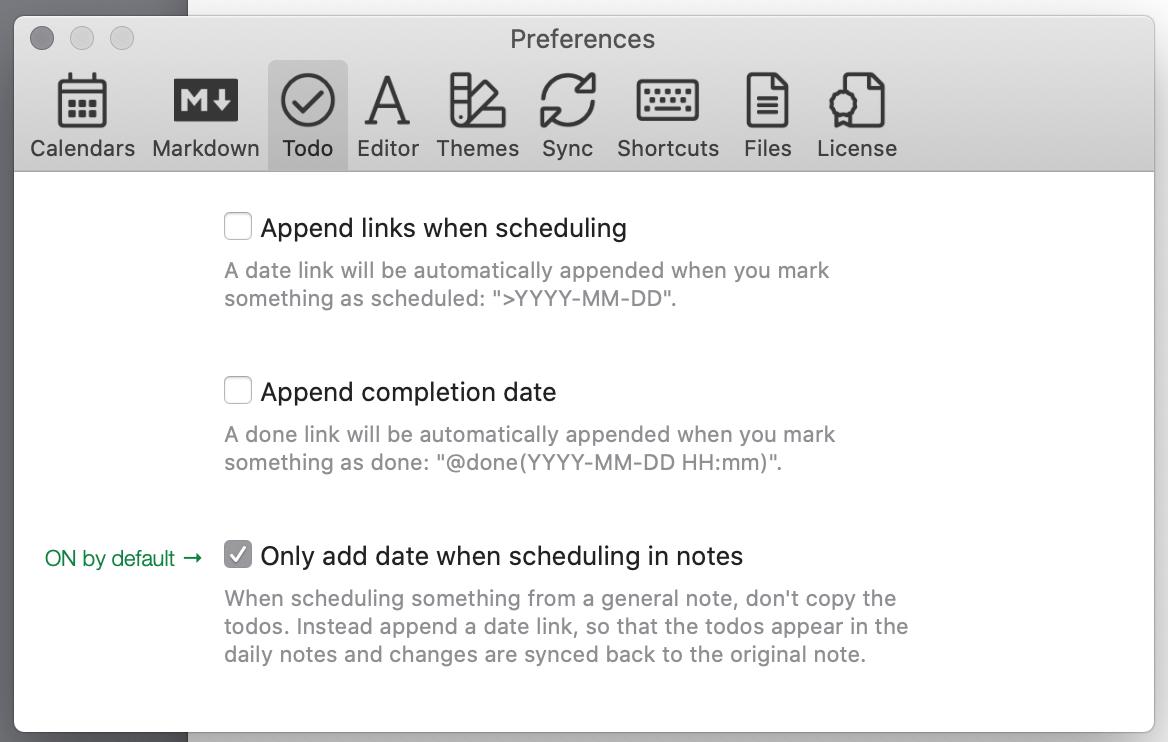
Scheduling with date tags should be the default setting for scheduling tasks in general notes.
What are date tags? Eduard [explains](https://www.noteplan.co/blog/getting-started-v2/):
*You can also attach a date tag (“>YYYY-MM-DD”, for example: “>2018-12-11”) to a to-do inside a project note. This to-do will re-appear at the top of the daily note of this date. From there you can check it off and it will sync with the project note.*
I love date tags. I use them [every day](https://www.reddit.com/r/noteplanapp/comments/m9i4z4/howto_r…). Scheduling tasks in general notes with date tags is simple and flexible.
Related: [Redesign task scheduling preferences](https://noteplan.canny.io/task-management/p/redesign-task-sc…)
Pending