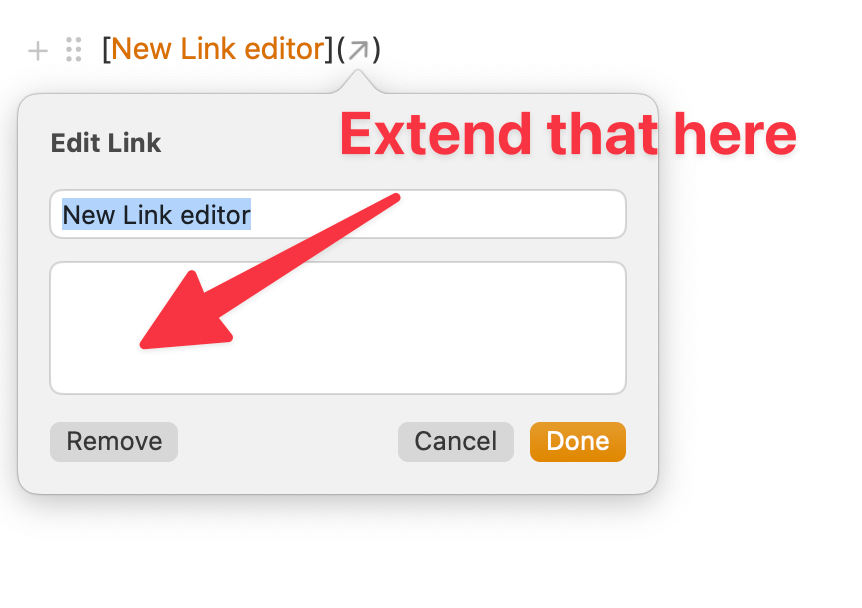
Extend the Notelink autocomplete function that is available when adding a [[Link]] to the new link editor window.
Currently, if you want to customize your link text to a linked note:
1. Find the internal link (like the video below)
2. Select the link and ⌘X
3. Write the custom text of your link
4. Select that text and ⌘K to open the link editor
5. Tab to the second window and ⌘V to paste the link.
If you extend the list box from the note to the new (**and awesome**) link editor, it can do it one quick step.