Features

iOS: Add Formatting/Tool Panel

5y agoPending

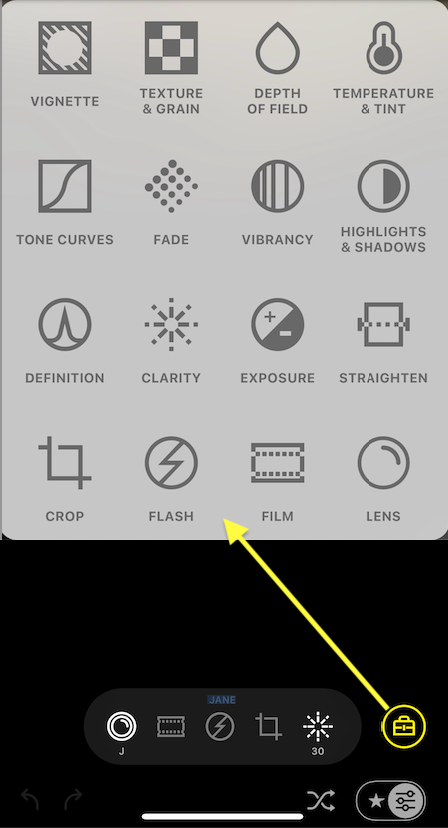
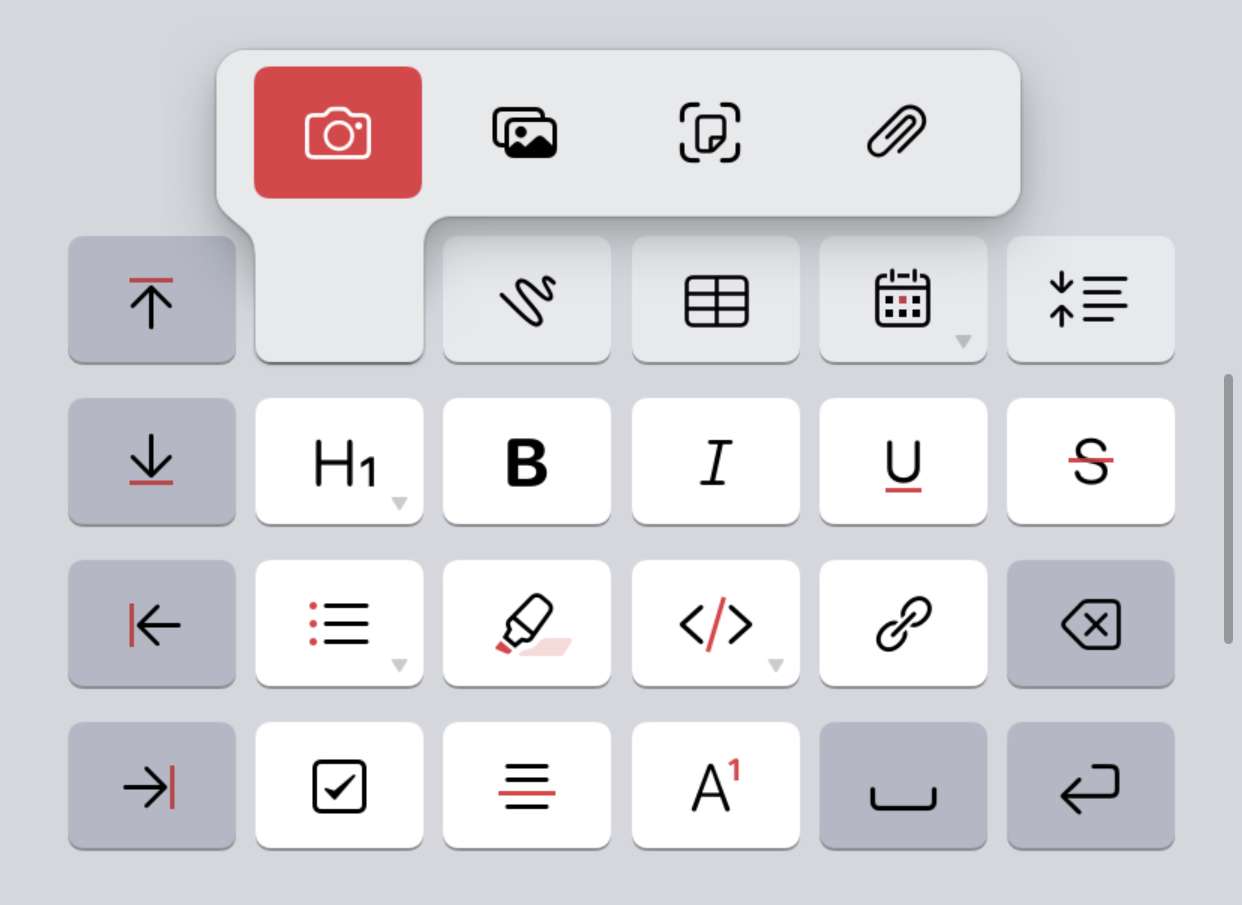
iOS apps have to manage real estate for formatting options and tools. To combat crowding, pop-up panels and secondary, long-press menus are used to reveal additional options. Rearranging many tools in the same row does not neccesarily provide easier access to them (see https://noteplan.canny.io/general-feature-request/p/customiz…)

  • img/801ar0f9rpxncz54f3uergpm
  • img/etbcxvud60grxpzlpizl8amc
and 10 others

3 comments

  1. Adding more screenshots from iA Writer, shot by Jonathan Clark

    • img/k13halftl4ix1kdn0ym781ac
    • img/ug3nr66olu0nllxpxgjo2nce
    1. Eduard Metzger: thanks. I was thinking of user selecting up to 8 or 10 most useful /commands and they'd be displayed in a 4x2 or 5x2 grid. Though easier to go with my earlier suggestion first of a single button in the existing toolbar that triggers the single most useful command.

  2. Here's a better look at the Panda (i.e., Bear Beta) formatting panel on iOS, toggled by the upper right "BIU". Only the undo/redo, hashtag, and hide keyboard is accessible in both views.

    • img/6f09i8nildlc336anjli8lip
    • img/eyagtio4z5zrd6871ccblvyo